Make your own videos with Claude
Wyzowl Video Studio is a free plugin for Claude. It takes you through the same process we've used to make 4,000+ videos over 15 years: a script, then a storyboard, then your finished video.
You approve every stage, and change anything as many times as you like, until it's just right.
Great videos aren't prompted.
They're planned.
AI can turn a prompt into a video in minutes. But a prompt is a guess. You can't see the story before it's made, and changing one scene can mean starting again.
- One prompt, one take
- No script to agree first
- No storyboard to check
- Off-brand colours and fonts
- Change one thing, start again
Video Studio fixes this!
More than a prompt.
A whole studio.
Plenty of people share prompts and skills for making videos with AI. Wyzowl Video Studio is a guided process, built on everything we've learned making videos for 2,000+ companies. It asks the right questions, plans the story with you and checks its own work before you see it.
A video prompt
Starts animating before the story's agreedOne take: you get what you getFeedback means rewriting the promptA different look every timeNobody checks the result but you
Wyzowl Video Studio
A script you approve first
What's said and what's on screen, agreed line by line before anything's drawn.
Every scene, before it moves
A storyboard in your brand at your video's real size. Nothing's animated until you've approved every scene.
Notes, not prompts
Comment on any line, scene or moment. You get a new version, as many times as you like.
Your brand, every time
Add your logo, colours and fonts once, and every video uses them.
Checked before you see it
Claude scores every draft against a seven-point checklist, and keeps improving it until every score is 8 or more.
From idea to finished video in four steps
It's the process our team uses for every client video, with Claude doing the making. At every step, you review it, comment on it and approve it before anything moves on.
Stage 01
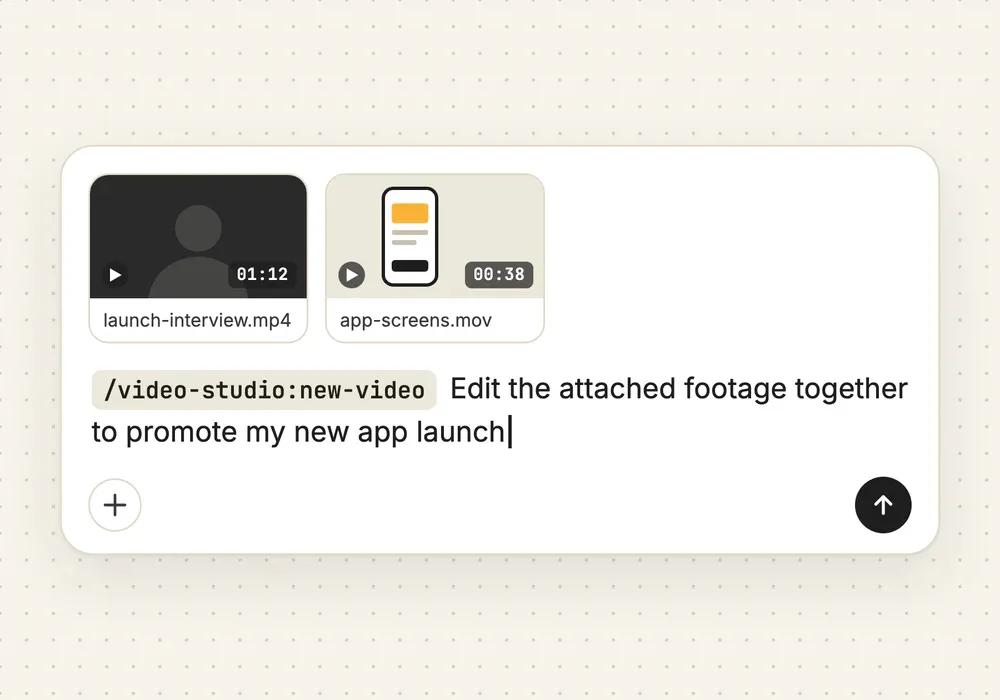
Tell it what you need
Start a new video in Claude and say what you need in your own words, with any footage or files attached. A few quick questions cover the rest: the type of video, your brand, the size, where it'll be shown and how long it should be.
Stage 02
Approve the script
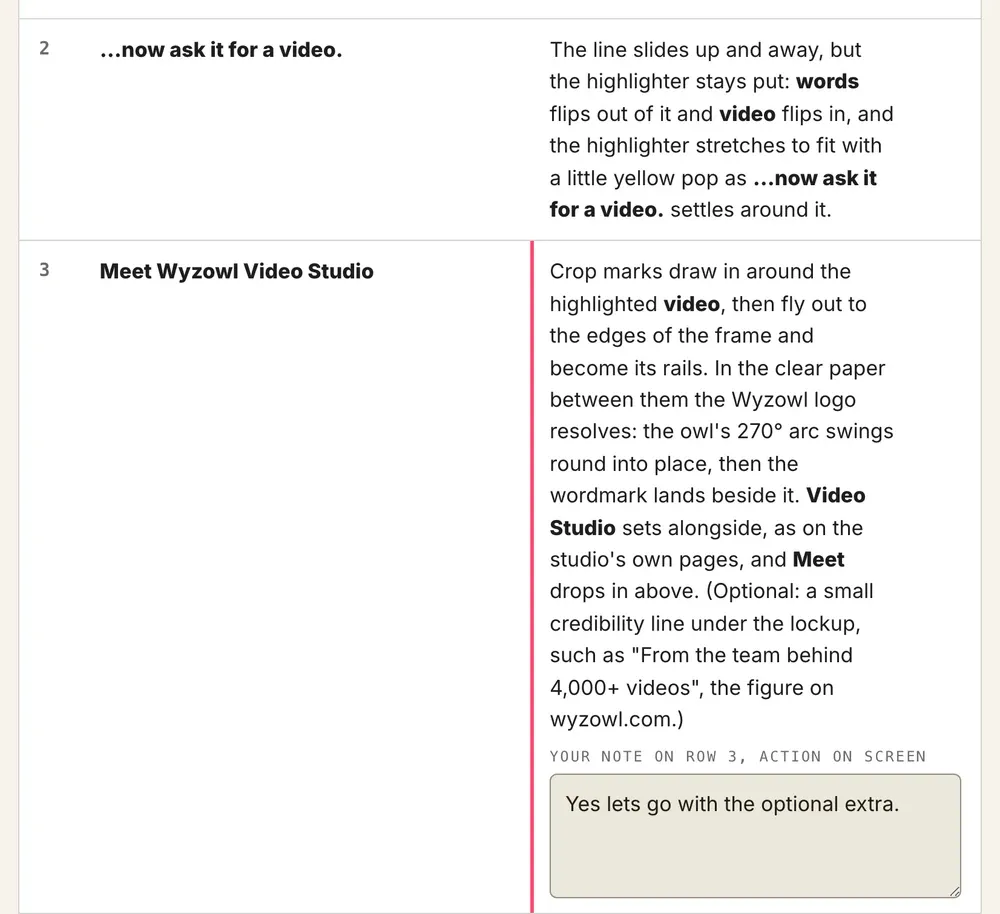
Claude writes your script as a table, a row per beat: what's said beside what happens on screen. Click any line to leave a note, and get a new version until it reads just right.
Stage 03
Approve the storyboard
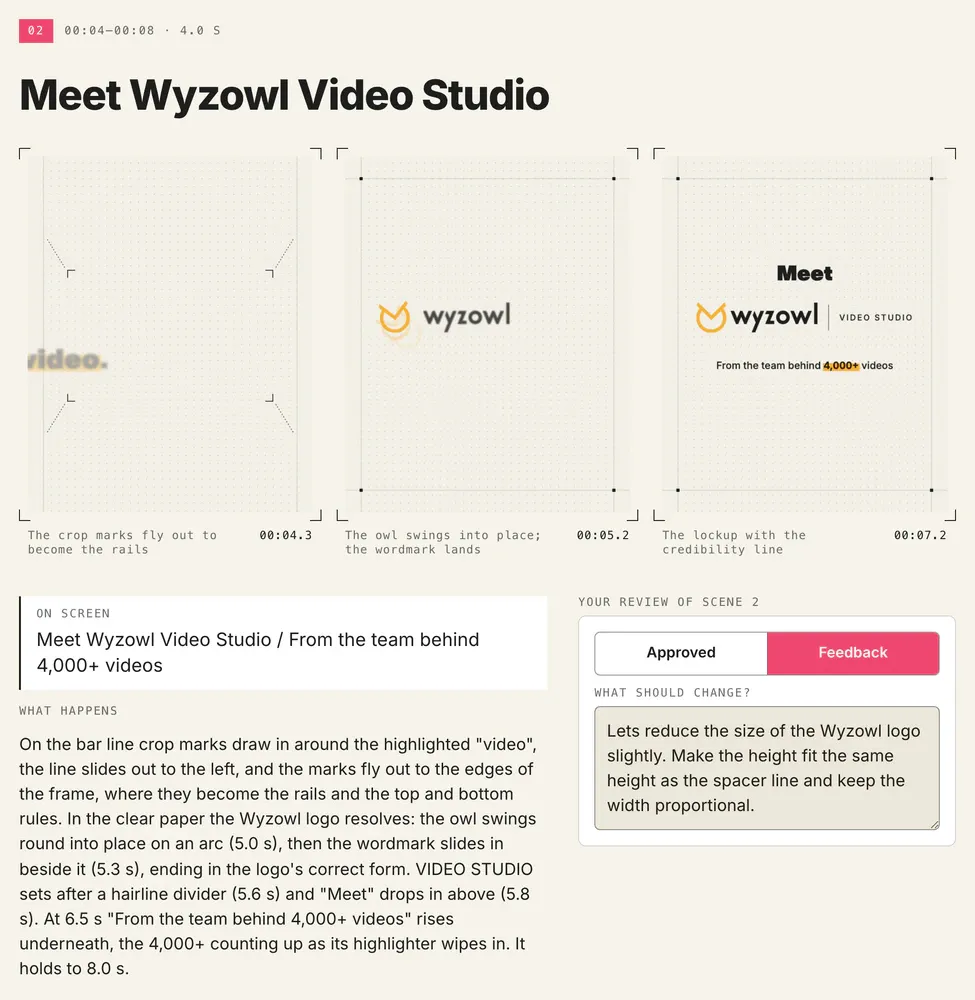
Every scene is drawn in your brand at your video's real size. Mark each one Approved or Feedback and say what should change. Nothing's animated until every scene is approved.
Stage 04
Approve your video
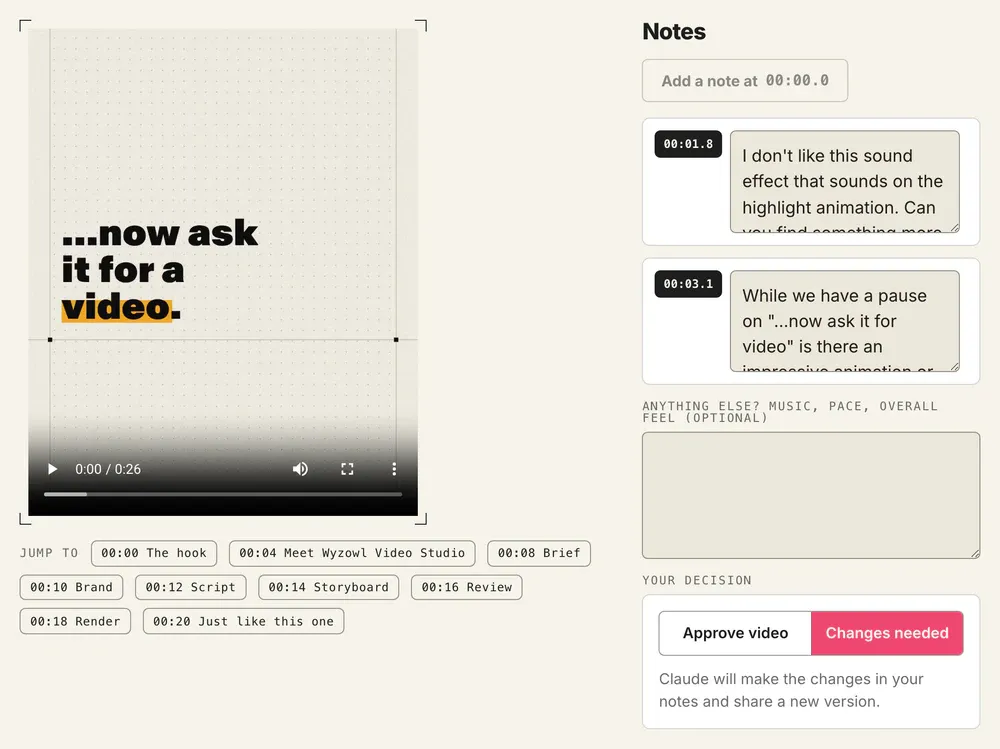
Watch it and pin notes to the exact moment something isn't right. Claude makes the changes, checks its own work and shares a new version until you approve it. Then it's rendered on your Mac, ready to use.
The video at the top of this page was made this way.
- Film
- Video Studio intro
- Length
- 26 seconds
- Size
- 16:9 · 1920 × 1080
- Script
- 2 versions
- Storyboard
- 3 versions
- Video
- 4 versions
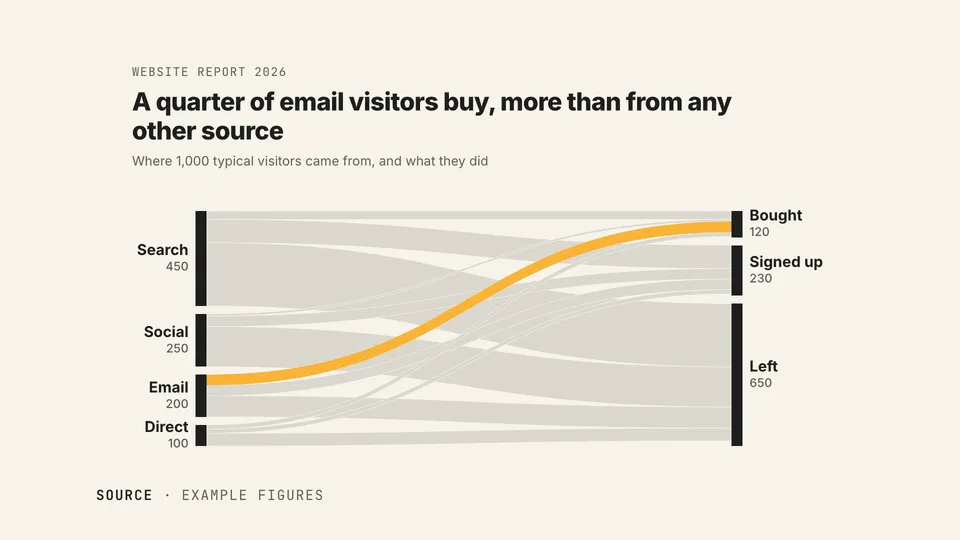
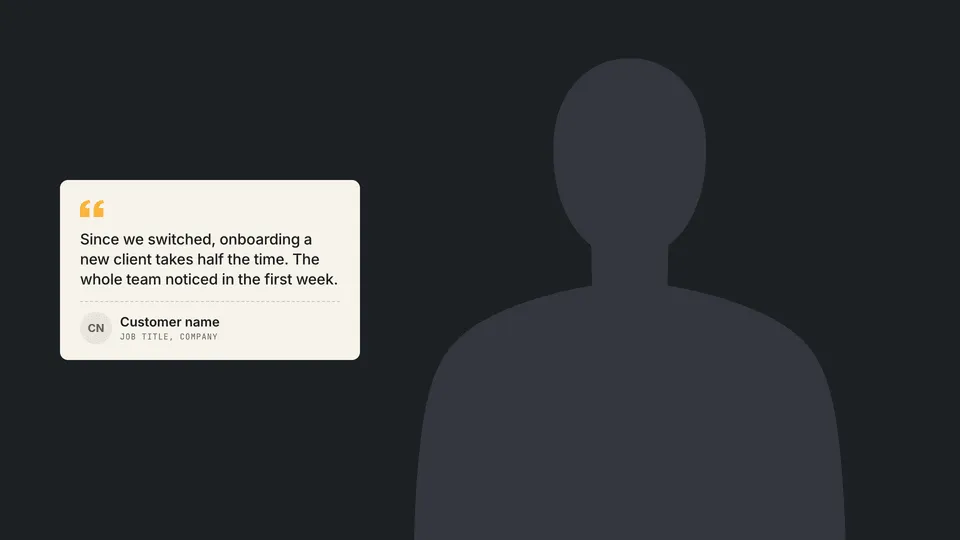
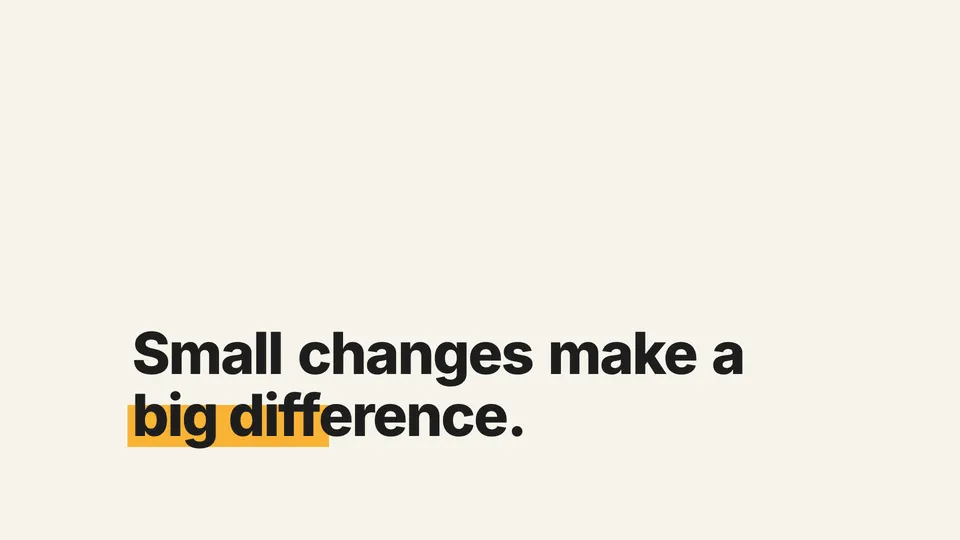
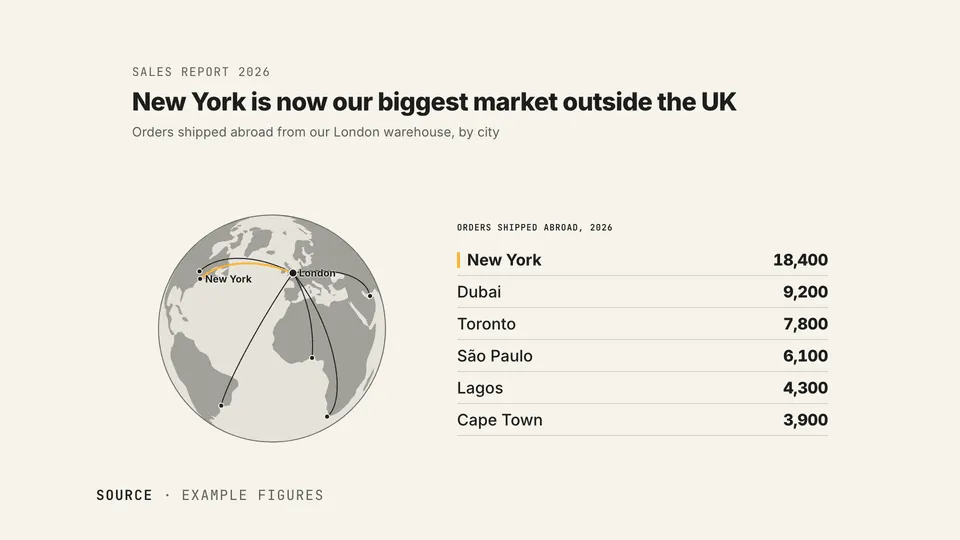
250+ animated assets that make your videos pop
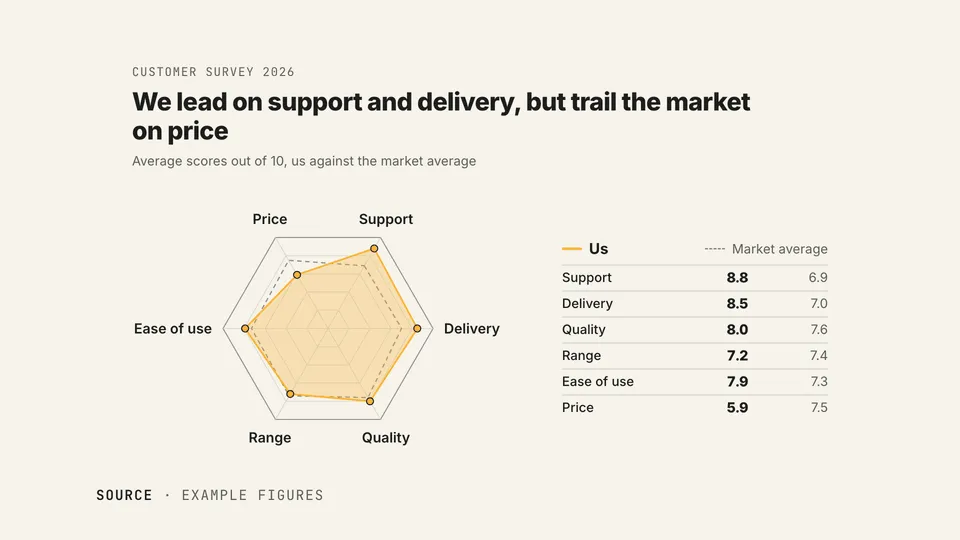
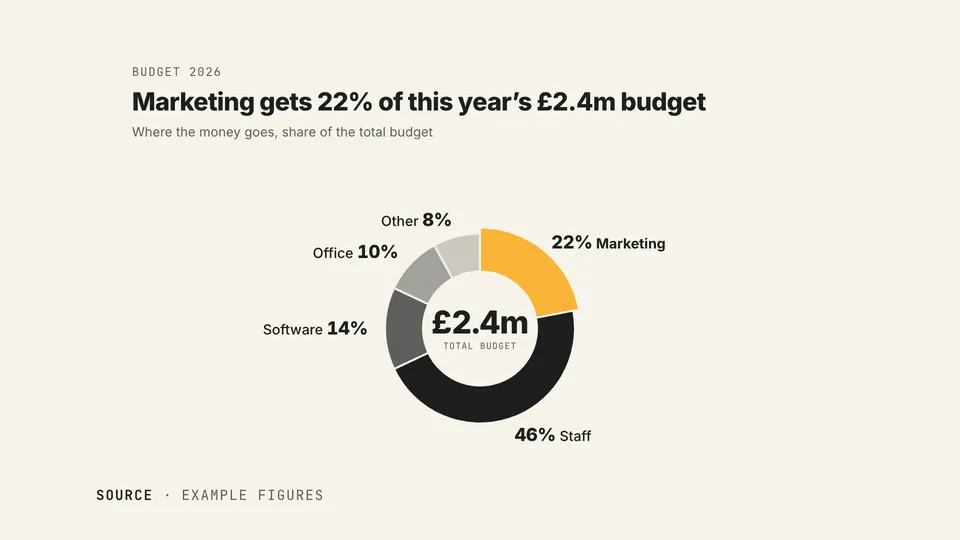
The full library adds the finishing touches that make a video feel premium: widgets, layouts, text effects, transitions and data visualisations, designed by the team behind 4,000+ videos.
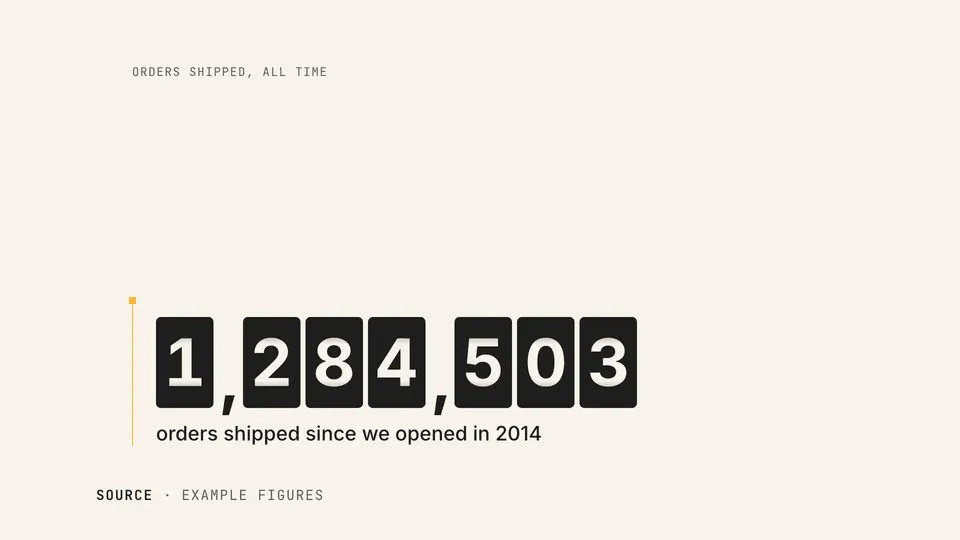
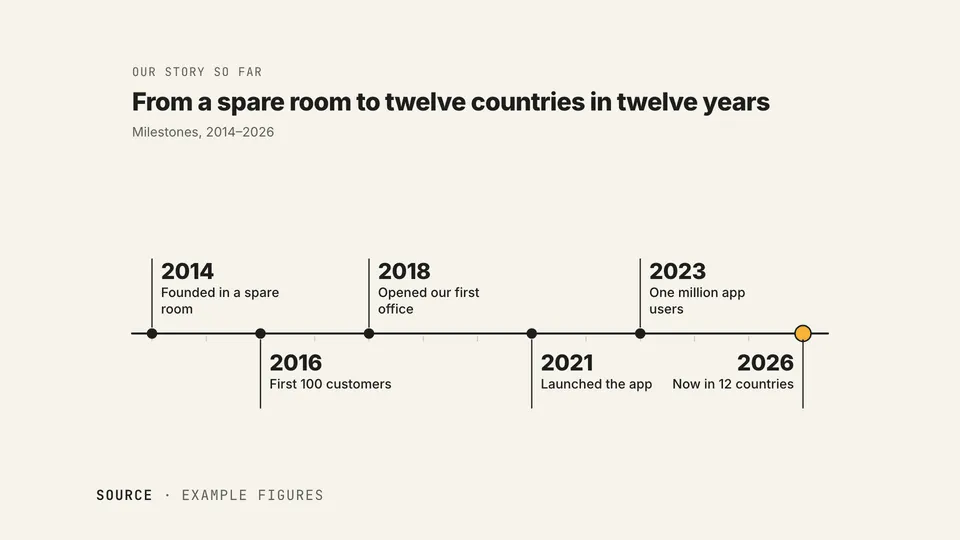
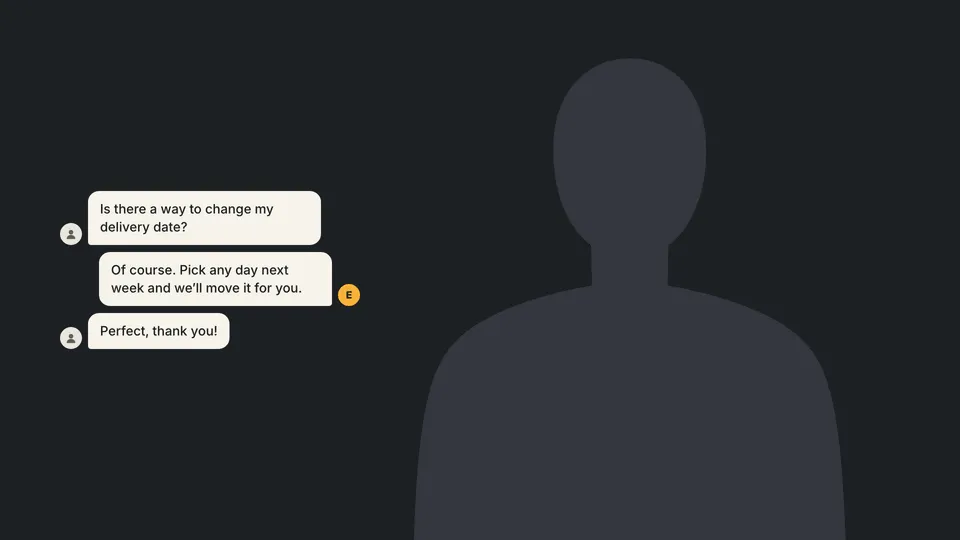
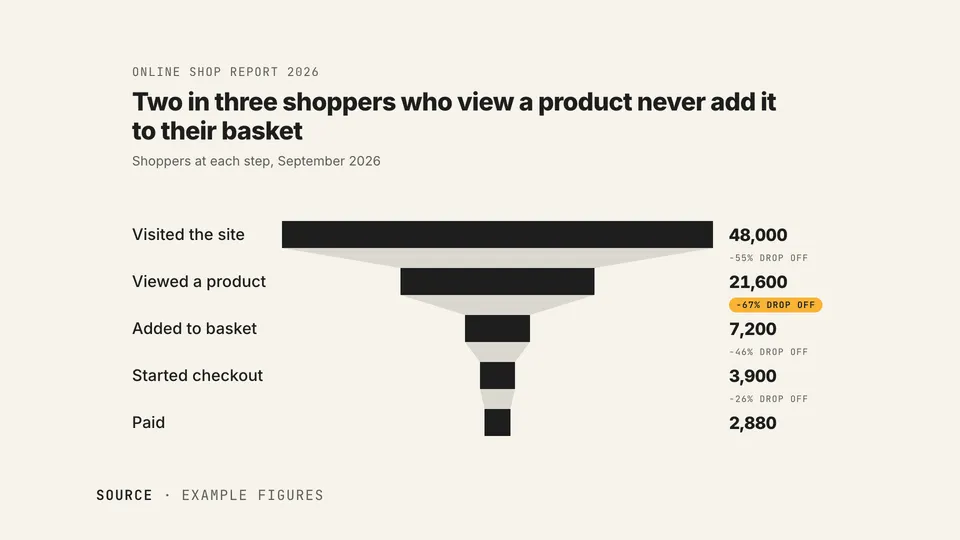
Claude suggests the right ones for each scene, in your script and your storyboard, dressed in your brand. Or ask for any item by its code. They combine, too: a stat over captions, or quick-fire widgets one after another.

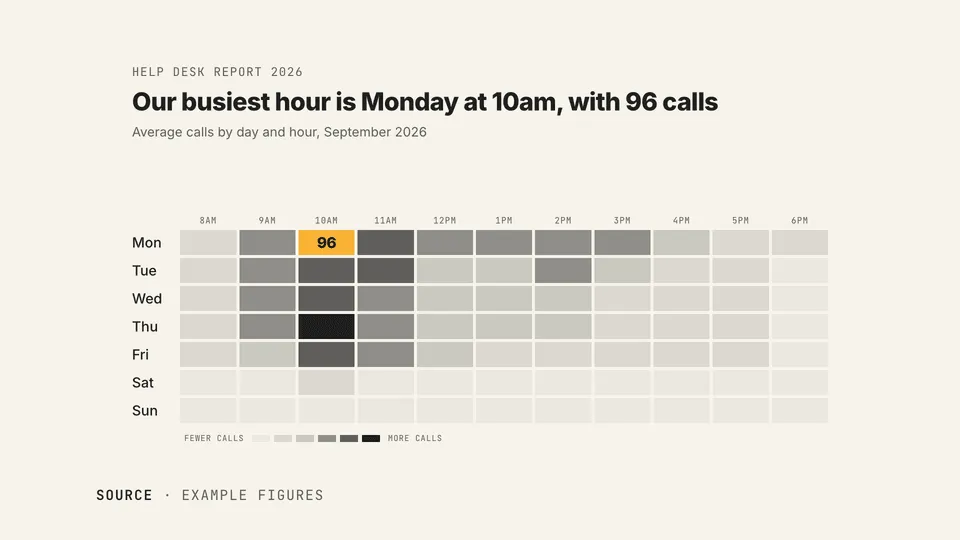
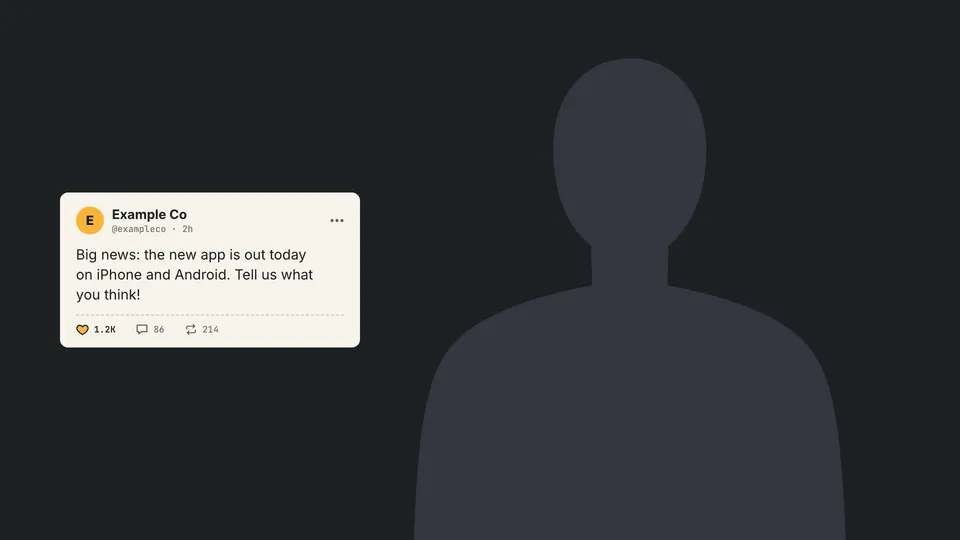
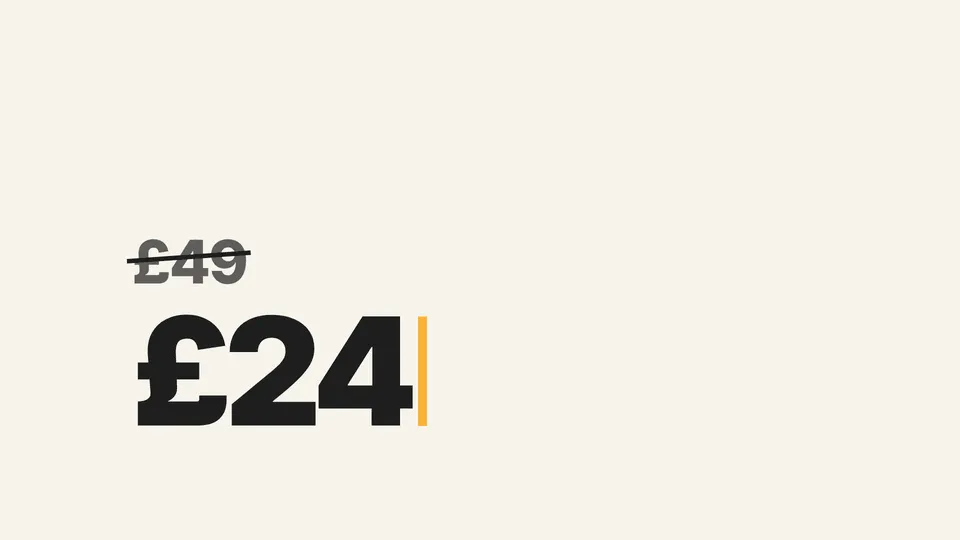
73
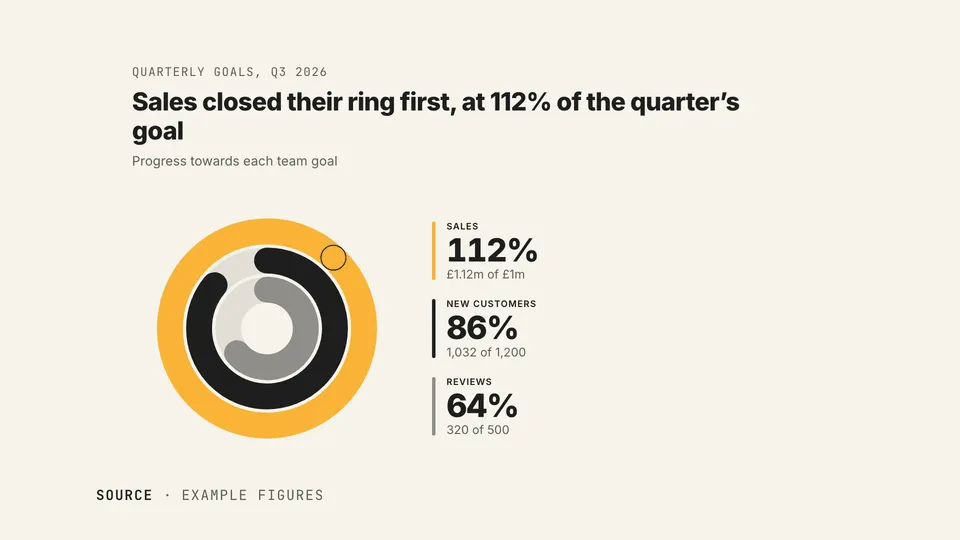
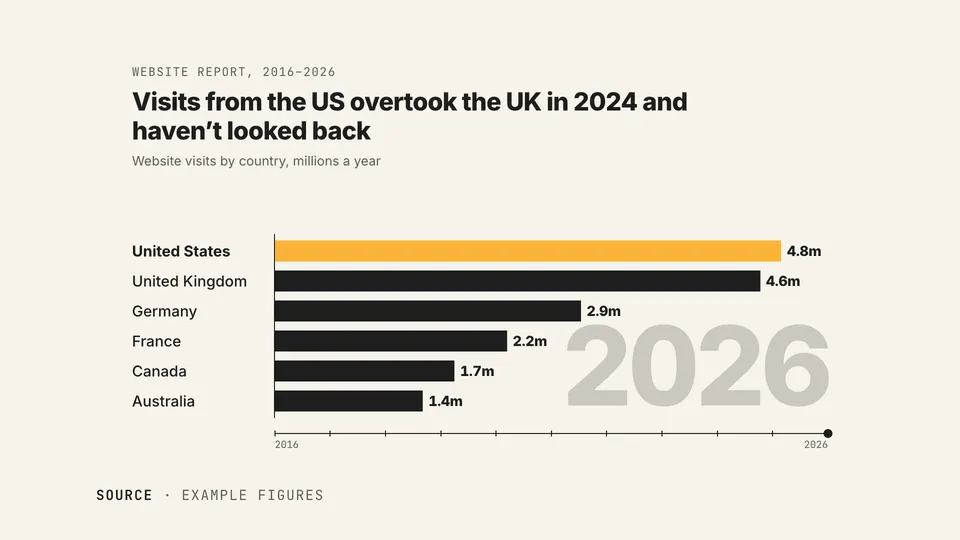
data visualisations: charts, maps, counters and more
68
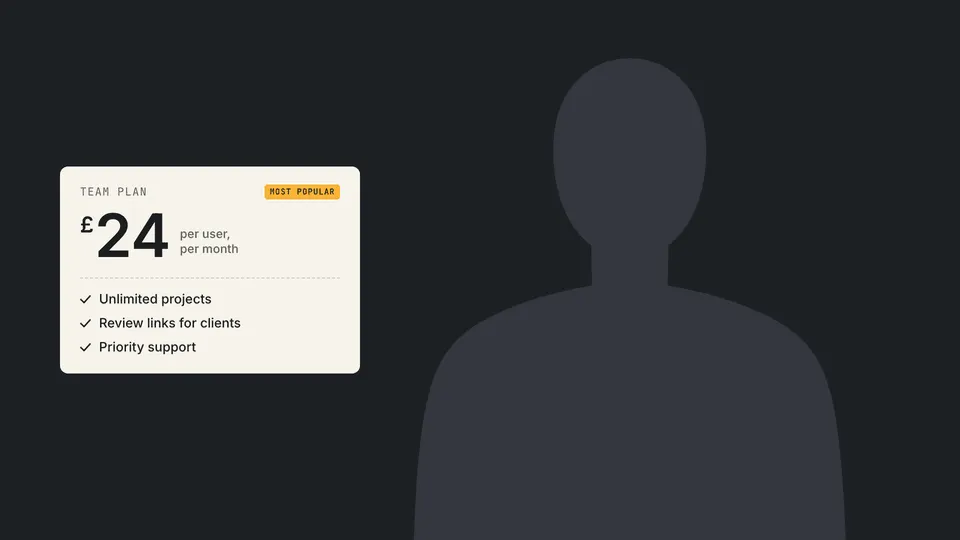
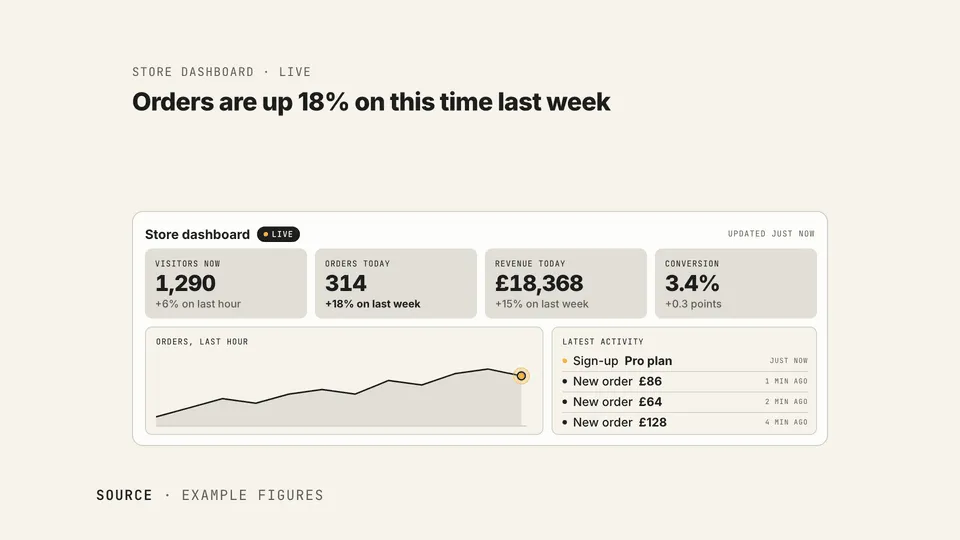
widgets: stats, quotes, price cards, checklists and more
53
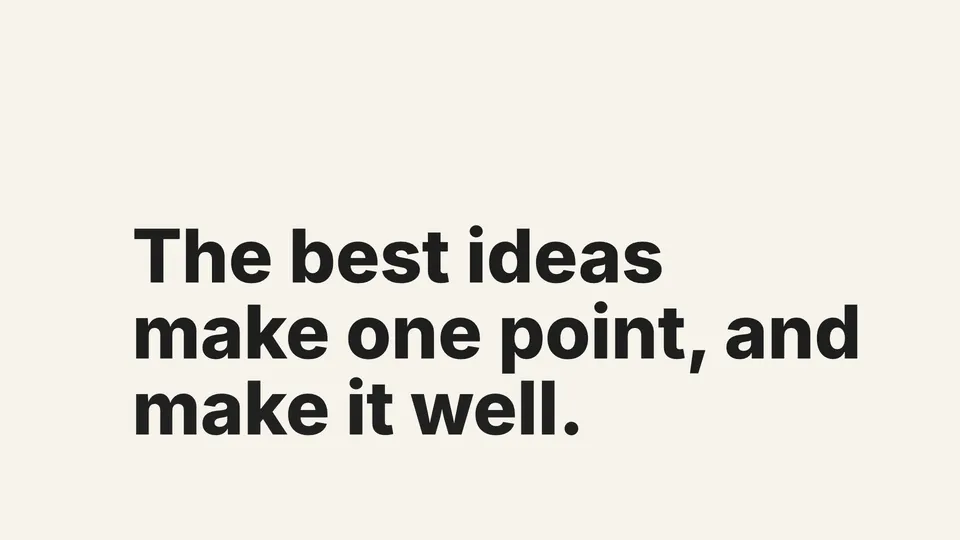
text effects: titles, captions, highlights and more
42
transitions from one scene to the next
26
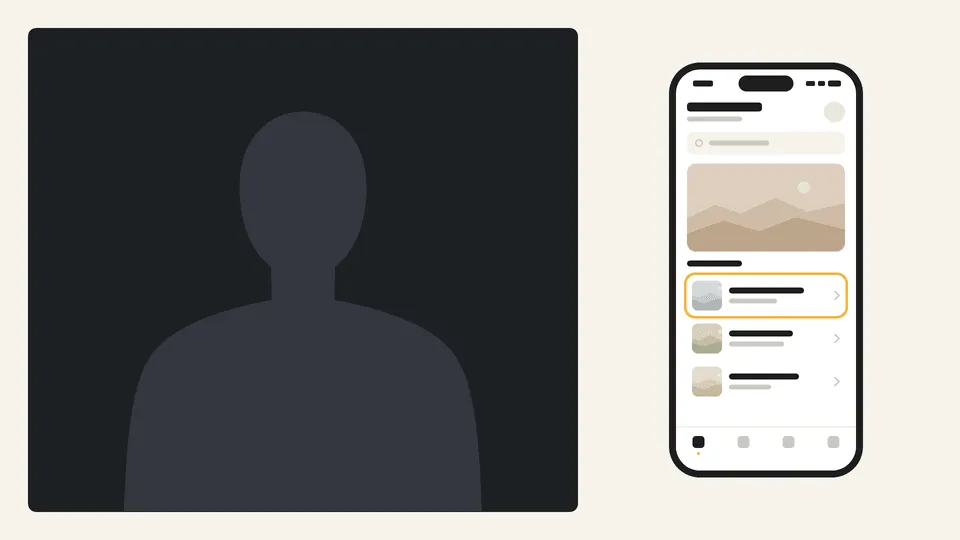
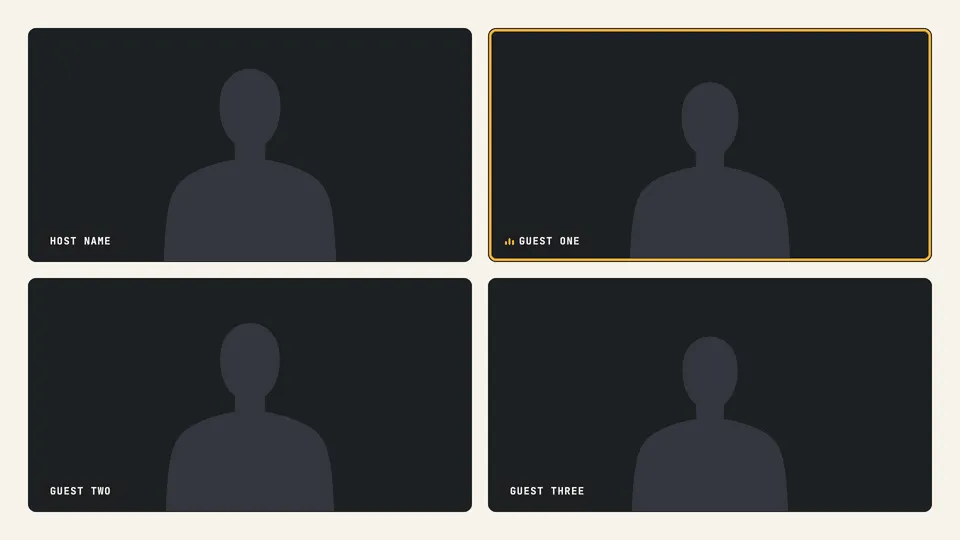
layouts: split screens, device demos, video calls and more
Every item, every size
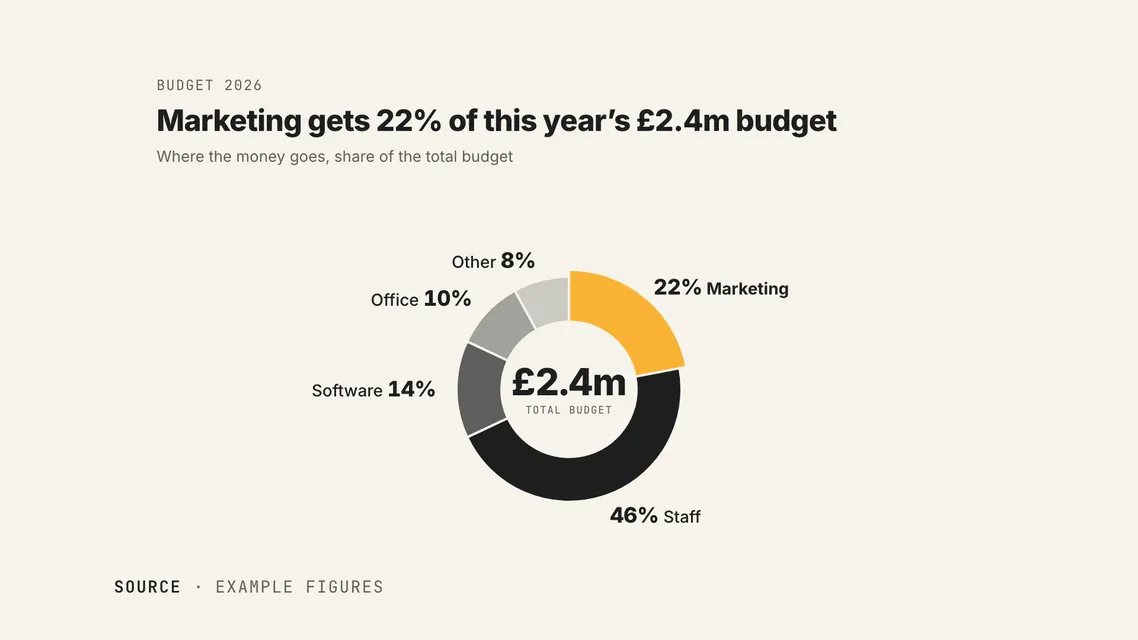
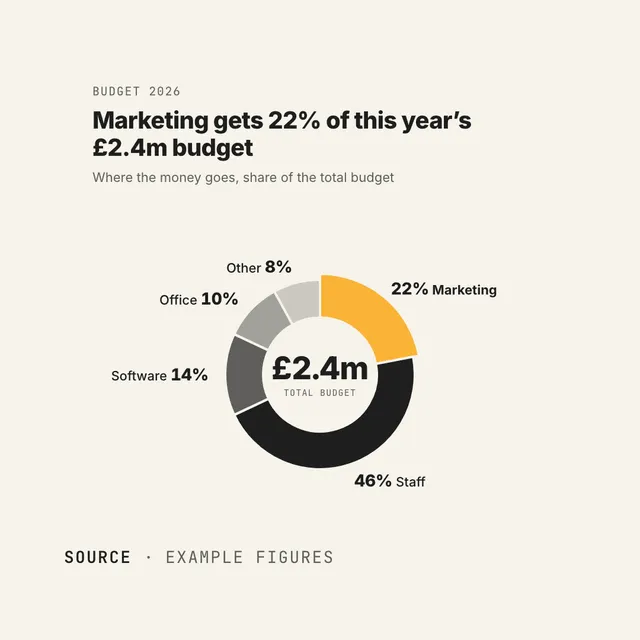
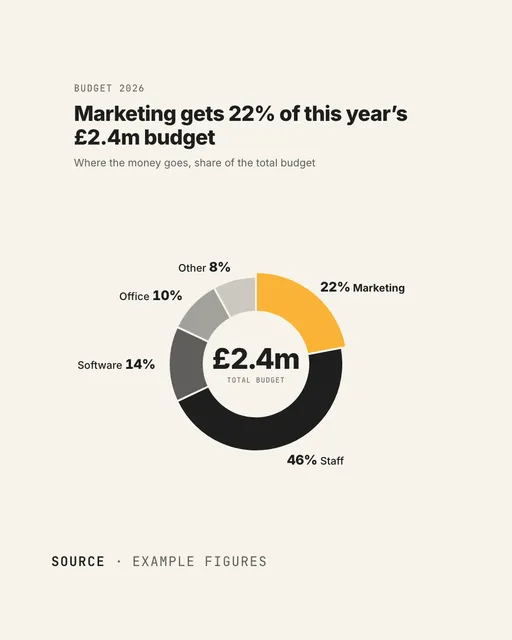
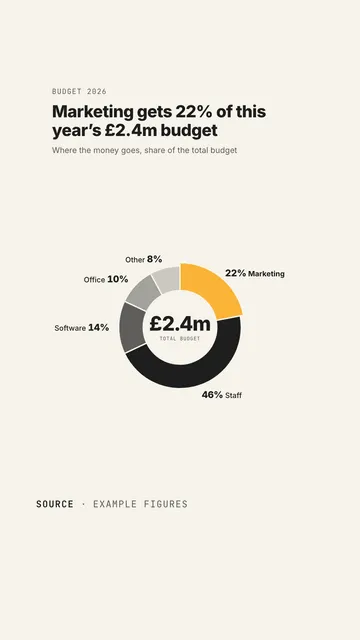
Every item is laid out for 16:9, 1:1, 4:5 and 9:16, and dressed in whichever brand you're working in. Here's D21 Donut at all four.
- Landscape (16:9)Website, YouTube
- Square (1:1)Social feeds, ads
- Portrait (4:5)Instagram, LinkedIn
- Vertical (9:16)Reels, Shorts, TikTok
Everything you need to make videos yourself
No timeline to learn and no templates to wrestle with. You answer, review and approve; Claude does the making.
Your brand kit, built for you
Point it at your website and add your logo. It pulls in your colours and fonts, shows you a brand page to check, and uses it in every video.
Feedback from anyone
Download your script or storyboard as a PDF, or the video itself, and send it to a colleague or client. Paste their notes back in and Claude carries on.
Made on your Mac
Your brand kits, scripts, storyboards and videos live in your studio folder, and every video is rendered on your own Mac.
As many videos as you like
No credits and no per-video fees. Make as many videos, for as many brands, as you need.
SFX Kit
Great sound design built in: 320 sound effects from SFX Kit, our free kit made for AI, each one categorised, mastered and timed to land on the action.
Built by the team behind 4,000+ videos
Since 2011, we've made explainer, demo and testimonial videos for 2,000+ companies in 40+ countries, from startups to global brands. Video Studio is how we work, packaged up: questions first, the story before the visuals, and your sign-off at every stage.
4,000+
videos made since 2011
2,000+
companies we've made videos for
40+
countries
15
years of making videos
Start making videos today
Start free, or add the full library and get every asset we've made, plus every one we add.
Wyzowl Video Studio
- The whole guided process: brief, script, storyboard and video
- Unlimited videos and brand kits
- 18 library assets to start with
- Every size: 16:9, 1:1, 4:5 and 9:16
We'll take you straight to the install steps, and email them to you too. You'll need a Mac with Claude Code.
Video Studio + library
- Everything in the free studio
- All 250+ library assets: widgets, layouts, text effects, transitions and data visualisations
- Every new asset we add, at no extra cost
- Suggested by Claude in your scripts and storyboards
- Use it on up to 3 Macs
Frequently asked questions
Anything else you'd like to know? Get in touch and we'll help.
Is Wyzowl Video Studio really free?
Yes. The studio and its whole guided process (brief, script, storyboard and video) are free, with 18 library assets to start with. The full library is an optional one-off upgrade.
What do I need to use it?
A Mac (it's tested on Apple silicon) with Claude Code, which comes with Claude's paid plans, and about 6 GB of free disk space. Setup checks your Mac and installs anything that's missing, asking you first.
Windows and Linux aren't supported yet.
Do I need any video or design experience?
No. You answer questions, read, comment and approve. Claude writes the script, draws the storyboard, builds the video and checks its own work. If you can give feedback, you can make a video.
What kinds of videos can I make?
Explainers, product launches, app demos, social clips, data stories and more, in 16:9, 1:1, 4:5 or 9:16.
How does the review process work?
At each stage, Claude opens a review page beside the chat. Add notes to any line of the script, mark storyboard scenes Approved or Feedback, and pin notes to moments in the video. Save, and Claude makes a new version. There's no limit on rounds.
Can my team or a client give feedback?
Yes. Download the script or storyboard as a PDF, or the video itself, and send it to anyone. Paste their feedback into the review page and Claude carries on.
What's in the full library?
250+ ready-made pieces in five categories: widgets, layouts, text effects, transitions and data visualisations. Each one plays in your brand and at any size, and Claude suggests them in your scripts and storyboards. You can also ask for any item by its code.
Is the full library a subscription?
No. It's a one-off payment, and it includes every item we add to the library later. One licence key unlocks it on up to three Macs.
Where are my videos made?
On your own Mac. Your brand kits, scripts, storyboards and videos are kept in your studio folder, and the review pages run on your Mac too.
Would you rather we made your video for you?
That's what our team has done since 2011. Get a price for a fully produced video, with scripting, illustration, voiceover and animation included.