Sound effects made for AI tools
SFX Kit is 320 free sound effects for videos, animations and apps, built to be used by AI. Give your AI tool the link, and every sound comes with what it needs to choose it, time it and mix it.
Free for any use, commercial or not. No attribution or credit needed.
Give this link to your AI tool
Step 01
Give your AI tool the kit
Paste this into Claude, ChatGPT, Cursor or whichever AI tool you use:
Use SFX Kit for sound effects: https://github.com/wyzowl/sfx-kitIt reads the guide first, so it knows which sound fits which moment.
Step 02
Ask for sound
Then ask for what you need, in your own words:
Add sound effects to this video: a whoosh on each transition, a pop as the icons appear and a logo sting at the end.Or download the kit from GitHub and use the sounds in any editor.
Works with the tools you already use
SFX Kit is plain WAV files with a guide and the data behind them, so any AI tool that can read a link or a folder can use it. And every sound works in any video editor.
AI coding agents
Claude Code · OpenAI Codex · Cursor · GitHub Copilot · Gemini CLI · Windsurf
AI assistants
Claude · ChatGPT · Gemini · Microsoft Copilot
Video made with code
HyperFrames · Remotion · Motion Canvas · FFmpeg
App and site builders
Lovable · Bolt · Replit · v0
Video editors
Premiere Pro · Final Cut Pro · DaVinci Resolve · CapCut · Descript
Your own code
Any language that reads JSON · Web and mobile apps · Games
Great sound design, on cue
Ask an AI tool for sound effects and it has to guess: it makes up its own, or picks files it knows nothing about. SFX Kit gives it a well-defined, categorised set to choose from, with everything it needs to use each one well.
Every sound categorised
28 categories, from whooshes, pops and clicks to logo stings, notifications and data. Each sound says what it's for, when not to use it and the length of moment it fits.
A sync point on every sound
Each sound marks its key moment, so your AI tool can start it at exactly the right time and every whoosh, pop and hit lands on the beat.
Loudness mastered
Every sound is mastered to one loudness scale, so the kit sits together in a mix and soft, medium and hard stay apart. Peaks stay at or under −3 dBTP.
Analysed and reviewed by ear
Every sound is measured for loudness, spectrum and stereo, then listened to and approved by a person before it's released.
Made for AI to use
A guide that maps on-screen moments to sounds, a one-line catalogue and a JSON record for every sound: what it is, its tags, length, sync point and level.
Studio quality
WAV files at 48 kHz, 24-bit, trimmed close with clean starts and ends. Original sounds, made from scratch, with no samples from other libraries.
320
sound effects, each with a sync point
28
categories, from whooshes to data
CC0
free for any use, commercial or not
0
credit or attribution needed
Listen to all 320 sounds
Choose a category, then press play. Each sound shows its length, its sync point (the moment it should meet) and its level.
Whooshes
Movement, sliding, flying and transitions · 9 sounds
Fast · Soft
whoosh-fast-soft.wav
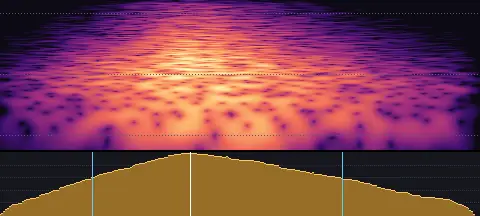
- Length
- 0.25 s
- Sync
- 0.10 s
- Level
- −24.0 LUFS
A quick, gentle puff of air with a soft edge and no weight.
Fast · Medium
whoosh-fast-medium.wav
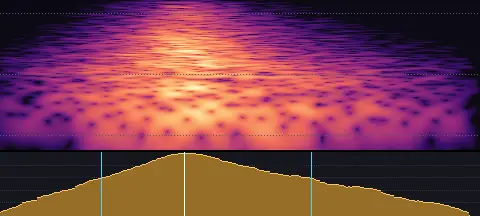
- Length
- 0.25 s
- Sync
- 0.10 s
- Level
- −20.5 LUFS
A quick, clean swish of air with a defined middle.
Fast · Hard
whoosh-fast-hard.wav
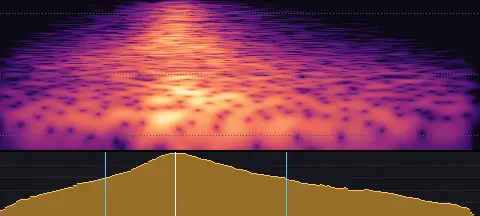
- Length
- 0.25 s
- Sync
- 0.09 s
- Level
- −17.0 LUFS
A fast, crisp whip of air with a bright edge and a little push behind it.
Medium · Soft
whoosh-medium-soft.wav
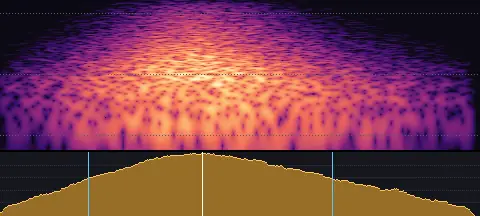
- Length
- 0.54 s
- Sync
- 0.23 s
- Level
- −24.0 LUFS
A smooth, gentle sweep of air that rises and fades without an edge.
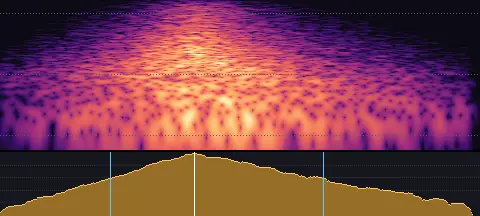
Medium · Medium
whoosh-medium-medium.wav
- Length
- 0.52 s
- Sync
- 0.21 s
- Level
- −20.5 LUFS
A balanced swish of air: a clear rise, a defined peak and a smooth fade.
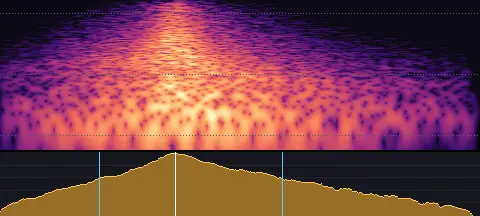
Medium · Hard
whoosh-medium-hard.wav
- Length
- 0.55 s
- Sync
- 0.20 s
- Level
- −17.0 LUFS
A strong rush of air with a bright crack at its peak and weight behind it.
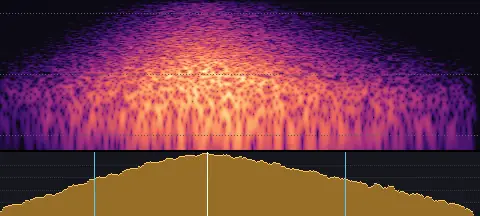
Slow · Soft
whoosh-slow-soft.wav
- Length
- 1.05 s
- Sync
- 0.45 s
- Level
- −24.0 LUFS
A long, soft breath of air drifting past.
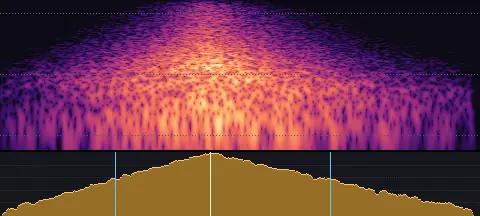
Slow · Medium
whoosh-slow-medium.wav
- Length
- 1.00 s
- Sync
- 0.44 s
- Level
- −20.5 LUFS
A slow, full sweep of air with a gentle swell and a long, settled tail.
Slow · Hard
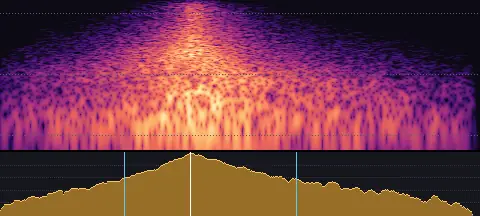
whoosh-slow-hard.wav
- Length
- 1.02 s
- Sync
- 0.40 s
- Level
- −17.0 LUFS
A big, slow rush of air: a deep swell, a bright peak and a long tail.
Swishes and zips
Quick, sharp movement: flicks, cuts, and things zipping in or out · 9 sounds
Swish · Soft
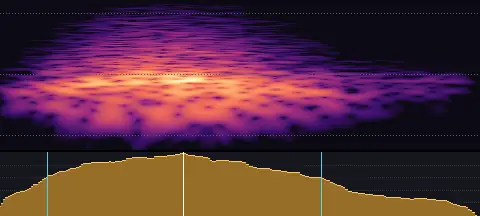
swish-soft.wav
- Length
- 0.22 s
- Sync
- 0.09 s
- Level
- −24.0 LUFS
A soft, thin swish: something light flicked past.
Swish · Medium
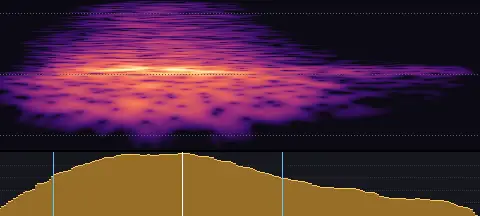
swish-medium.wav
- Length
- 0.20 s
- Sync
- 0.08 s
- Level
- −21.0 LUFS
A quick, clean swish through the air, with a little whistle.
Swish · Hard
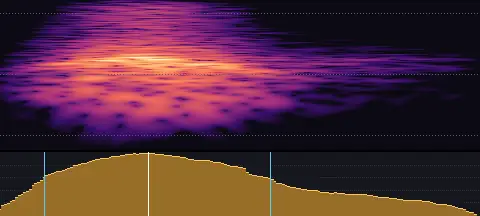
swish-hard.wav
- Length
- 0.17 s
- Sync
- 0.05 s
- Level
- −18.0 LUFS
A fast, sharp swish: a thin rod cutting the air.
Zip in · Soft
zip-in-soft.wav
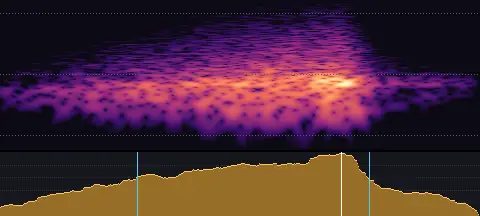
- Length
- 0.41 s
- Sync
- 0.29 s
- Level
- −24.0 LUFS
Something small zipping gently into place.
Zip in · Medium
zip-in-medium.wav
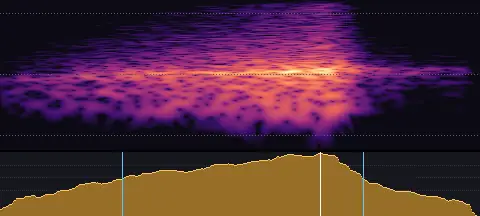
- Length
- 0.35 s
- Sync
- 0.23 s
- Level
- −21.0 LUFS
A quick zip in: rising to a stop.
Zip in · Hard
zip-in-hard.wav
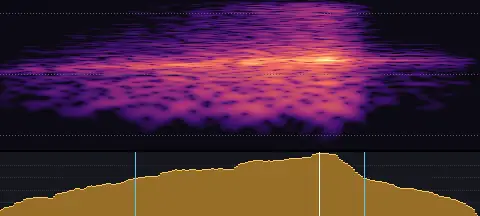
- Length
- 0.28 s
- Sync
- 0.19 s
- Level
- −18.0 LUFS
A fast, bright zip that lands with a snap.
Zip out · Soft
zip-out-soft.wav
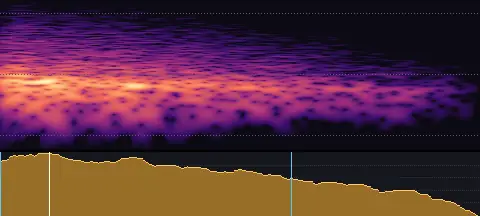
- Length
- 0.31 s
- Sync
- 0.03 s
- Level
- −24.0 LUFS
Something zipping softly away.
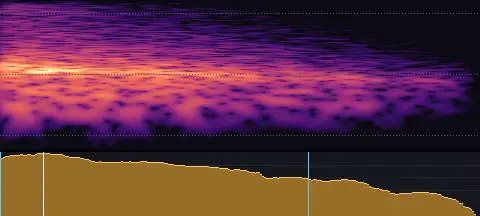
Zip out · Medium
zip-out-medium.wav
- Length
- 0.26 s
- Sync
- 0.02 s
- Level
- −21.0 LUFS
A quick zip out: off it goes, falling away.
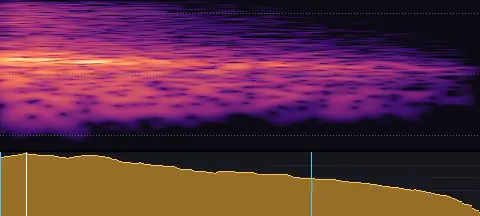
Zip out · Hard
zip-out-hard.wav
- Length
- 0.20 s
- Sync
- 0.01 s
- Level
- −18.0 LUFS
A fast, bright zip launched away.
Swipes
Fingers swiping across screens: app demos, cards and carousels · 6 sounds
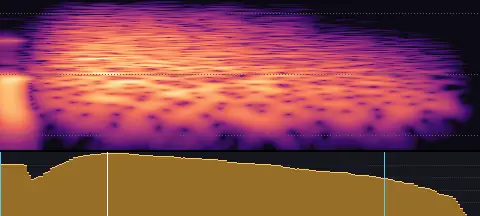
Fast · Soft
swipe-fast-soft.wav
- Length
- 0.21 s
- Sync
- 0.05 s
- Level
- −27.0 LUFS
A light, quick flick of a fingertip across a screen.
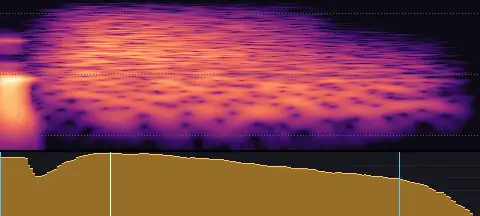
Fast · Firm
swipe-fast-firm.wav
- Length
- 0.20 s
- Sync
- 0.05 s
- Level
- −24.5 LUFS
A quick, definite swipe: a fingertip pressed and flicked across glass.
Medium · Soft
swipe-medium-soft.wav
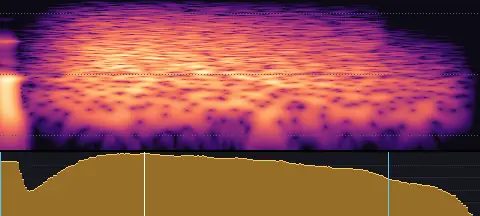
- Length
- 0.29 s
- Sync
- 0.09 s
- Level
- −27.0 LUFS
A soft fingertip swipe across a screen.
Medium · Firm
swipe-medium-firm.wav
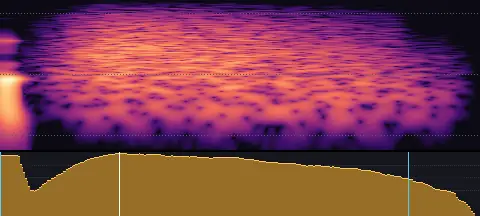
- Length
- 0.28 s
- Sync
- 0.07 s
- Level
- −24.5 LUFS
A clear swipe across glass, with a crisp touch.
Slow · Soft
swipe-slow-soft.wav
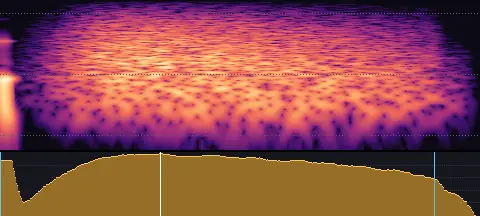
- Length
- 0.43 s
- Sync
- 0.14 s
- Level
- −27.0 LUFS
A slow, light drag of a fingertip across a screen.
Slow · Firm
swipe-slow-firm.wav
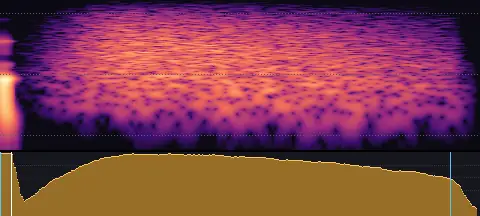
- Length
- 0.41 s
- Sync
- 0.01 s
- Level
- −24.5 LUFS
A slow, pressed drag across glass.
Reverse whooshes
Air drawn in to a sudden stop: things collapsing into a point, and the build into a cut · 6 sounds
Short · Soft
reverse-whoosh-short-soft.wav
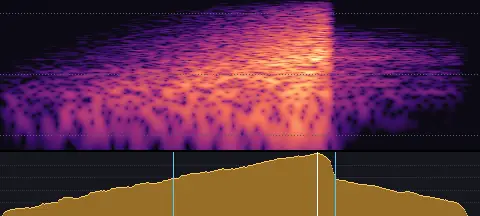
- Length
- 0.51 s
- Sync
- 0.34 s
- Level
- −24.0 LUFS
A short soft reverse whoosh: air drawn in, building to a sudden stop.
Short · Strong
reverse-whoosh-short-strong.wav
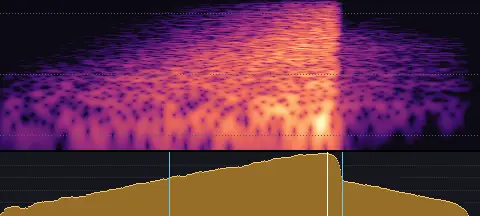
- Length
- 0.50 s
- Sync
- 0.34 s
- Level
- −20.0 LUFS
A short strong, bright reverse whoosh: air drawn in, building to a sudden stop.
Medium · Soft
reverse-whoosh-medium-soft.wav
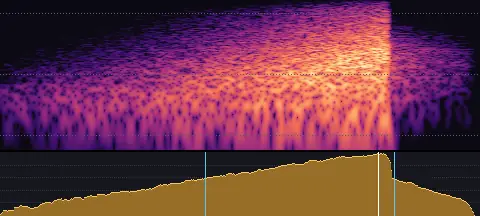
- Length
- 0.86 s
- Sync
- 0.68 s
- Level
- −24.0 LUFS
A soft reverse whoosh: air drawn in, building to a sudden stop.
Medium · Strong
reverse-whoosh-medium-strong.wav
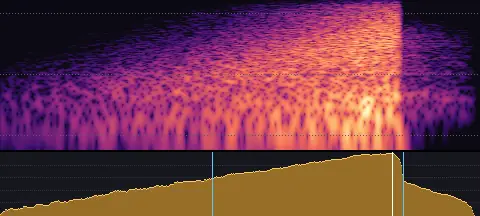
- Length
- 0.84 s
- Sync
- 0.68 s
- Level
- −20.0 LUFS
A strong, bright reverse whoosh: air drawn in, building to a sudden stop.
Long · Soft
reverse-whoosh-long-soft.wav
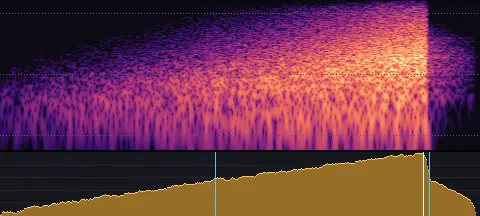
- Length
- 1.35 s
- Sync
- 1.19 s
- Level
- −24.0 LUFS
A long soft reverse whoosh: air drawn in, building to a sudden stop.
Long · Strong
reverse-whoosh-long-strong.wav
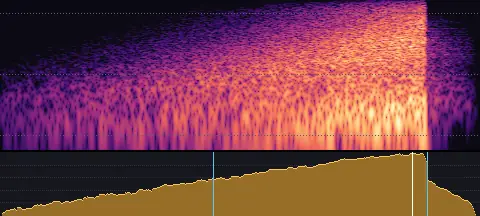
- Length
- 1.36 s
- Sync
- 1.17 s
- Level
- −20.0 LUFS
A long strong, bright reverse whoosh: air drawn in, building to a sudden stop.
Risers and fallers
Building anticipation before a reveal, and things descending or leaving · 12 sounds
Rise · 1 second · Soft
riser-1s-soft.wav
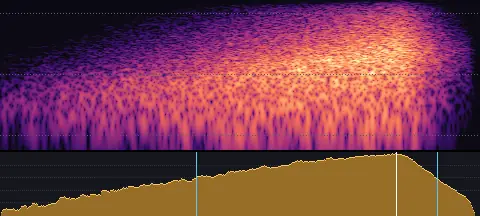
- Length
- 1.19 s
- Sync
- 0.98 s
- Level
- −24.0 LUFS
A 1-second soft, airy rise that builds to its peak at the end.
Rise · 1 second · Strong
riser-1s-strong.wav
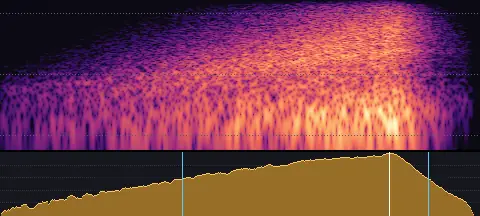
- Length
- 1.22 s
- Sync
- 0.98 s
- Level
- −20.0 LUFS
A 1-second strong, bright rise that builds to its peak at the end.
Rise · 2 seconds · Soft
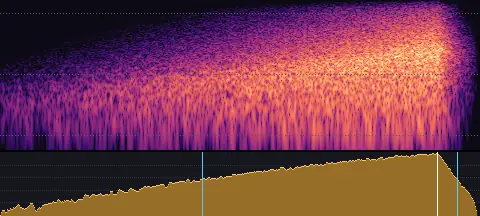
riser-2s-soft.wav
- Length
- 2.19 s
- Sync
- 1.99 s
- Level
- −24.0 LUFS
A 2-second soft, airy rise that builds to its peak at the end.
Rise · 2 seconds · Strong
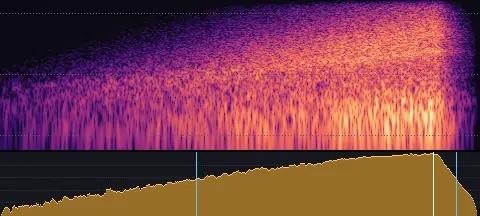
riser-2s-strong.wav
- Length
- 2.19 s
- Sync
- 1.98 s
- Level
- −20.0 LUFS
A 2-second strong, bright rise that builds to its peak at the end.
Rise · 4 seconds · Soft
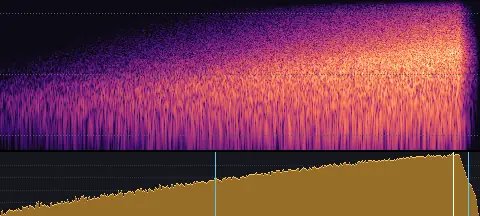
riser-4s-soft.wav
- Length
- 4.18 s
- Sync
- 3.94 s
- Level
- −24.0 LUFS
A 4-second soft, airy rise that builds to its peak at the end.
Rise · 4 seconds · Strong
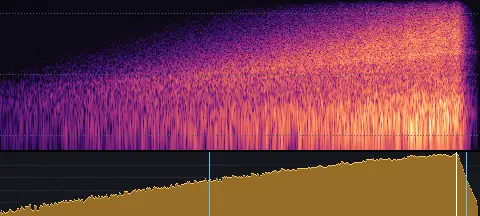
riser-4s-strong.wav
- Length
- 4.19 s
- Sync
- 3.98 s
- Level
- −20.0 LUFS
A 4-second strong, bright rise that builds to its peak at the end.
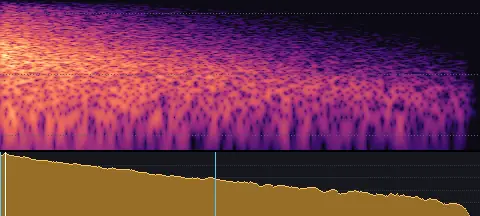
Fall · 1 second · Soft
faller-1s-soft.wav
- Length
- 0.86 s
- Sync
- 0.01 s
- Level
- −24.0 LUFS
A 1-second soft, airy fall from its peak, descending and settling.
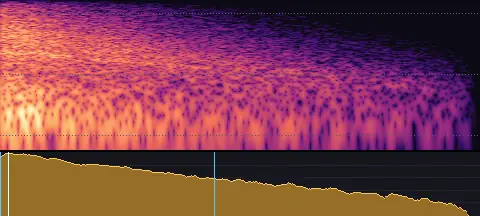
Fall · 1 second · Strong
faller-1s-strong.wav
- Length
- 0.88 s
- Sync
- 0.01 s
- Level
- −20.0 LUFS
A 1-second strong, bright fall from its peak, descending and settling.
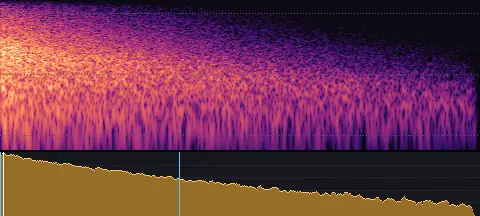
Fall · 2 seconds · Soft
faller-2s-soft.wav
- Length
- 1.83 s
- Sync
- 0.01 s
- Level
- −24.0 LUFS
A 2-second soft, airy fall from its peak, descending and settling.
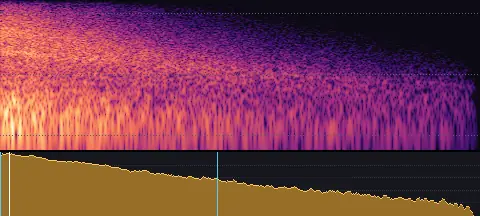
Fall · 2 seconds · Strong
faller-2s-strong.wav
- Length
- 1.88 s
- Sync
- 0.03 s
- Level
- −20.0 LUFS
A 2-second strong, bright fall from its peak, descending and settling.
Fall · 4 seconds · Soft
faller-4s-soft.wav
- Length
- 3.86 s
- Sync
- 0.07 s
- Level
- −24.0 LUFS
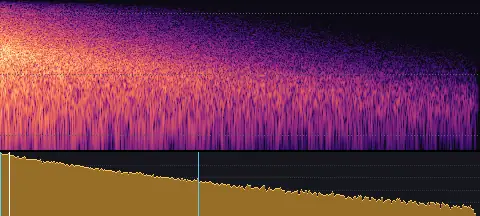
A 4-second soft, airy fall from its peak, descending and settling.
Fall · 4 seconds · Strong
faller-4s-strong.wav
- Length
- 3.87 s
- Sync
- 0.01 s
- Level
- −20.0 LUFS
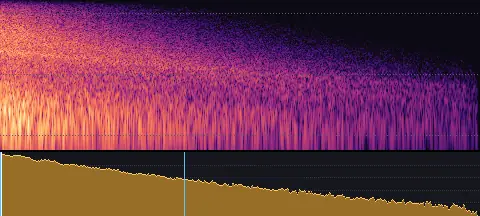
A 4-second strong, bright fall from its peak, descending and settling.
Bounce, spin and zoom
Bouncing, springing, spinning and zooming · 5 sounds
Bounce
move-bounce.wav
- Length
- 0.93 s
- Sync
- 0.01 s
- Level
- −24.0 LUFS
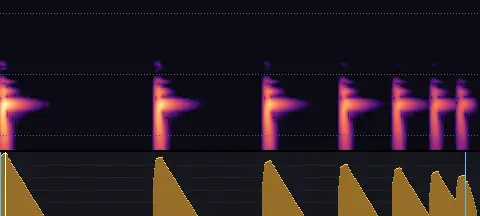
A rubber ball bouncing to rest: bonk, bonk, bonk-bonk-bonk.
Spring
move-spring.wav
- Length
- 0.90 s
- Sync
- 0.01 s
- Level
- −24.0 LUFS
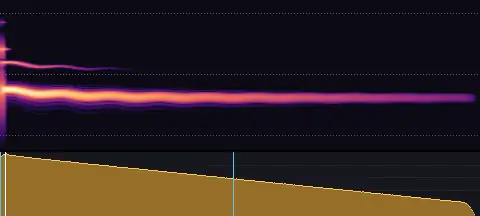
A coiled spring flicked: a wobbling boing.
Spin
move-spin.wav
- Length
- 1.14 s
- Sync
- 0.45 s
- Level
- −24.0 LUFS
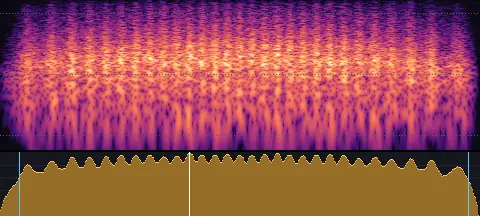
Something spinning fast, whirring up and winding down.
Zoom in
move-zoom-in.wav
- Length
- 0.57 s
- Sync
- 0.49 s
- Level
- −22.0 LUFS
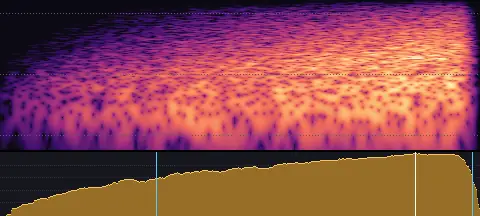
Zooming in: air rushing nearer and rising to the moment it arrives.
Zoom out
move-zoom-out.wav
- Length
- 0.55 s
- Sync
- 0.02 s
- Level
- −22.0 LUFS
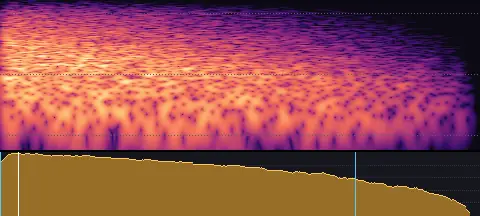
Zooming out: air falling away as it recedes.
Impacts
Objects landing, colliding and hitting · 12 sounds
Light · Soft
impact-light-soft.wav
- Length
- 0.17 s
- Sync
- 0.01 s
- Level
- −25.0 LUFS
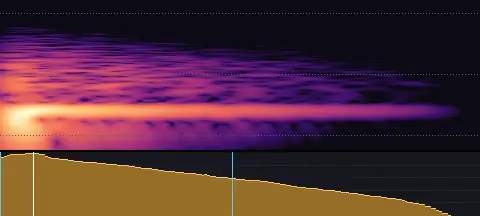
A light, muffled landing: something small dropping onto a cushion.
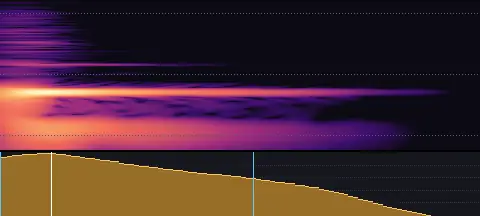
Light · Firm
impact-light-firm.wav
- Length
- 0.10 s
- Sync
- 0.01 s
- Level
- −25.0 LUFS
A light wooden tap: a small object set down on a table.
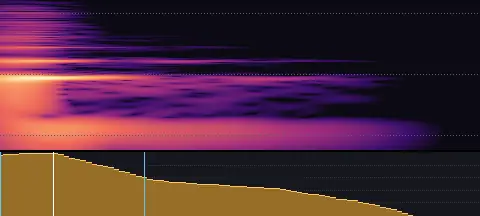
Light · Hard
impact-light-hard.wav
- Length
- 0.09 s
- Sync
- 0.01 s
- Level
- −25.0 LUFS
A light, crisp tick: a small, hard object landing on stone.
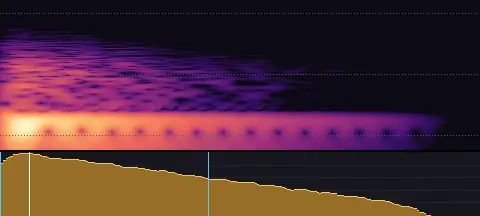
Medium · Soft
impact-medium-soft.wav
- Length
- 0.21 s
- Sync
- 0.01 s
- Level
- −22.0 LUFS
A soft, padded thud: something landing on fabric.
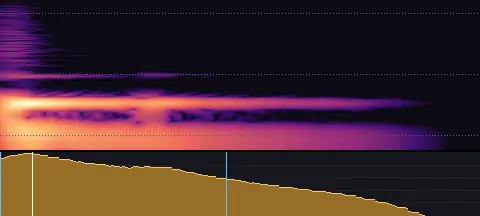
Medium · Firm
impact-medium-firm.wav
- Length
- 0.17 s
- Sync
- 0.01 s
- Level
- −22.0 LUFS
A solid knock: a medium-sized object landing on wood.
Medium · Hard
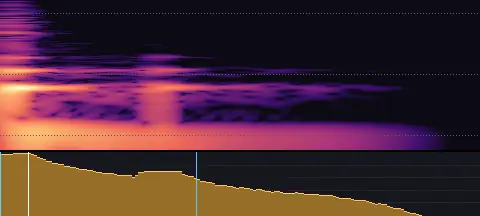
impact-medium-hard.wav
- Length
- 0.16 s
- Sync
- 0.01 s
- Level
- −22.0 LUFS
A crisp, solid hit with a short, bright edge.
Heavy · Soft
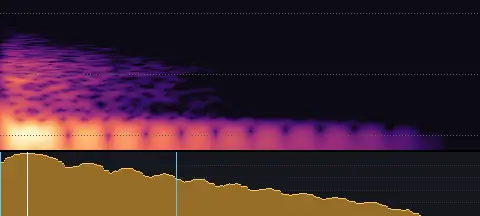
impact-heavy-soft.wav
- Length
- 0.32 s
- Sync
- 0.02 s
- Level
- −19.0 LUFS
A heavy, muffled thump: weight landing on something soft.
Heavy · Firm
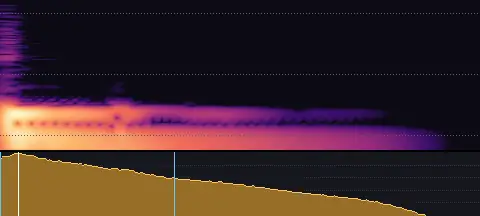
impact-heavy-firm.wav
- Length
- 0.30 s
- Sync
- 0.01 s
- Level
- −19.0 LUFS
A deep, weighty knock: a heavy object landing on a wooden floor.
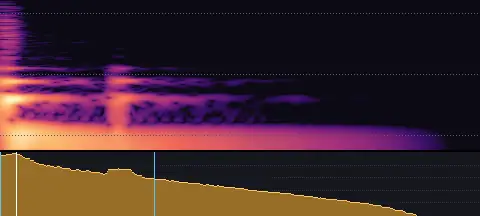
Heavy · Hard
impact-heavy-hard.wav
- Length
- 0.30 s
- Sync
- 0.01 s
- Level
- −19.0 LUFS
A big, solid hit: crisp on top and deep underneath.
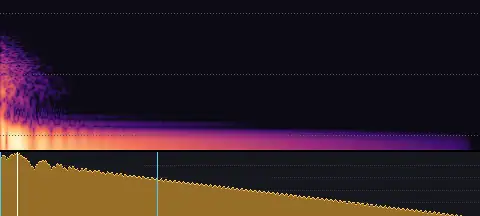
Deep · Soft
impact-deep-soft.wav
- Length
- 1.28 s
- Sync
- 0.04 s
- Level
- −19.0 LUFS
A deep, bass-heavy thud: something big landing on something soft.
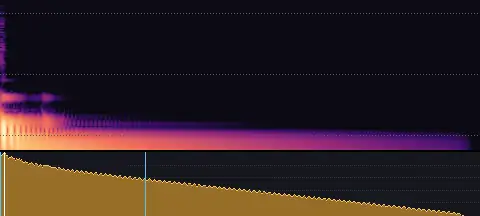
Deep · Firm
impact-deep-firm.wav
- Length
- 1.15 s
- Sync
- 0.01 s
- Level
- −19.0 LUFS
A deep, booming knock: a big object landing on a wooden stage.
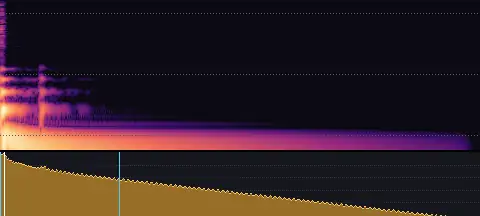
Deep · Hard
impact-deep-hard.wav
- Length
- 1.21 s
- Sync
- 0.01 s
- Level
- −19.0 LUFS
A deep, hard hit: a crisp crack over a heavy, rumbling low end.
Cinematic hits
Big, bass-heavy hits for title slams, trailer beats and dramatic moments · 8 sounds
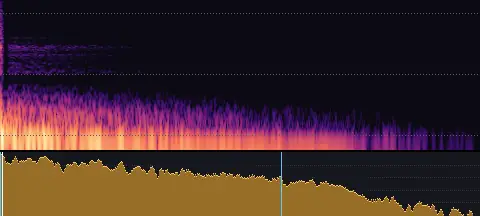
Drum · Big
cinematic-drum-big.wav
- Length
- 2.18 s
- Sync
- 0.01 s
- Level
- −20.0 LUFS
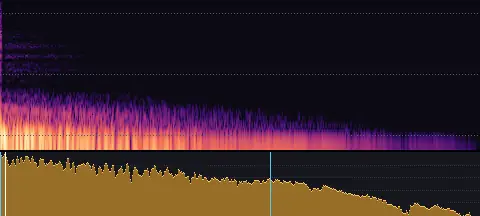
A giant drum struck hard: the crack of the stick and a big, deep boom.
Drum · Massive
cinematic-drum-massive.wav
- Length
- 3.33 s
- Sync
- 0.03 s
- Level
- −17.5 LUFS
A colossal drum hit: a crack, then a huge boom sinking into a vast hall.
Slam · Big
cinematic-slam-big.wav
- Length
- 2.23 s
- Sync
- 0.01 s
- Level
- −20.0 LUFS
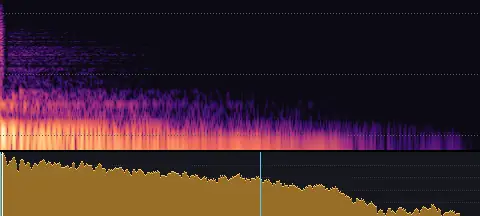
A big slam: a heavy wooden door crashing shut in a hall.
Slam · Massive
cinematic-slam-massive.wav
- Length
- 3.14 s
- Sync
- 0.08 s
- Level
- −17.5 LUFS
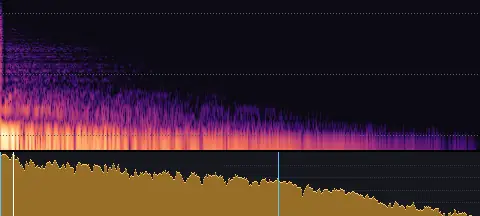
A massive slam: a huge door crashing shut, its frame rattling, the hall booming.
Metal · Big
cinematic-metal-big.wav
- Length
- 2.12 s
- Sync
- 0.03 s
- Level
- −20.0 LUFS
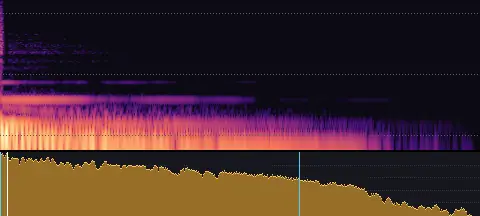
A big metal hit: a deep clang of steel ringing on.
Metal · Massive
cinematic-metal-massive.wav
- Length
- 3.22 s
- Sync
- 0.01 s
- Level
- −17.5 LUFS
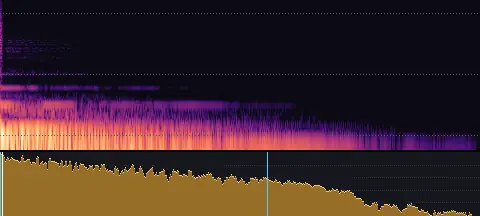
A massive metal hit: a great steel beam struck, its clang ringing into a vast hall.
Thunder · Big
cinematic-thunder-big.wav
- Length
- 3.81 s
- Sync
- 0.01 s
- Level
- −20.0 LUFS
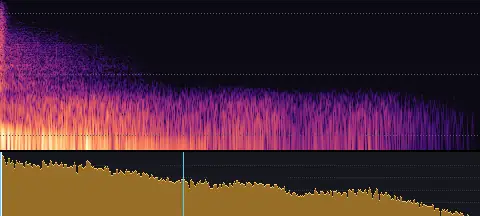
A thunderclap: a sharp crack and a rolling rumble.
Thunder · Massive
cinematic-thunder-massive.wav
- Length
- 4.94 s
- Sync
- 0.01 s
- Level
- −17.5 LUFS
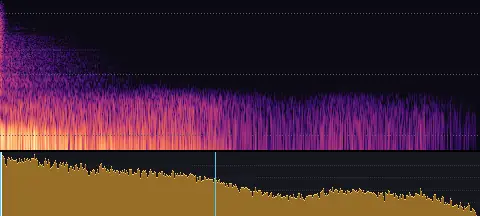
A massive thunderclap overhead: a crack tearing into a long, deep roll.
Booms and bass
Deep booms and drops, sub drops, 808s and rumbles, for big reveals, title cards and scene changes · 15 sounds
Hit · Soft
boom-hit-soft.wav
- Length
- 1.02 s
- Sync
- 0.03 s
- Level
- −27.0 LUFS
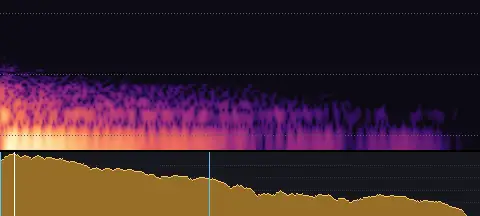
A soft, deep boom: a big drum struck gently in a hall.
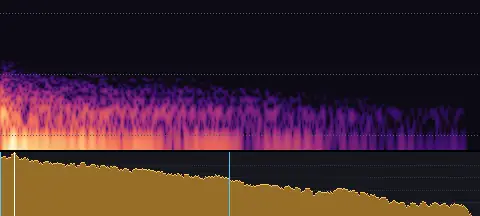
Hit · Medium
boom-hit-medium.wav
- Length
- 1.30 s
- Sync
- 0.04 s
- Level
- −24.5 LUFS
A deep, rounded boom with a warm hall.
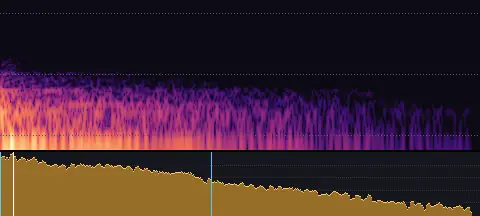
Hit · Strong
boom-hit-strong.wav
- Length
- 1.69 s
- Sync
- 0.05 s
- Level
- −22.0 LUFS
A big, deep boom that fills the room.
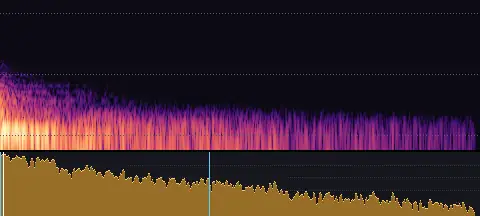
Drop · Soft
boom-drop-soft.wav
- Length
- 2.90 s
- Sync
- 0.02 s
- Level
- −27.0 LUFS
A soft boom that sinks away.
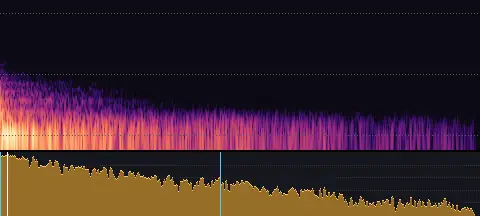
Drop · Medium
boom-drop-medium.wav
- Length
- 3.44 s
- Sync
- 0.05 s
- Level
- −24.5 LUFS
A deep drop: a boom sinking, with a low roll under it.
Drop · Strong
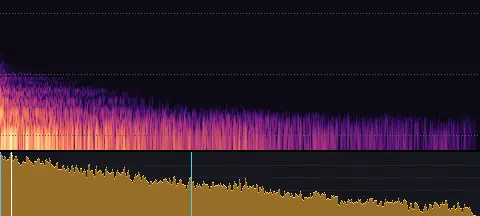
boom-drop-strong.wav
- Length
- 4.29 s
- Sync
- 0.10 s
- Level
- −22.0 LUFS
A huge, sinking drop with a rolling rumble: the biggest moment.
Sub drop · Short
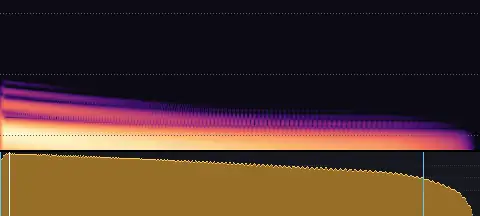
bass-sub-drop-short.wav
- Length
- 1.18 s
- Sync
- 0.02 s
- Level
- −21.0 LUFS
A short sub drop: a deep tone dropping away, about a second.
Sub drop · Medium
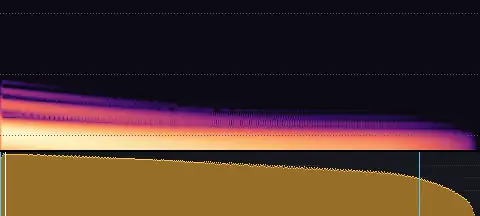
bass-sub-drop-medium.wav
- Length
- 2.15 s
- Sync
- 0.02 s
- Level
- −21.0 LUFS
A sub drop of about two seconds: deep and falling, felt more than heard.
Sub drop · Long
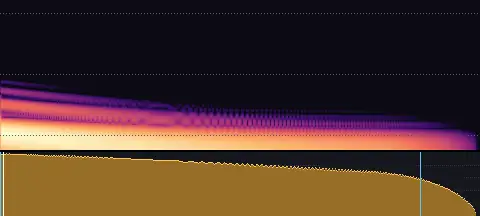
bass-sub-drop-long.wav
- Length
- 3.91 s
- Sync
- 0.02 s
- Level
- −21.0 LUFS
A long sub drop of about four seconds, sinking slowly away.
808-style bass · Short
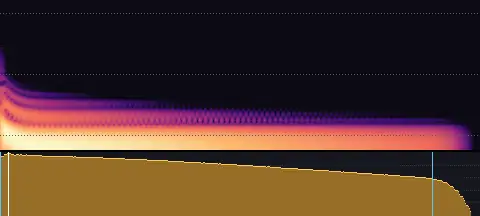
bass-808-short.wav
- Length
- 0.68 s
- Sync
- 0.01 s
- Level
- −19.0 LUFS
A short, punchy 808-style bass: a tuned bass kick on C.
808-style bass · Medium
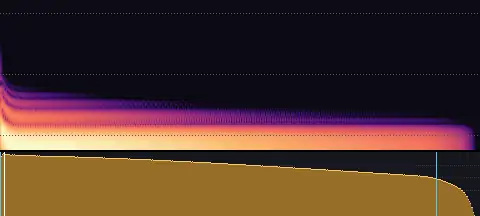
bass-808-medium.wav
- Length
- 1.47 s
- Sync
- 0.01 s
- Level
- −19.0 LUFS
An 808-style bass that rings on: a tuned bass kick on C.
808-style bass · Long
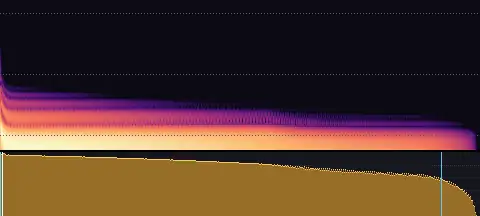
bass-808-long.wav
- Length
- 2.55 s
- Sync
- 0.01 s
- Level
- −19.0 LUFS
A long 808-style bass that slides down to F at the end.
Rumble · Short
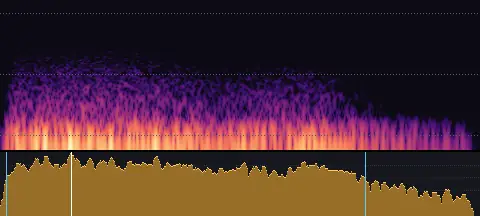
bass-rumble-short.wav
- Length
- 1.53 s
- Sync
- 0.23 s
- Level
- −24.0 LUFS
A quick low rumble, rolling in and away.
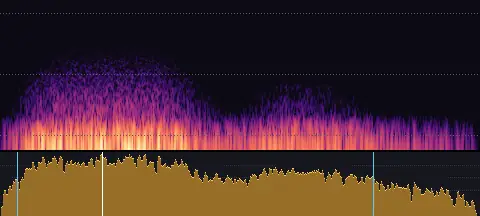
Rumble · Medium
bass-rumble-medium.wav
- Length
- 2.81 s
- Sync
- 0.60 s
- Level
- −24.0 LUFS
A low rumble of about three seconds: distant thunder, the ground shaking.
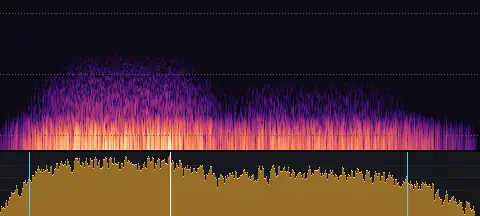
Rumble · Long
bass-rumble-long.wav
- Length
- 4.68 s
- Sync
- 1.66 s
- Level
- −24.0 LUFS
A long, deep rumble: a quake building and settling.
Pops
Elements appearing, scaling and popping into view · 9 sounds
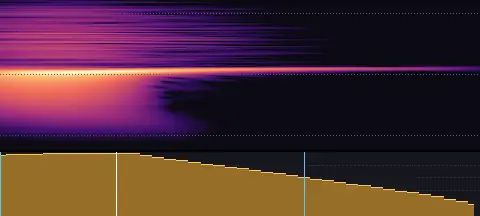
Small · Pop in
pop-small-in.wav
- Length
- 0.04 s
- Sync
- 0.01 s
- Level
- −25.0 LUFS
A tiny, bright pop that lifts as it appears.
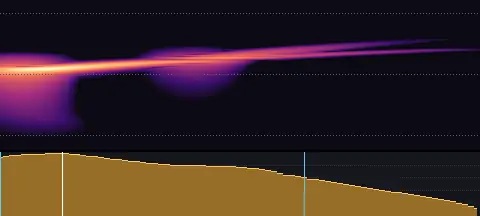
Small · Bubble
pop-small-bubble.wav
- Length
- 0.08 s
- Sync
- 0.01 s
- Level
- −25.0 LUFS
A tiny water-bubble blip, light and quick.
Small · Pop out
pop-small-out.wav
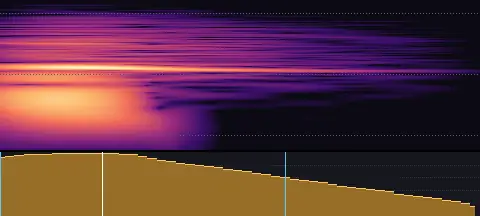
- Length
- 0.05 s
- Sync
- 0.01 s
- Level
- −25.0 LUFS
A tiny, soft pop that drops away.
Medium · Pop in
pop-medium-in.wav
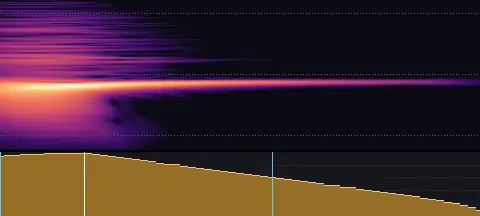
- Length
- 0.06 s
- Sync
- 0.01 s
- Level
- −22.5 LUFS
A round, friendly pop that lifts into place.
Medium · Bubble
pop-medium-bubble.wav
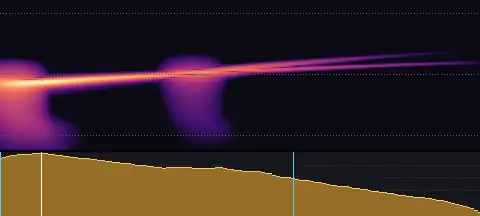
- Length
- 0.13 s
- Sync
- 0.01 s
- Level
- −22.5 LUFS
A clean bubble plip with a small one after it.
Medium · Pop out
pop-medium-out.wav
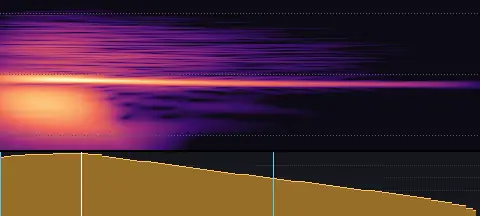
- Length
- 0.07 s
- Sync
- 0.01 s
- Level
- −22.5 LUFS
A soft pop that falls away as something disappears.
Large · Pop in
pop-large-in.wav
- Length
- 0.11 s
- Sync
- 0.01 s
- Level
- −20.0 LUFS
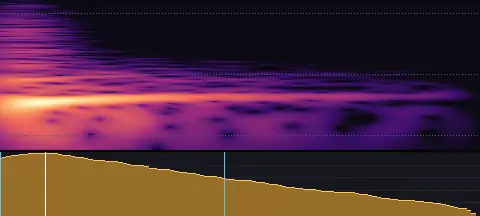
A full, round pop with a little puff of air.
Large · Bubble
pop-large-bubble.wav
- Length
- 0.21 s
- Sync
- 0.01 s
- Level
- −20.0 LUFS
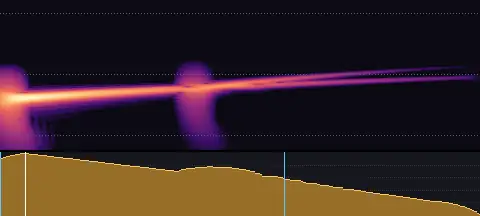
A deep, round bubble bloop.
Large · Pop out
pop-large-out.wav
- Length
- 0.11 s
- Sync
- 0.01 s
- Level
- −20.0 LUFS
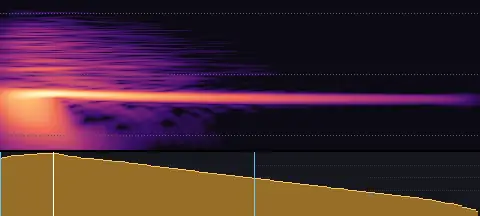
A low, soft pop that sinks away.
Appear and vanish
Things vanishing in a puff, dissolving, materialising, flipping over and bursting · 6 sounds
Poof
appear-poof.wav
- Length
- 0.62 s
- Sync
- 0.03 s
- Level
- −23.0 LUFS
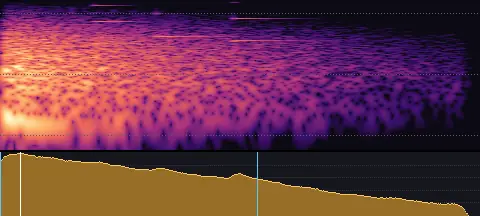
A poof: something vanishing in a puff of smoke, a few glints as it clears.
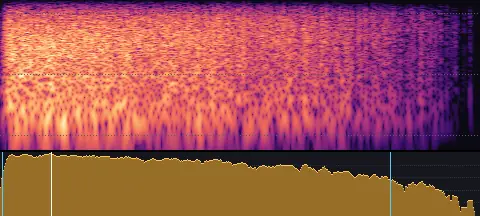
Dissolve
appear-dissolve.wav
- Length
- 1.15 s
- Sync
- 0.12 s
- Level
- −25.0 LUFS
Something dissolving into fine particles that drift away.
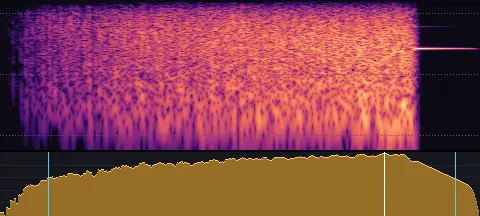
Materialise
appear-materialise.wav
- Length
- 1.21 s
- Sync
- 0.97 s
- Level
- −25.0 LUFS
Something materialising: particles gathering in and settling.
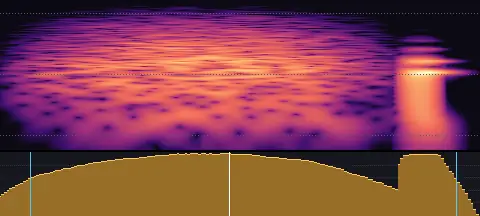
Quick flip
appear-flip-quick.wav
- Length
- 0.18 s
- Sync
- 0.09 s
- Level
- −24.0 LUFS
A card flipping over quickly, landing with a light tap.
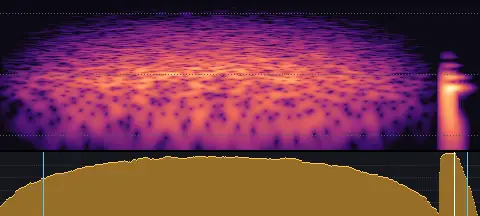
Slow flip
appear-flip-slow.wav
- Length
- 0.44 s
- Sync
- 0.41 s
- Level
- −24.0 LUFS
A panel turning over slowly, landing softly.
Burst
appear-burst.wav
- Length
- 1.00 s
- Sync
- 0.01 s
- Level
- −21.0 LUFS
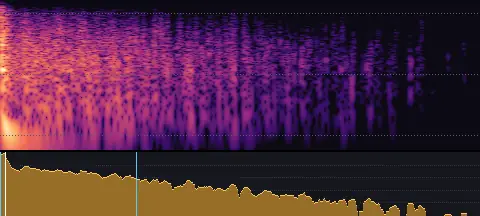
Something bursting apart: a pop, a thump and pieces scattering.
Shape changes
Shapes and icons growing, shrinking, morphing, stretching, inflating and filling · 8 sounds
Grow
transform-grow.wav
- Length
- 0.69 s
- Sync
- 0.64 s
- Level
- −24.0 LUFS
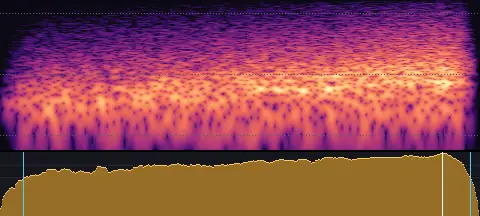
Something growing: a swell of air rising, with a stretching creak.
Shrink
transform-shrink.wav
- Length
- 0.60 s
- Sync
- 0.03 s
- Level
- −24.0 LUFS
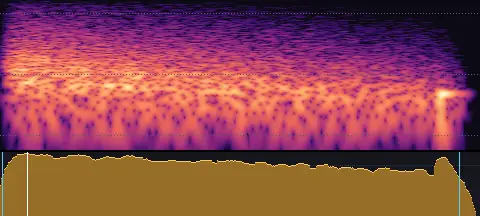
Something shrinking: air falling away, tucking in at the end.
Morph
transform-morph.wav
- Length
- 0.80 s
- Sync
- 0.53 s
- Level
- −24.0 LUFS
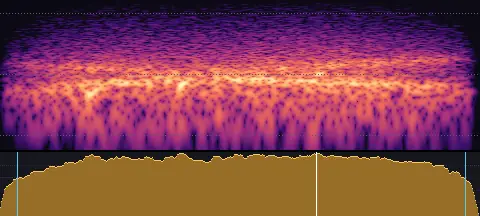
A soft, liquid morph: a shape reshaping itself.
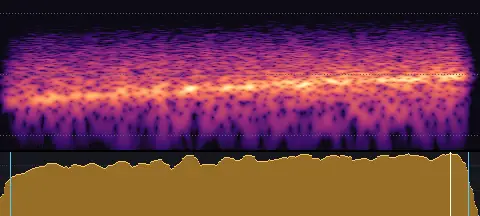
Stretch
transform-stretch.wav
- Length
- 0.60 s
- Sync
- 0.56 s
- Level
- −25.0 LUFS
Rubber stretching, squeaking higher as it tightens.
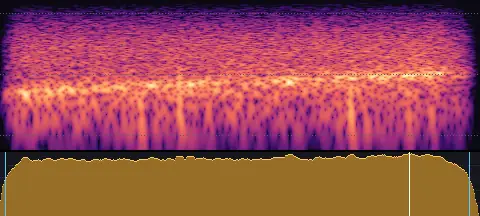
Inflate
transform-inflate.wav
- Length
- 0.89 s
- Sync
- 0.76 s
- Level
- −25.0 LUFS
A balloon inflating: air rushing in, its note rising.
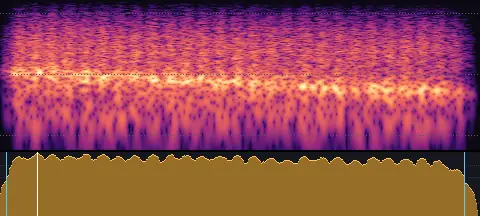
Deflate
transform-deflate.wav
- Length
- 0.89 s
- Sync
- 0.07 s
- Level
- −25.0 LUFS
Air going out of a balloon, its note falling, the neck fluttering.
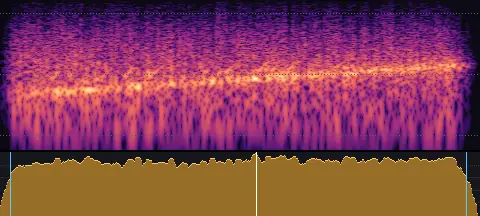
Fill
transform-fill.wav
- Length
- 1.22 s
- Sync
- 0.65 s
- Level
- −25.0 LUFS
Water filling a glass, its note rising as it fills.
Empty
transform-empty.wav
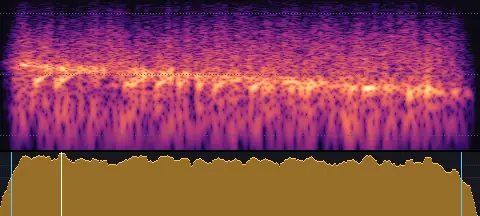
- Length
- 0.95 s
- Sync
- 0.12 s
- Level
- −25.0 LUFS
Water draining away with a gurgle.
Interface
Clicks, taps, toggles and switches, snaps, clips, claps and hovers · 36 sounds
Tap · Soft
click-tap-soft.wav
- Length
- 0.02 s
- Sync
- 0.01 s
- Level
- −29.0 LUFS
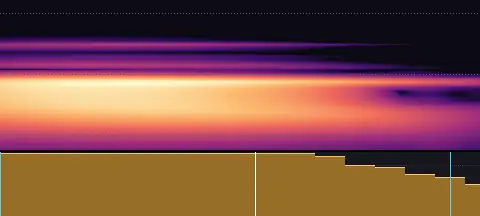
A soft fingertip tap on glass.
Tap · Medium
click-tap-medium.wav
- Length
- 0.02 s
- Sync
- 0.01 s
- Level
- −27.0 LUFS
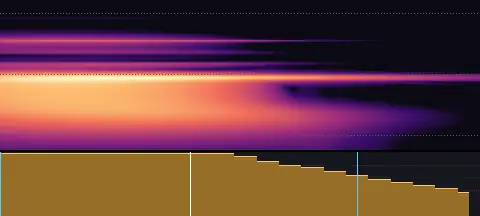
A clear tap on a screen, with a faint glassy tick.
Tap · Firm
click-tap-firm.wav
- Length
- 0.02 s
- Sync
- 0.01 s
- Level
- −25.0 LUFS
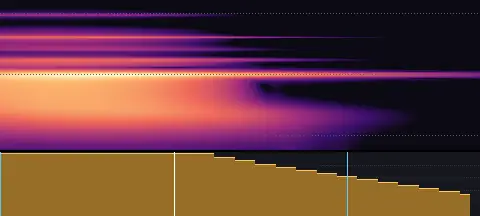
A firm, definite tap with a crisp tick.
Button · Soft
click-button-soft.wav
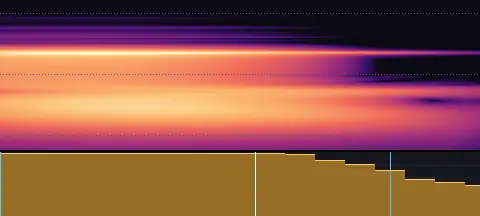
- Length
- 0.02 s
- Sync
- 0.01 s
- Level
- −29.0 LUFS
A gentle, soft press of a small button.
Button · Medium
click-button-medium.wav
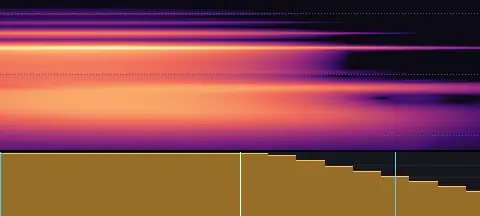
- Length
- 0.02 s
- Sync
- 0.01 s
- Level
- −27.0 LUFS
A clean, crisp button click.
Button · Firm
click-button-firm.wav
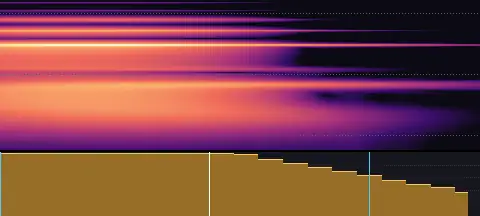
- Length
- 0.02 s
- Sync
- 0.01 s
- Level
- −25.0 LUFS
A firm, bright button click with a little snap.
Toggle · Soft
click-toggle-soft.wav
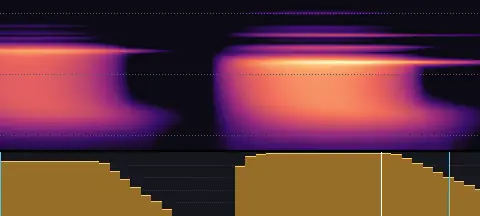
- Length
- 0.05 s
- Sync
- 0.04 s
- Level
- −29.0 LUFS
A soft switch flip: a light tick, then a gentle snap.
Toggle · Medium
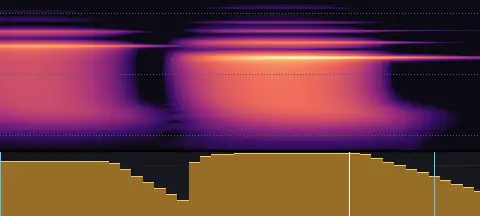
click-toggle-medium.wav
- Length
- 0.04 s
- Sync
- 0.03 s
- Level
- −27.0 LUFS
A neat toggle: tick, then a clear snap into place.
Toggle · Firm
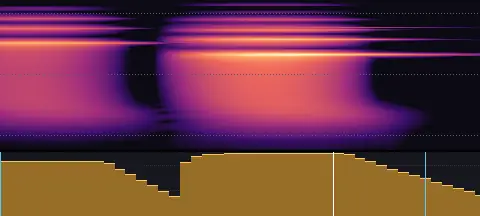
click-toggle-firm.wav
- Length
- 0.04 s
- Sync
- 0.03 s
- Level
- −25.0 LUFS
A firm, definite switch: a crisp tick and snap.
Mouse · Soft
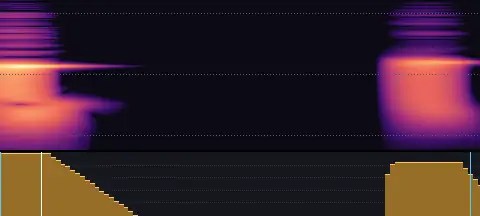
click-mouse-soft.wav
- Length
- 0.10 s
- Sync
- 0.01 s
- Level
- −29.0 LUFS
A quiet mouse click, down and up.
Mouse · Medium
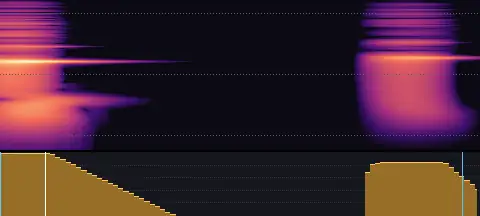
click-mouse-medium.wav
- Length
- 0.09 s
- Sync
- 0.01 s
- Level
- −27.0 LUFS
A natural mouse click: the press and its release.
Mouse · Firm
click-mouse-firm.wav
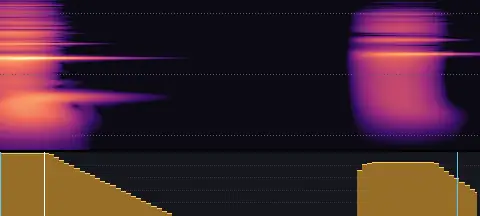
- Length
- 0.09 s
- Sync
- 0.01 s
- Level
- −25.0 LUFS
A firm, crisp mouse click with a clear release.
Hover · Soft
click-hover-soft.wav
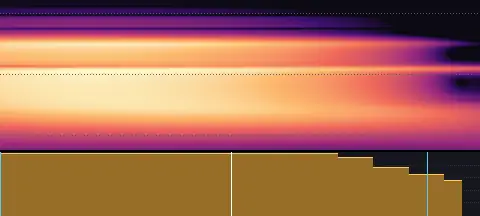
- Length
- 0.01 s
- Sync
- 0.01 s
- Level
- −32.0 LUFS
The faintest tick: a cursor gliding over something.
Hover · Medium
click-hover-medium.wav
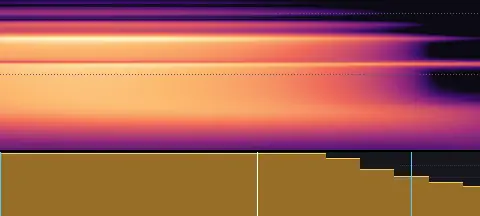
- Length
- 0.01 s
- Sync
- 0.01 s
- Level
- −30.0 LUFS
A tiny, light tick for a hover or a highlight moving.
Hover · Firm
click-hover-firm.wav
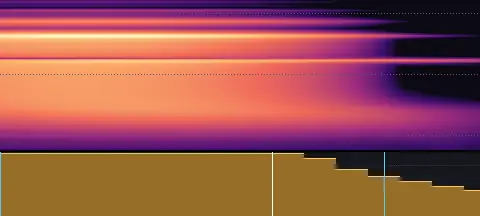
- Length
- 0.01 s
- Sync
- 0.01 s
- Level
- −28.0 LUFS
A small, crisp tick: a hover that wants to be noticed.
Toggle on · Soft
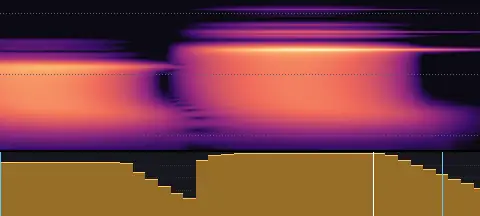
click-toggle-on-soft.wav
- Length
- 0.04 s
- Sync
- 0.03 s
- Level
- −29.0 LUFS
A soft switch flipping on: a light tick rising into a snap.
Toggle on · Medium
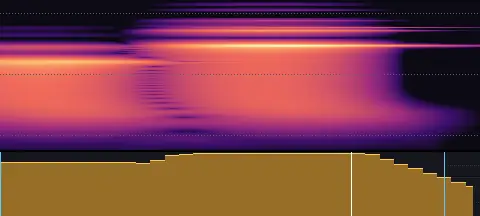
click-toggle-on-medium.wav
- Length
- 0.03 s
- Sync
- 0.03 s
- Level
- −27.0 LUFS
A switch flipping on: tick, then a bright snap above it.
Toggle on · Firm
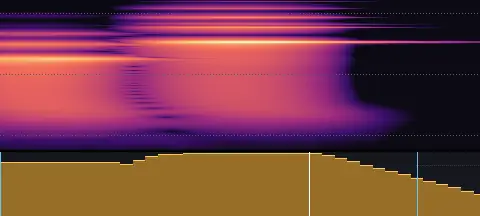
click-toggle-on-firm.wav
- Length
- 0.04 s
- Sync
- 0.03 s
- Level
- −25.0 LUFS
A firm switch on: a crisp tick and a bright, definite snap.
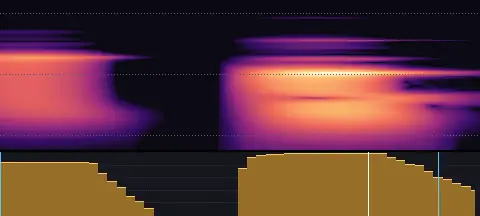
Toggle off · Soft
click-toggle-off-soft.wav
- Length
- 0.05 s
- Sync
- 0.04 s
- Level
- −29.0 LUFS
A soft switch flipping off: a tick falling into a dull snap.
Toggle off · Medium
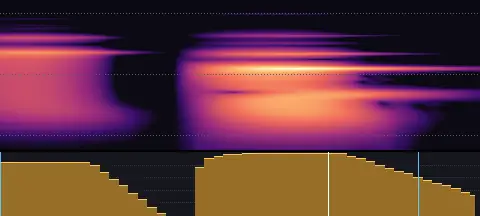
click-toggle-off-medium.wav
- Length
- 0.05 s
- Sync
- 0.04 s
- Level
- −27.0 LUFS
A switch flipping off: tick, then a lower, duller snap.
Toggle off · Firm
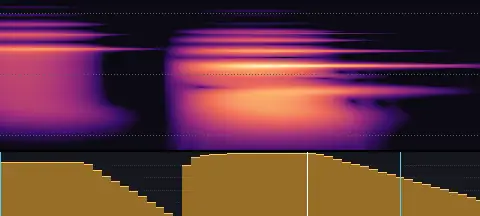
click-toggle-off-firm.wav
- Length
- 0.05 s
- Sync
- 0.04 s
- Level
- −25.0 LUFS
A firm switch off: a crisp tick and a low, solid snap.
Latch · Soft
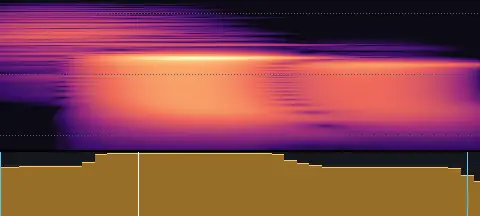
click-latch-soft.wav
- Length
- 0.04 s
- Sync
- 0.01 s
- Level
- −29.0 LUFS
A soft push button latching, like a pen clicking.
Latch · Medium
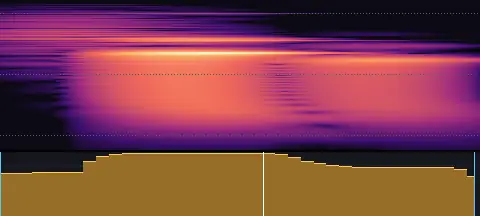
click-latch-medium.wav
- Length
- 0.04 s
- Sync
- 0.02 s
- Level
- −27.0 LUFS
A push button catching: the spring, then a crisp click home.
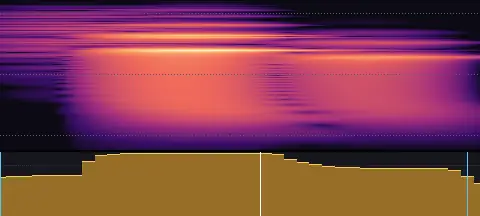
Latch · Firm
click-latch-firm.wav
- Length
- 0.04 s
- Sync
- 0.02 s
- Level
- −25.0 LUFS
A firm latch: a sharp, definite click with a metal tick.
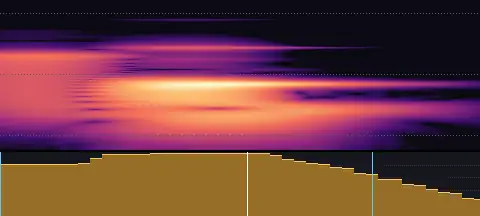
Rocker · Soft
click-rocker-soft.wav
- Length
- 0.04 s
- Sync
- 0.02 s
- Level
- −29.0 LUFS
A soft rocker switch: a tip and a gentle clunk.
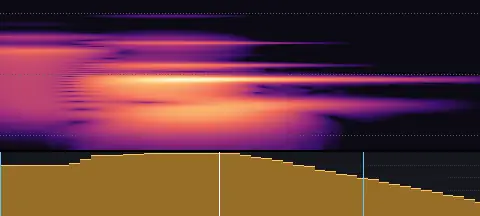
Rocker · Medium
click-rocker-medium.wav
- Length
- 0.04 s
- Sync
- 0.02 s
- Level
- −27.0 LUFS
A rocker switch: it tips over and lands with a chunky clunk.
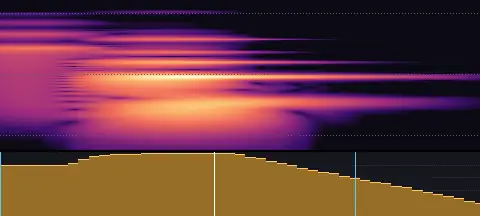
Rocker · Firm
click-rocker-firm.wav
- Length
- 0.05 s
- Sync
- 0.02 s
- Level
- −25.0 LUFS
A firm rocker switch: a solid, chunky clunk, like a power switch.
Snap · Soft
click-snap-soft.wav
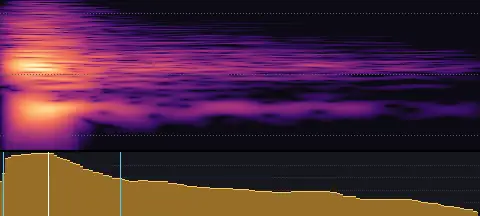
- Length
- 0.15 s
- Sync
- 0.01 s
- Level
- −27.0 LUFS
A soft finger snap.
Snap · Medium
click-snap-medium.wav
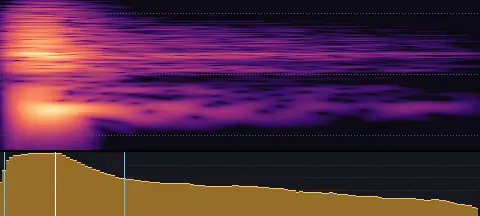
- Length
- 0.13 s
- Sync
- 0.01 s
- Level
- −25.0 LUFS
A clean finger snap.
Snap · Firm
click-snap-firm.wav
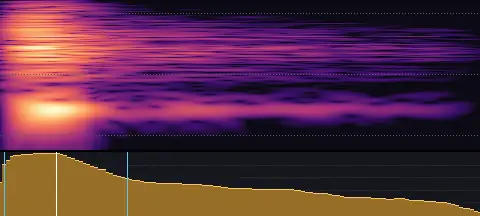
- Length
- 0.13 s
- Sync
- 0.01 s
- Level
- −23.0 LUFS
A sharp, bright finger snap.
Clip · Soft
click-clip-soft.wav
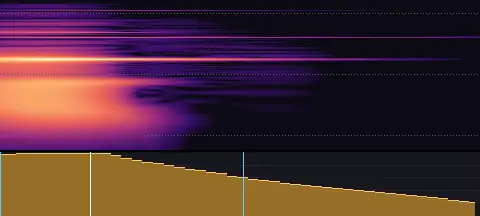
- Length
- 0.05 s
- Sync
- 0.01 s
- Level
- −29.0 LUFS
A small clip closing gently on paper.
Clip · Medium
click-clip-medium.wav
- Length
- 0.05 s
- Sync
- 0.01 s
- Level
- −27.0 LUFS
A spring clip snapping shut on paper.
Clip · Firm
click-clip-firm.wav
- Length
- 0.06 s
- Sync
- 0.01 s
- Level
- −25.0 LUFS
A firm metal clip snapping shut with a ring.
Clap · Soft
click-clap-soft.wav
- Length
- 0.18 s
- Sync
- 0.01 s
- Level
- −26.0 LUFS
A soft, cupped hand clap.
Clap · Medium
click-clap-medium.wav
- Length
- 0.17 s
- Sync
- 0.01 s
- Level
- −24.5 LUFS
A single hand clap.
Clap · Firm
click-clap-firm.wav
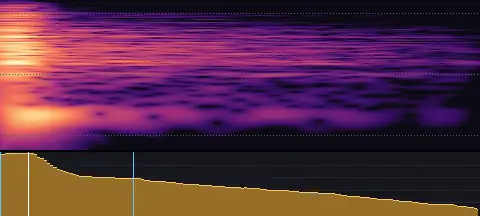
- Length
- 0.15 s
- Sync
- 0.01 s
- Level
- −23.5 LUFS
A sharp, bright hand clap.
Keyboard
Typing, keypresses and text entry · 15 sounds
Letter key · Soft
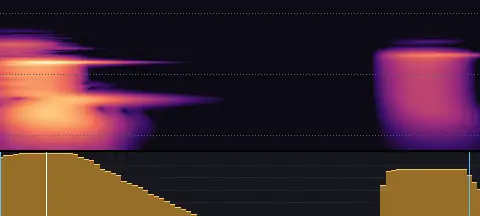
keyboard-letter-soft.wav
- Length
- 0.09 s
- Sync
- 0.01 s
- Level
- −30.0 LUFS
A soft keypress and its quiet release.
Letter key · Medium
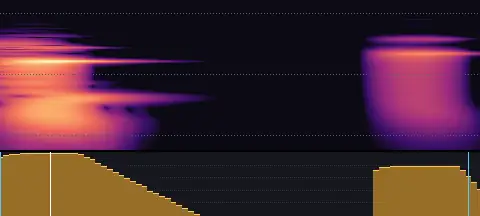
keyboard-letter-medium.wav
- Length
- 0.08 s
- Sync
- 0.01 s
- Level
- −27.5 LUFS
A natural keypress: the key going down and coming back up.
Letter key · Firm
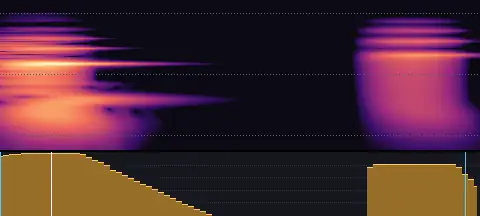
keyboard-letter-firm.wav
- Length
- 0.08 s
- Sync
- 0.01 s
- Level
- −25.0 LUFS
A firm, crisp keypress.
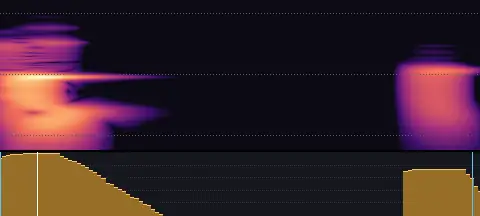
Space bar · Soft
keyboard-space-soft.wav
- Length
- 0.12 s
- Sync
- 0.01 s
- Level
- −30.0 LUFS
A soft space bar press, a little lower and wider than a key.
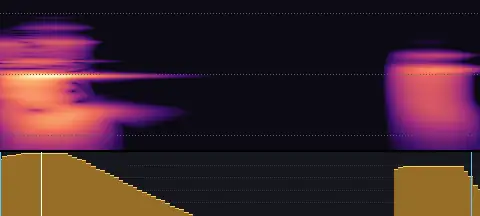
Space bar · Medium
keyboard-space-medium.wav
- Length
- 0.10 s
- Sync
- 0.01 s
- Level
- −27.5 LUFS
A space bar press with a hint of stabiliser rattle.
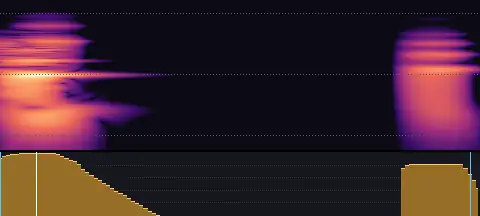
Space bar · Firm
keyboard-space-firm.wav
- Length
- 0.12 s
- Sync
- 0.01 s
- Level
- −25.0 LUFS
A firm space bar: a deeper knock and a clear release.
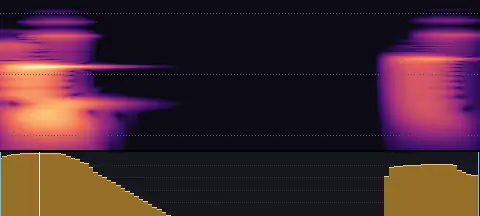
Return key · Soft
keyboard-return-soft.wav
- Length
- 0.11 s
- Sync
- 0.01 s
- Level
- −30.0 LUFS
A soft press of the Return key, a little fuller than a letter.
Return key · Medium
keyboard-return-medium.wav
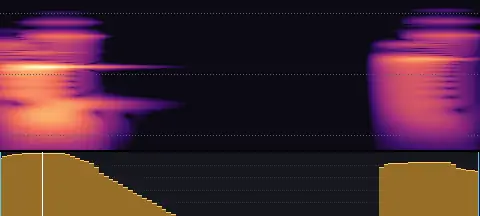
- Length
- 0.10 s
- Sync
- 0.01 s
- Level
- −27.5 LUFS
A Return key press: a fuller knock with a hint of rattle.
Return key · Firm
keyboard-return-firm.wav
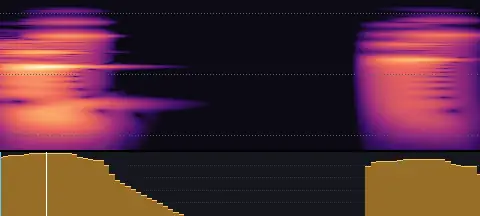
- Length
- 0.09 s
- Sync
- 0.01 s
- Level
- −25.0 LUFS
A firm, decisive Return: send, submit, done.
Steady typing · Short
keyboard-typing-steady-short.wav
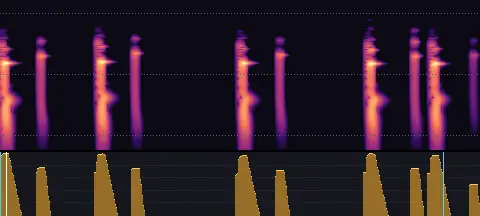
- Length
- 0.79 s
- Sync
- 0.01 s
- Level
- −27.0 LUFS
A short burst of steady typing: a word or two.
Steady typing · Medium
keyboard-typing-steady-medium.wav
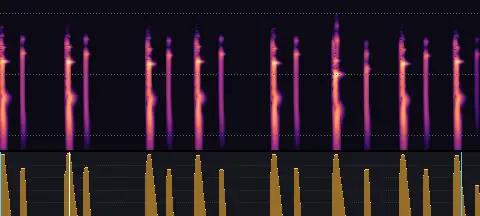
- Length
- 1.53 s
- Sync
- 0.22 s
- Level
- −27.0 LUFS
Steady typing, about a short phrase.
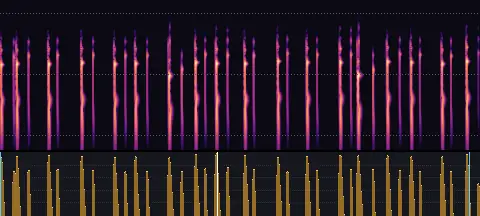
Steady typing · Long
keyboard-typing-steady-long.wav
- Length
- 3.08 s
- Sync
- 1.39 s
- Level
- −27.0 LUFS
Steady typing for a full line of text.
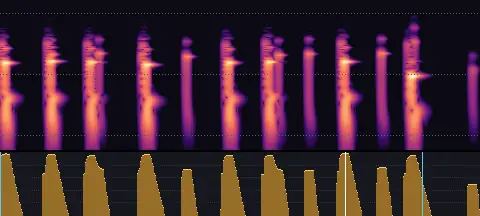
Quick typing · Short
keyboard-typing-quick-short.wav
- Length
- 0.73 s
- Sync
- 0.53 s
- Level
- −27.0 LUFS
A quick burst of typing: a word or two.
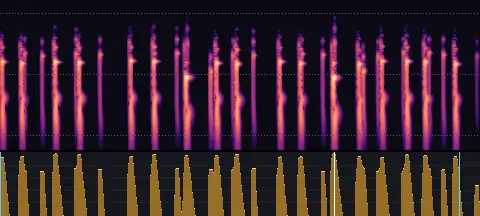
Quick typing · Medium
keyboard-typing-quick-medium.wav
- Length
- 1.66 s
- Sync
- 1.15 s
- Level
- −27.0 LUFS
Quick, fluent typing, about a short phrase.
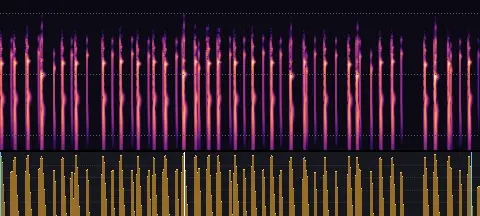
Quick typing · Long
keyboard-typing-quick-long.wav
- Length
- 3.15 s
- Sync
- 1.21 s
- Level
- −27.0 LUFS
Quick typing for a full line of text.
Writing and drawing
Pens, pencils, markers and chalk: writing, drawing and ticking, erasing and highlighting · 16 sounds
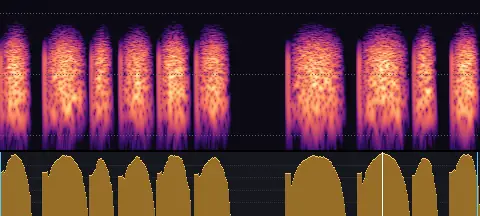
Pen · Write
writing-pen-write.wav
- Length
- 1.33 s
- Sync
- 1.06 s
- Level
- −27.0 LUFS
A pen on paper, writing a word or two.
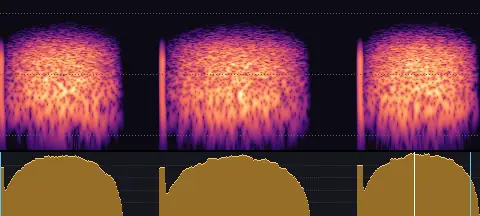
Pen · Draw
writing-pen-draw.wav
- Length
- 1.27 s
- Sync
- 1.09 s
- Level
- −27.0 LUFS
A pen on paper, drawing a few long strokes.
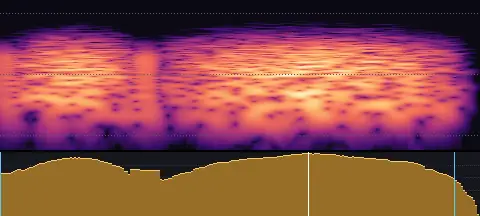
Pen · Tick
writing-pen-tick.wav
- Length
- 0.24 s
- Sync
- 0.15 s
- Level
- −27.0 LUFS
A pen on paper, ticking a box.
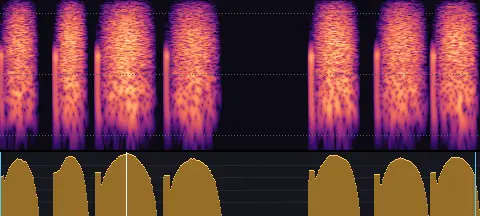
Pencil · Write
writing-pencil-write.wav
- Length
- 1.19 s
- Sync
- 0.31 s
- Level
- −26.0 LUFS
A pencil on paper, writing a word or two.
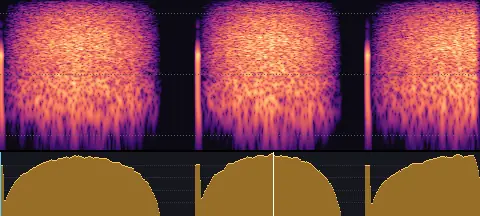
Pencil · Draw
writing-pencil-draw.wav
- Length
- 1.45 s
- Sync
- 0.82 s
- Level
- −26.0 LUFS
A pencil on paper, drawing a few long strokes.
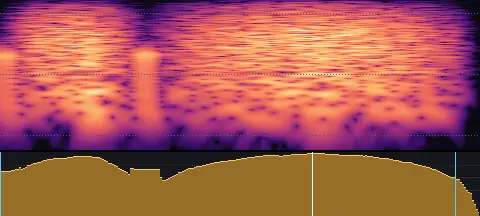
Pencil · Tick
writing-pencil-tick.wav
- Length
- 0.24 s
- Sync
- 0.16 s
- Level
- −26.0 LUFS
A pencil on paper, ticking a box.
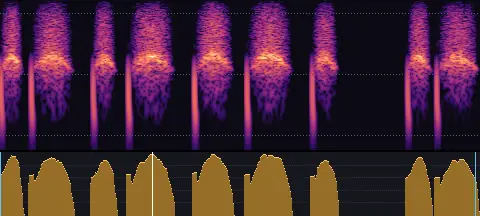
Whiteboard marker · Write
writing-marker-write.wav
- Length
- 1.34 s
- Sync
- 0.42 s
- Level
- −25.0 LUFS
A marker on a whiteboard, writing a word or two.
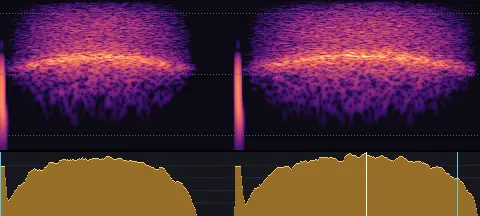
Whiteboard marker · Draw
writing-marker-draw.wav
- Length
- 1.06 s
- Sync
- 0.81 s
- Level
- −25.0 LUFS
A marker on a whiteboard, drawing a few long strokes.
Whiteboard marker · Tick
writing-marker-tick.wav
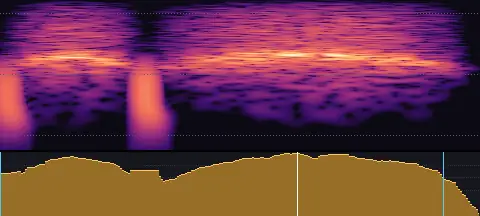
- Length
- 0.24 s
- Sync
- 0.15 s
- Level
- −25.0 LUFS
A marker on a whiteboard, ticking a box.
Chalk · Write
writing-chalk-write.wav
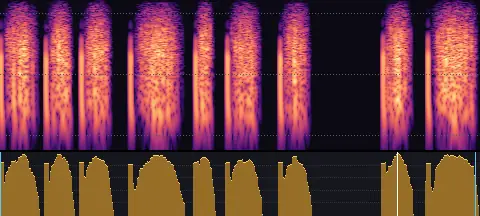
- Length
- 1.37 s
- Sync
- 1.13 s
- Level
- −25.0 LUFS
Chalk on a blackboard, writing a word or two.
Chalk · Draw
writing-chalk-draw.wav
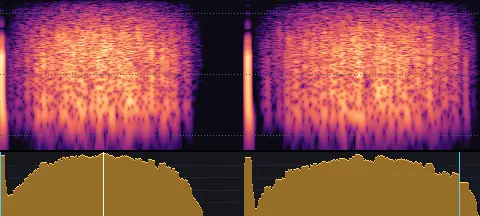
- Length
- 1.01 s
- Sync
- 0.22 s
- Level
- −25.0 LUFS
Chalk on a blackboard, drawing a few long strokes.
Chalk · Tick
writing-chalk-tick.wav
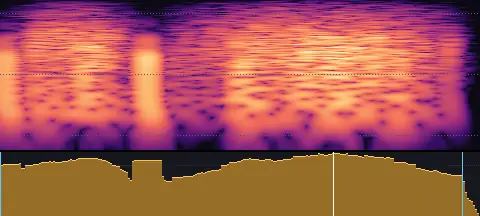
- Length
- 0.24 s
- Sync
- 0.17 s
- Level
- −25.0 LUFS
Chalk on a blackboard, ticking a box.
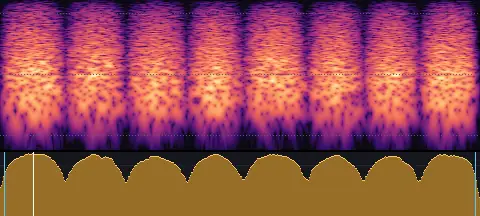
Eraser
writing-eraser.wav
- Length
- 0.76 s
- Sync
- 0.05 s
- Level
- −27.0 LUFS
A rubber eraser rubbing out pencil on paper.
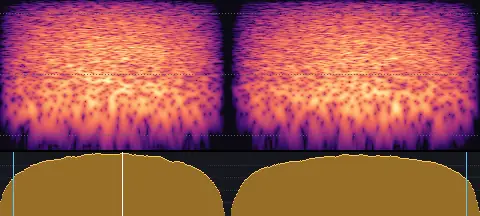
Whiteboard wipe
writing-wipe.wav
- Length
- 0.74 s
- Sync
- 0.19 s
- Level
- −27.0 LUFS
A whiteboard eraser wiping the board clean.
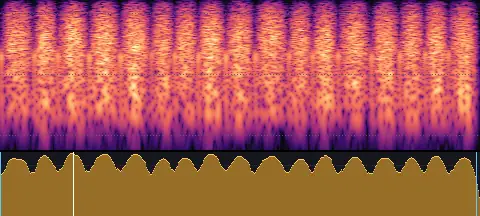
Scribble
writing-scribble.wav
- Length
- 1.00 s
- Sync
- 0.15 s
- Level
- −25.0 LUFS
A quick, busy pencil scribble.
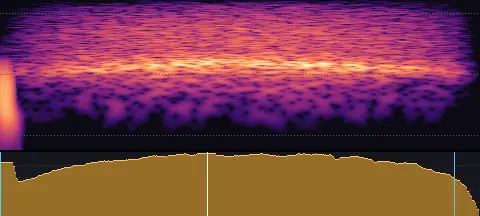
Highlighter
writing-highlighter.wav
- Length
- 0.38 s
- Sync
- 0.16 s
- Level
- −27.0 LUFS
A highlighter swept across a line of text.
Phone
Phones vibrating, ringing and dialling · 5 sounds
Vibrating on a table
phone-vibrate-table.wav
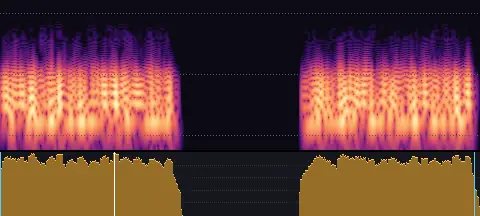
- Length
- 1.12 s
- Sync
- 0.26 s
- Level
- −24.0 LUFS
A phone vibrating on a table, twice: a buzzing rattle.
Vibrating in the hand
phone-vibrate-hand.wav
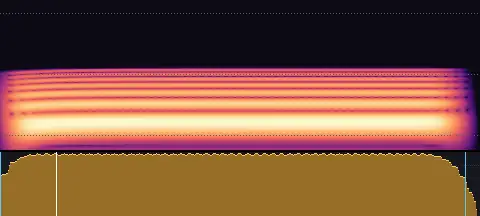
- Length
- 0.34 s
- Sync
- 0.04 s
- Level
- −27.0 LUFS
A phone buzzing once in the hand.
Ringtone
phone-ring-modern.wav
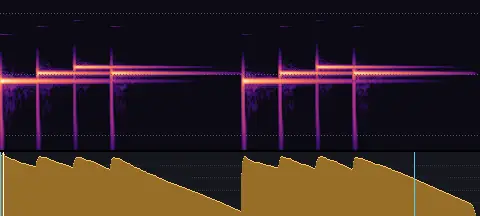
- Length
- 2.08 s
- Sync
- 0.01 s
- Level
- −22.0 LUFS
A modern ringtone: a short kalimba figure, played twice.
Classic ring
phone-ring-classic.wav
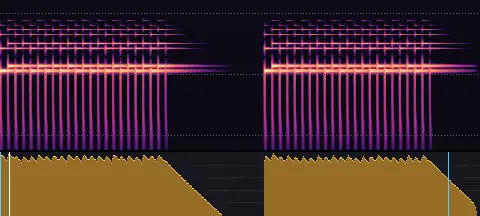
- Length
- 2.91 s
- Sync
- 0.06 s
- Level
- −22.0 LUFS
A classic telephone ring: bells rattling, twice.
Keypad tones
phone-keypad.wav
- Length
- 1.12 s
- Sync
- 0.03 s
- Level
- −25.0 LUFS
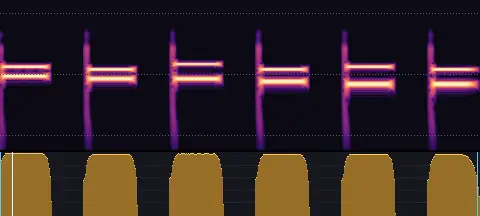
Six keys dialled, each with its keypad tone.
Mechanical
Locks, latches, switches, shutters and other mechanisms · 12 sounds
Latch · Light
mechanical-latch-light.wav
- Length
- 0.11 s
- Sync
- 0.05 s
- Level
- −25.0 LUFS
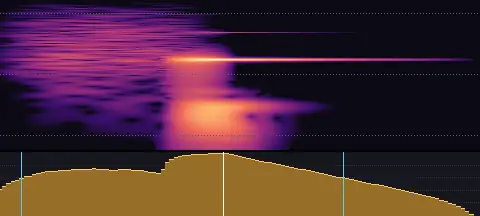
A small latch clicking shut, like a cabinet door.
Latch · Heavy
mechanical-latch-heavy.wav
- Length
- 0.19 s
- Sync
- 0.08 s
- Level
- −22.5 LUFS
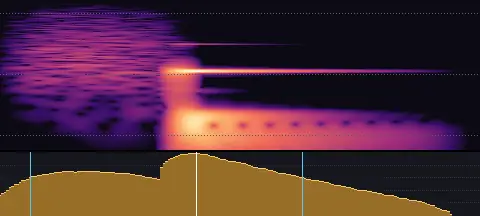
A door latch catching: a slide and a solid click home.
Lock · Light
mechanical-lock-light.wav
- Length
- 0.29 s
- Sync
- 0.21 s
- Level
- −25.0 LUFS
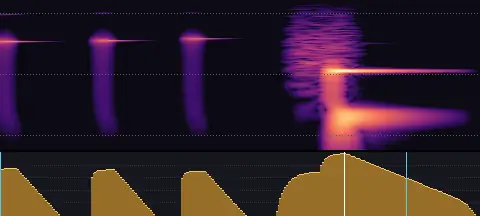
A small lock turning: pin clicks and a light bolt.
Lock · Heavy
mechanical-lock-heavy.wav
- Length
- 0.46 s
- Sync
- 0.33 s
- Level
- −22.5 LUFS
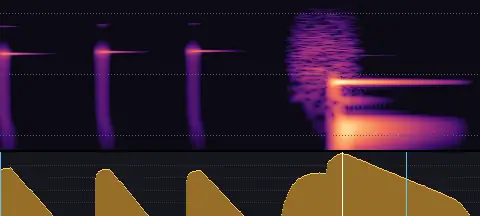
A deadbolt locking: pins turning, then a heavy clunk.
Switch · Light
mechanical-switch-light.wav
- Length
- 0.03 s
- Sync
- 0.01 s
- Level
- −25.0 LUFS
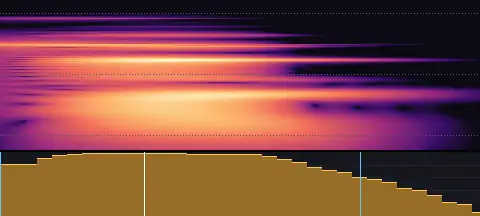
A light switch flicked: a crisp snap.
Switch · Heavy
mechanical-switch-heavy.wav
- Length
- 0.10 s
- Sync
- 0.02 s
- Level
- −22.5 LUFS
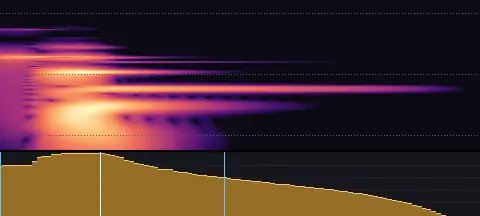
A heavy switch thrown: a deep, solid clack.
Shutter · Light
mechanical-shutter-light.wav
- Length
- 0.11 s
- Sync
- 0.01 s
- Level
- −25.0 LUFS
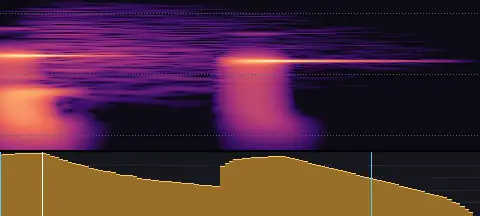
A compact camera shutter: a quick ka-chik.
Shutter · Heavy
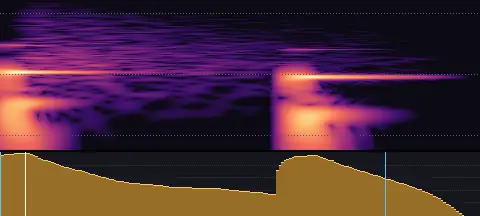
mechanical-shutter-heavy.wav
- Length
- 0.18 s
- Sync
- 0.01 s
- Level
- −22.5 LUFS
A camera's mirror and shutter: a fuller, slower ka-chunk.
Ratchet · Light
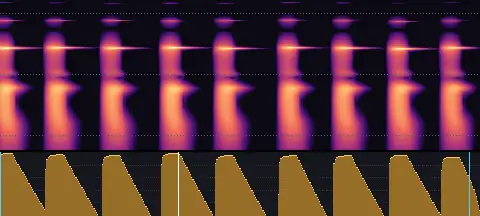
mechanical-ratchet-light.wav
- Length
- 0.40 s
- Sync
- 0.15 s
- Level
- −25.0 LUFS
A small dial or ratchet turning, quick clicks.
Ratchet · Heavy
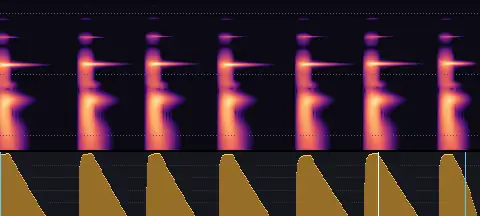
mechanical-ratchet-heavy.wav
- Length
- 0.53 s
- Sync
- 0.42 s
- Level
- −22.5 LUFS
A heavier ratchet, slower and deeper clicks.
Slider · Light
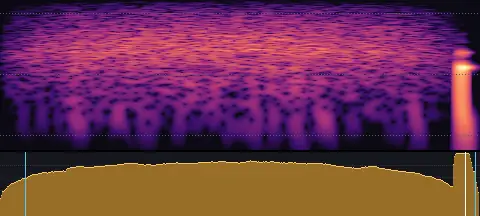
mechanical-slider-light.wav
- Length
- 0.44 s
- Sync
- 0.42 s
- Level
- −25.0 LUFS
A small slider gliding to its stop.
Slider · Heavy
mechanical-slider-heavy.wav
- Length
- 0.73 s
- Sync
- 0.61 s
- Level
- −22.5 LUFS
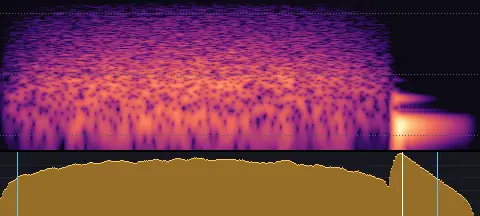
A wooden drawer sliding shut.
Foley
Paper, card, fabric, plastic, glass and wood being handled · 12 sounds
Paper · Touch
foley-paper-touch.wav
- Length
- 0.31 s
- Sync
- 0.02 s
- Level
- −24.0 LUFS
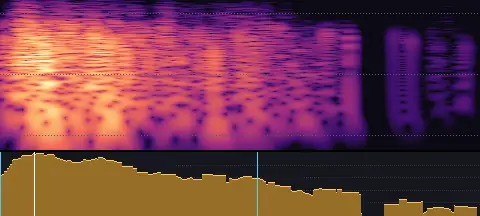
A sheet of paper handled: a quick crinkle and rustle.
Paper · Slide
foley-paper-slide.wav
- Length
- 0.49 s
- Sync
- 0.25 s
- Level
- −25.0 LUFS
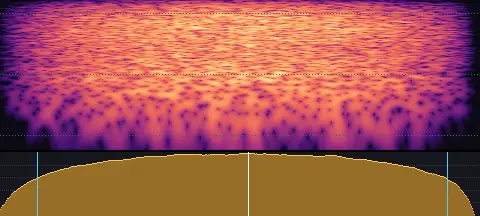
Paper sliding across a desk: a soft, dry hiss.
Card · Touch
foley-card-touch.wav
- Length
- 0.05 s
- Sync
- 0.01 s
- Level
- −24.0 LUFS
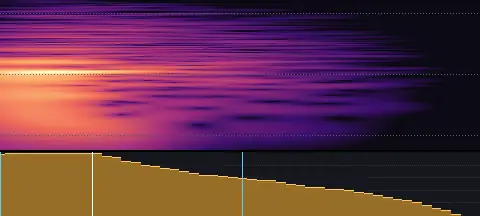
A stiff card set down: a short, crisp tack.
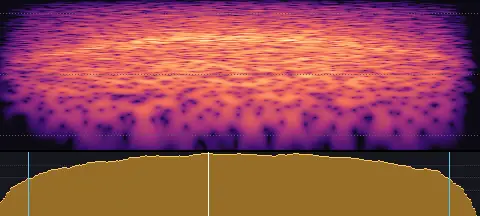
Card · Slide
foley-card-slide.wav
- Length
- 0.36 s
- Sync
- 0.16 s
- Level
- −25.0 LUFS
A card slid across a table: a smooth little zip.
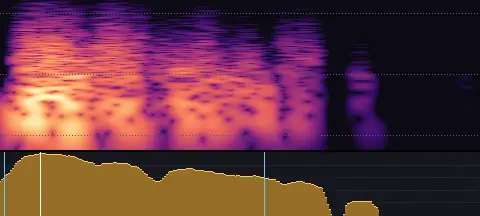
Fabric · Touch
foley-fabric-touch.wav
- Length
- 0.27 s
- Sync
- 0.02 s
- Level
- −24.0 LUFS
A soft pat and rustle of fabric.
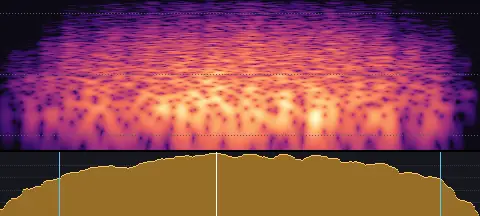
Fabric · Slide
foley-fabric-slide.wav
- Length
- 0.44 s
- Sync
- 0.20 s
- Level
- −25.0 LUFS
A cloth swish, soft and airy.
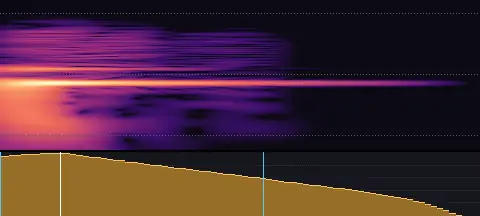
Plastic · Touch
foley-plastic-touch.wav
- Length
- 0.08 s
- Sync
- 0.01 s
- Level
- −24.0 LUFS
A hollow tap on plastic.
Plastic · Slide
foley-plastic-slide.wav
- Length
- 0.41 s
- Sync
- 0.20 s
- Level
- −25.0 LUFS
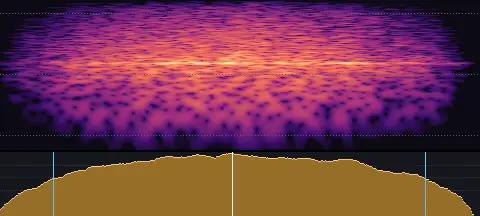
Plastic sliding: a bright, light scrape.
Glass · Touch
foley-glass-touch.wav
- Length
- 0.47 s
- Sync
- 0.01 s
- Level
- −24.0 LUFS
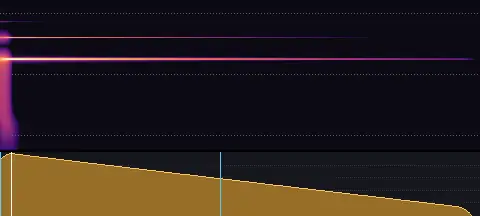
A glass clink that rings out.
Glass · Slide
foley-glass-slide.wav
- Length
- 0.65 s
- Sync
- 0.26 s
- Level
- −25.0 LUFS
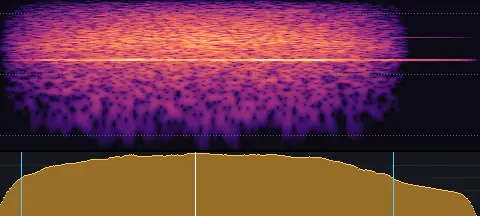
Glass gliding on a surface, faintly singing.
Wood · Touch
foley-wood-touch.wav
- Length
- 0.13 s
- Sync
- 0.01 s
- Level
- −24.0 LUFS
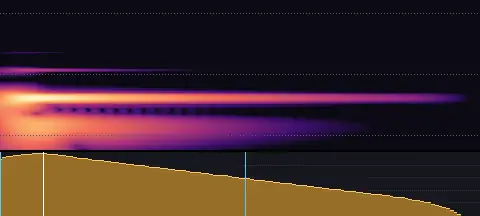
A knuckle knock on wood.
Wood · Slide
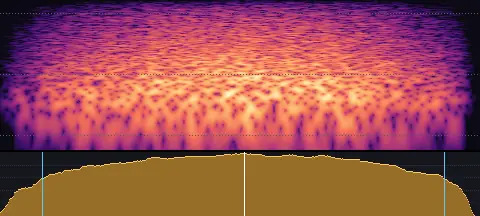
foley-wood-slide.wav
- Length
- 0.58 s
- Sync
- 0.30 s
- Level
- −25.0 LUFS
Wood sliding on wood: a grainy rub.
Everyday props
Pages, books, scissors, tape, boxes, zips, bells and water · 10 sounds
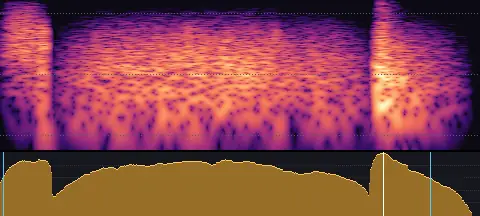
Page turn
props-page-turn.wav
- Length
- 0.54 s
- Sync
- 0.43 s
- Level
- −26.0 LUFS
A page turning: lifted at the corner, swung over and falling flat.
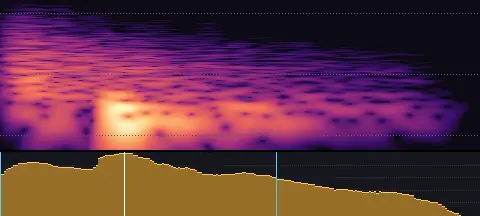
Book closing
props-book-close.wav
- Length
- 0.20 s
- Sync
- 0.05 s
- Level
- −24.0 LUFS
A book closing: a puff of air and a thud of its cover.
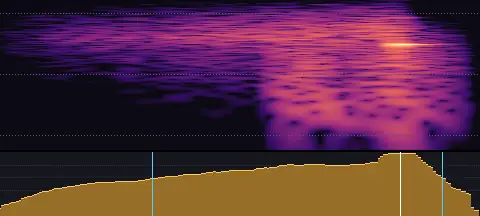
Scissors
props-scissors.wav
- Length
- 0.19 s
- Sync
- 0.16 s
- Level
- −25.0 LUFS
Scissors sliding and snipping through paper.
Tape
props-tape.wav
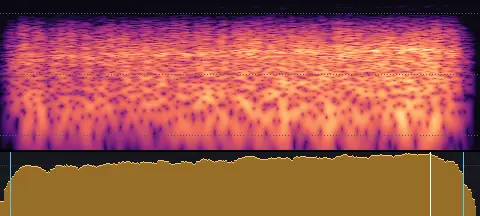
- Length
- 0.61 s
- Sync
- 0.54 s
- Level
- −24.0 LUFS
Sticky tape peeled off its roll in a quick, rising rip.
Box opening
props-box-open.wav
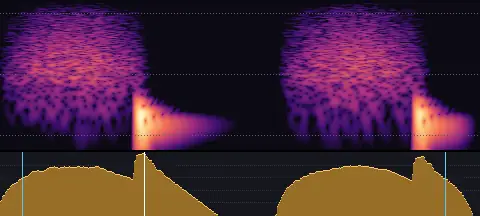
- Length
- 0.69 s
- Sync
- 0.21 s
- Level
- −25.0 LUFS
A cardboard box opening: two flaps scraping and thumping open.
Zip
props-zip.wav
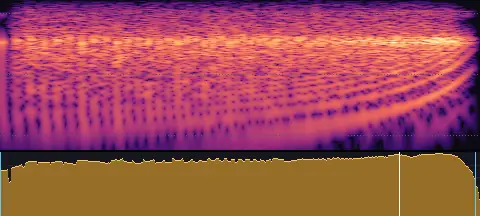
- Length
- 0.61 s
- Sync
- 0.51 s
- Level
- −25.0 LUFS
A zip pulled: its teeth clicking by, faster and faster.
Shop door bell
props-shop-bell.wav
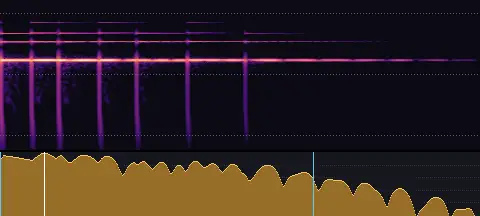
- Length
- 1.42 s
- Sync
- 0.13 s
- Level
- −23.0 LUFS
A shop door bell: a small brass bell jingling on its spring.
Doorbell
props-doorbell.wav
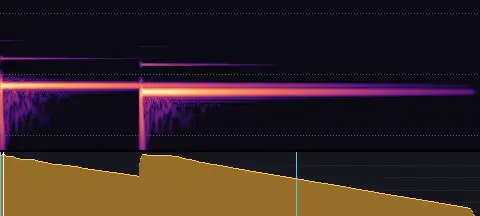
- Length
- 1.71 s
- Sync
- 0.01 s
- Level
- −22.0 LUFS
A doorbell: two chime bars, ding and dong.
Splash
props-splash.wav
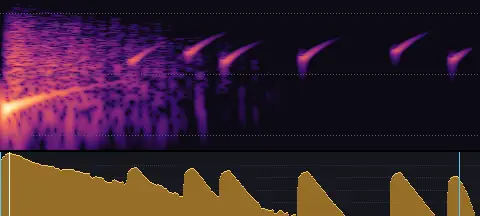
- Length
- 0.67 s
- Sync
- 0.01 s
- Level
- −23.0 LUFS
Something dropping into water: a plop, a splash and drops falling back.
Drips
props-drip.wav
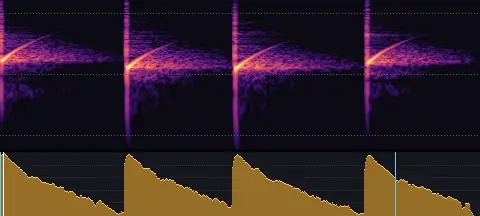
- Length
- 1.42 s
- Sync
- 0.01 s
- Level
- −26.0 LUFS
Water dripping into a basin: plink, plink.
Notifications
Success and failure, errors, alerts, messages and attention · 28 sounds
Success · Soft
notification-success-soft.wav
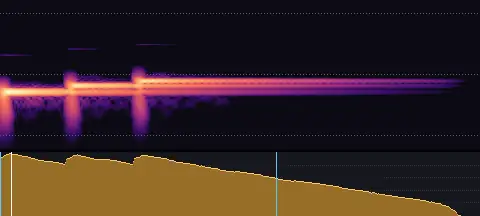
- Length
- 0.53 s
- Sync
- 0.01 s
- Level
- −24.0 LUFS
A warm, rising three-note marimba arpeggio: done.
Success · Clear
notification-success-clear.wav
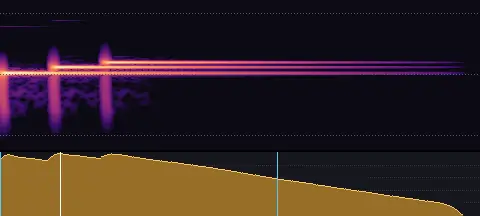
- Length
- 0.61 s
- Sync
- 0.08 s
- Level
- −21.0 LUFS
A bright, rising three-note chime: success.
Error · Soft
notification-error-soft.wav
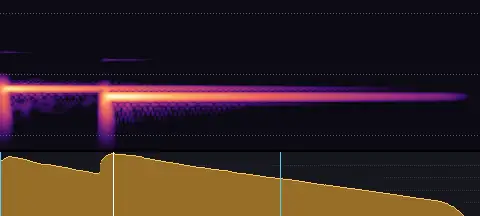
- Length
- 0.57 s
- Sync
- 0.13 s
- Level
- −24.0 LUFS
A soft, falling two-note marimba: something's not right, gently.
Error · Clear
notification-error-clear.wav
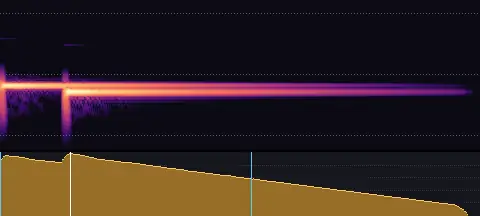
- Length
- 0.91 s
- Sync
- 0.13 s
- Level
- −21.0 LUFS
A clear, falling two-note chime: an error, without alarm.
Alert · Soft
notification-alert-soft.wav
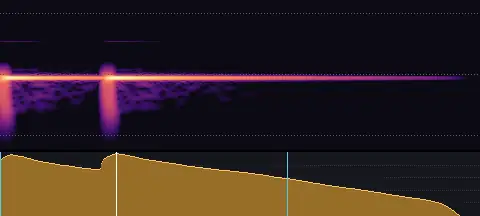
- Length
- 0.46 s
- Sync
- 0.11 s
- Level
- −24.0 LUFS
A warm double note: something needs a look.
Alert · Clear
notification-alert-clear.wav
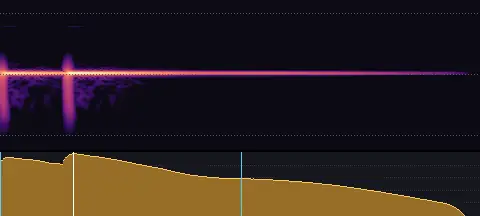
- Length
- 0.66 s
- Sync
- 0.10 s
- Level
- −21.0 LUFS
A bright double ding: an alert.
Message in · Soft
notification-message-in-soft.wav
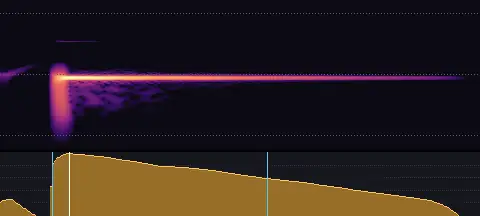
- Length
- 0.42 s
- Sync
- 0.06 s
- Level
- −24.0 LUFS
A little bubble and a warm note: a new message.
Message in · Clear
notification-message-in-clear.wav
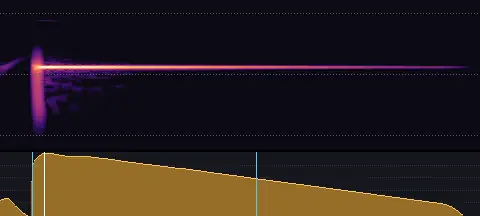
- Length
- 0.61 s
- Sync
- 0.06 s
- Level
- −21.0 LUFS
A bubble and a bright ping: a message arrives.
Message out · Soft
notification-message-out-soft.wav
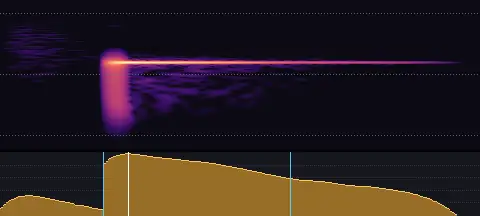
- Length
- 0.28 s
- Sync
- 0.07 s
- Level
- −24.0 LUFS
A soft puff of air with a small note: sent.
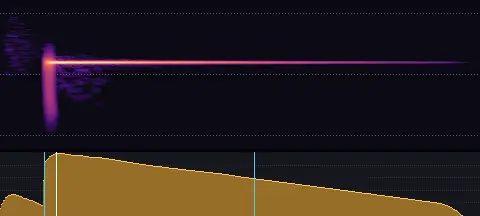
Message out · Clear
notification-message-out-clear.wav
- Length
- 0.57 s
- Sync
- 0.07 s
- Level
- −21.0 LUFS
A quick airy send with a bright little ping.
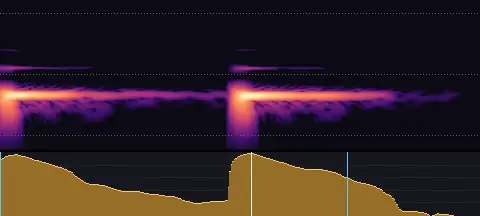
Attention · Soft
notification-attention-soft.wav
- Length
- 0.33 s
- Sync
- 0.17 s
- Level
- −24.0 LUFS
A knock-knock on wood.
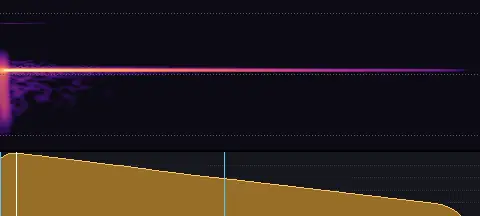
Attention · Clear
notification-attention-clear.wav
- Length
- 0.55 s
- Sync
- 0.02 s
- Level
- −21.0 LUFS
A single ringing chime.
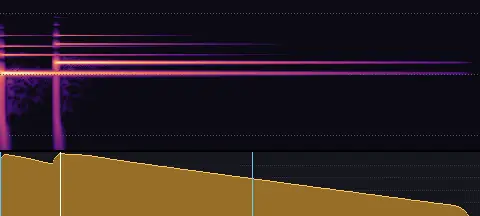
Success · Chime
notification-success-chime.wav
- Length
- 0.96 s
- Sync
- 0.12 s
- Level
- −22.5 LUFS
Two bells rising a fifth: a clear, bright success.
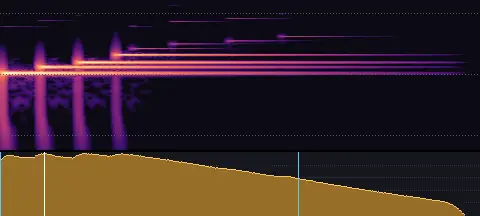
Success · Sparkle
notification-success-sparkle.wav
- Length
- 0.63 s
- Sync
- 0.06 s
- Level
- −22.5 LUFS
A quick kalimba arpeggio up an octave, with a few glints: delight.
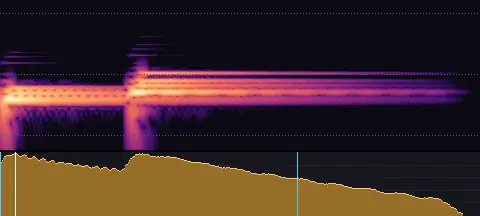
Success · Fanfare
notification-success-fanfare.wav
- Length
- 0.52 s
- Sync
- 0.02 s
- Level
- −22.5 LUFS
A little marimba ta-da: two quick chords, resolving.
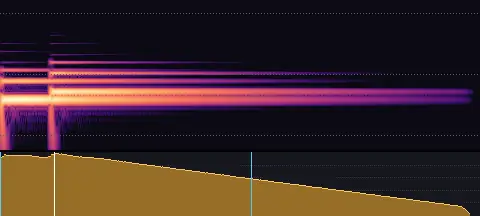
Success · Pluck
notification-success-pluck.wav
- Length
- 1.16 s
- Sync
- 0.13 s
- Level
- −22.5 LUFS
A plucked string rising a fourth: a warm, simple yes.
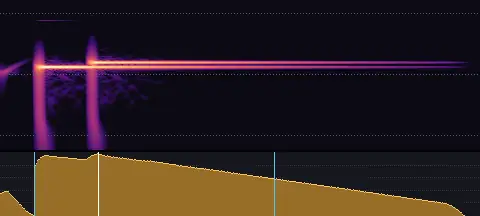
Success · Bubble
notification-success-bubble.wav
- Length
- 0.64 s
- Sync
- 0.13 s
- Level
- −22.5 LUFS
A bubble and two bright notes: a playful success.
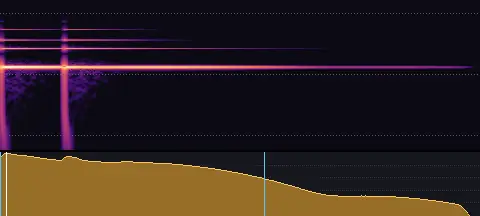
Success · Ding-ding
notification-success-ding-ding.wav
- Length
- 0.99 s
- Sync
- 0.01 s
- Level
- −22.5 LUFS
Two quick bell dings: correct!
Success · Flourish
notification-success-flourish.wav
- Length
- 0.54 s
- Sync
- 0.15 s
- Level
- −22.5 LUFS
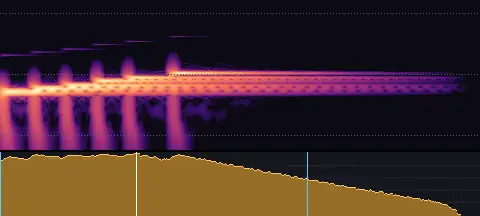
A fast marimba run up to a high, ringing note: achieved.
Success · Warm
notification-success-warm.wav
- Length
- 0.68 s
- Sync
- 0.05 s
- Level
- −22.5 LUFS
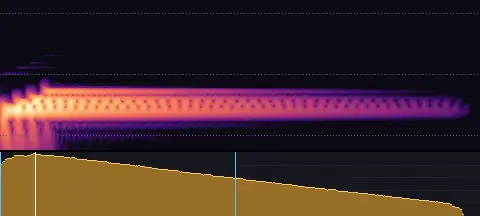
A soft, rolled marimba chord: quietly done.
Failure · Pluck
notification-failure-pluck.wav
- Length
- 0.32 s
- Sync
- 0.13 s
- Level
- −23.5 LUFS
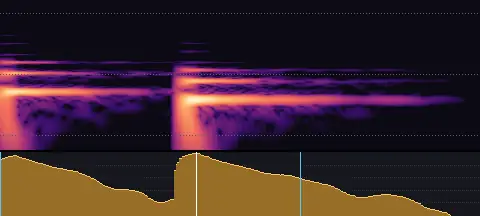
A muted pluck falling a fourth: a dud.
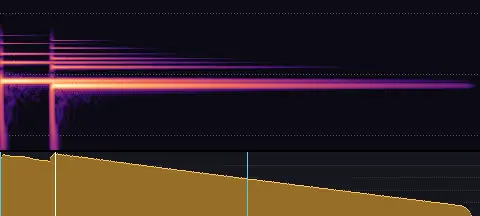
Failure · Fall
notification-failure-fall.wav
- Length
- 1.32 s
- Sync
- 0.15 s
- Level
- −23.5 LUFS
Two bells falling a minor third: not quite.
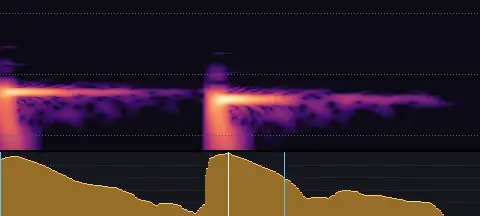
Failure · Knock
notification-failure-knock.wav
- Length
- 0.32 s
- Sync
- 0.15 s
- Level
- −23.5 LUFS
Two wooden knocks, the second lower: nope.
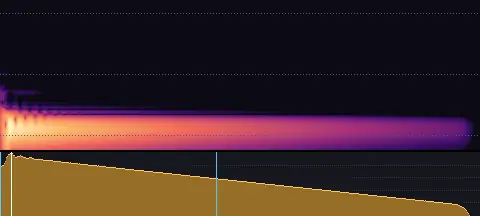
Failure · Thud
notification-failure-thud.wav
- Length
- 0.98 s
- Sync
- 0.02 s
- Level
- −23.5 LUFS
A dull, low bonk: that didn't work.
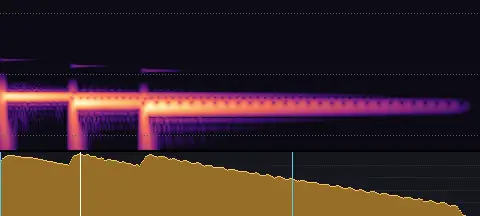
Failure · Minor
notification-failure-minor.wav
- Length
- 0.75 s
- Sync
- 0.13 s
- Level
- −23.5 LUFS
A soft marimba chord falling in a minor key: a gentle letdown.
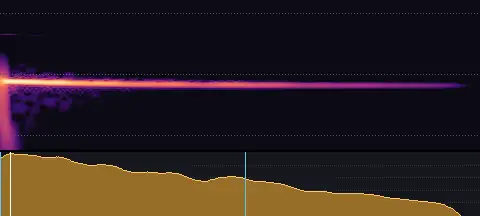
Failure · Wobble
notification-failure-wobble.wav
- Length
- 0.54 s
- Sync
- 0.01 s
- Level
- −23.5 LUFS
A kalimba note bending down as it rings: womp.
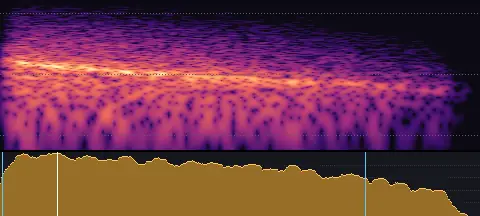
Failure · Deflate
notification-failure-deflate.wav
- Length
- 0.54 s
- Sync
- 0.06 s
- Level
- −23.5 LUFS
Air whistling down, like a balloon letting go: a playful fail.
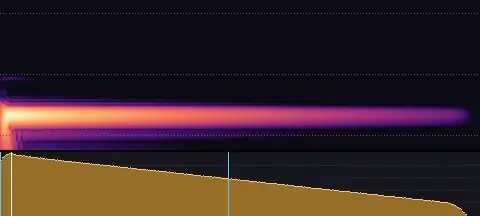
Failure · Low
notification-failure-low.wav
- Length
- 0.70 s
- Sync
- 0.02 s
- Level
- −23.5 LUFS
A single low, soft note: a quiet no.
Tones
Single notes: a ding for highlights, and steps that rise as text or list items appear · 8 sounds
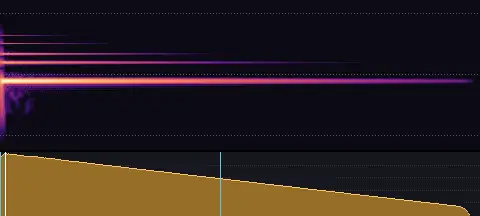
Ding · Low
tone-ding-low.wav
- Length
- 1.14 s
- Sync
- 0.01 s
- Level
- −23.0 LUFS
A small bell's clear ding (G, low).
Ding · Middle
tone-ding-mid.wav
- Length
- 1.06 s
- Sync
- 0.01 s
- Level
- −23.0 LUFS
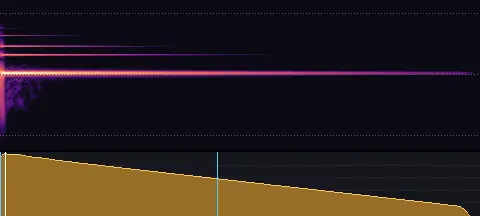
A small bell's clear ding (C, middle).
Ding · High
tone-ding-high.wav
- Length
- 0.81 s
- Sync
- 0.01 s
- Level
- −23.0 LUFS
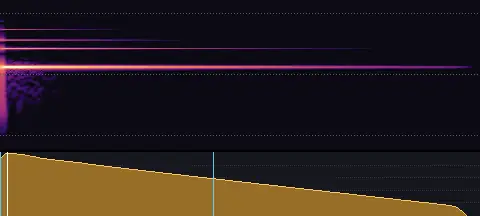
A small bell's clear ding (E, high).
Step · 1
tone-step-1.wav
- Length
- 0.51 s
- Sync
- 0.01 s
- Level
- −26.0 LUFS
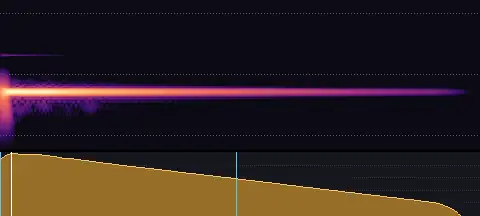
Step 1 of 5: a soft marimba note (C), each one higher.
Step · 2
tone-step-2.wav
- Length
- 0.45 s
- Sync
- 0.01 s
- Level
- −26.0 LUFS
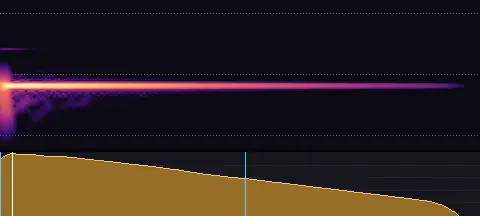
Step 2 of 5: a soft marimba note (E), each one higher.
Step · 3
tone-step-3.wav
- Length
- 0.40 s
- Sync
- 0.01 s
- Level
- −26.0 LUFS
Step 3 of 5: a soft marimba note (G), each one higher.
Step · 4
tone-step-4.wav
- Length
- 0.37 s
- Sync
- 0.01 s
- Level
- −26.0 LUFS
Step 4 of 5: a soft marimba note (A), each one higher.
Step · 5
tone-step-5.wav
- Length
- 0.35 s
- Sync
- 0.01 s
- Level
- −26.0 LUFS
Step 5 of 5: a soft marimba note (C), each one higher.
Shimmers
Highlights, sparkles and positive reveals · 9 sounds
Short · Soft
shimmer-short-soft.wav
- Length
- 0.48 s
- Sync
- 0.01 s
- Level
- −25.0 LUFS
A short shimmer: a few soft, glassy glints that ring out gently.
Short · Bright
shimmer-short-bright.wav
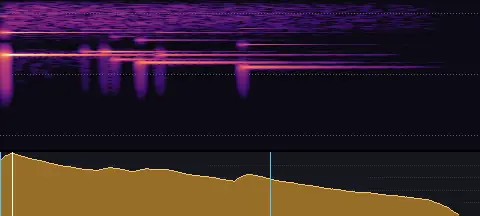
- Length
- 0.51 s
- Sync
- 0.01 s
- Level
- −23.5 LUFS
A short shimmer: a bright cloud of glassy glints.
Short · Sparkle
shimmer-short-sparkle.wav
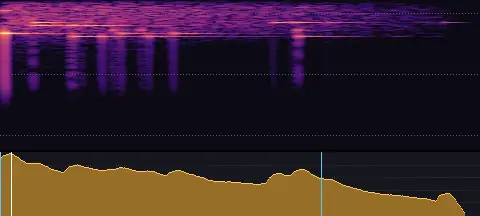
- Length
- 0.53 s
- Sync
- 0.01 s
- Level
- −22.5 LUFS
A short shimmer: a dense, tinkling sparkle, high and light.
Medium · Soft
shimmer-medium-soft.wav
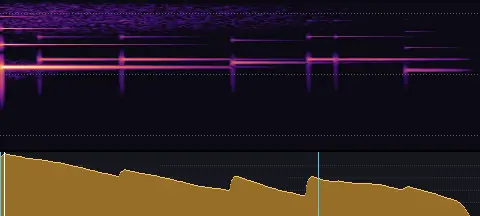
- Length
- 1.13 s
- Sync
- 0.01 s
- Level
- −25.0 LUFS
A shimmer: a few soft, glassy glints that ring out gently.
Medium · Bright
shimmer-medium-bright.wav
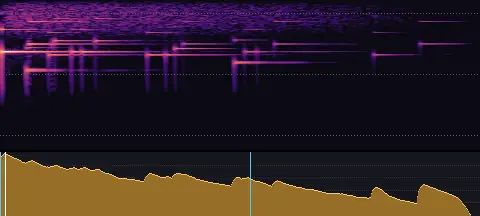
- Length
- 1.11 s
- Sync
- 0.01 s
- Level
- −23.5 LUFS
A shimmer: a bright cloud of glassy glints.
Medium · Sparkle
shimmer-medium-sparkle.wav
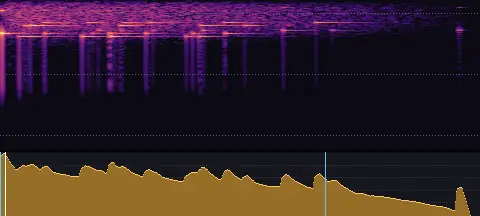
- Length
- 1.10 s
- Sync
- 0.01 s
- Level
- −22.5 LUFS
A shimmer: a dense, tinkling sparkle, high and light.
Long · Soft
shimmer-long-soft.wav
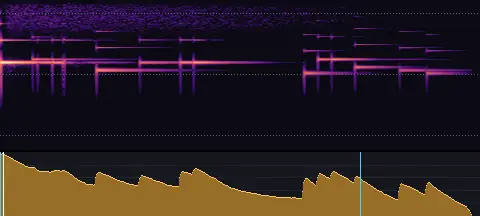
- Length
- 1.92 s
- Sync
- 0.01 s
- Level
- −25.0 LUFS
A long shimmer: a few soft, glassy glints that ring out gently.
Long · Bright
shimmer-long-bright.wav
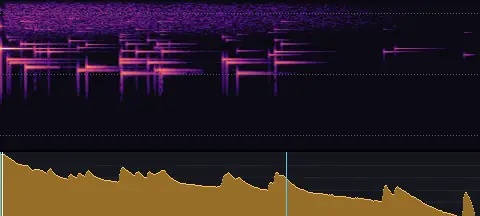
- Length
- 2.07 s
- Sync
- 0.01 s
- Level
- −23.5 LUFS
A long shimmer: a bright cloud of glassy glints.
Long · Sparkle
shimmer-long-sparkle.wav
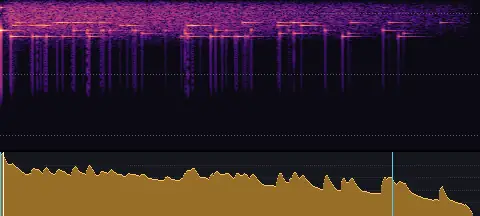
- Length
- 1.85 s
- Sync
- 0.01 s
- Level
- −22.5 LUFS
A long shimmer: a dense, tinkling sparkle, high and light.
Logo stings
Short signatures for logo reveals, end cards and title moments · 14 sounds
Warm · Short
sting-warm-short.wav
- Length
- 1.67 s
- Sync
- 0.11 s
- Level
- −23.0 LUFS
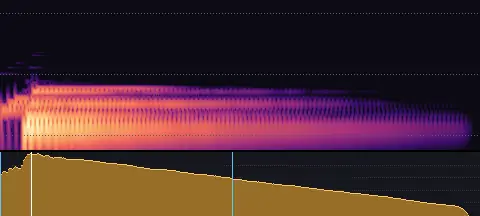
A warm marimba sting: a quick roll up into a rich, rounded chord.
Warm · Long
sting-warm-long.wav
- Length
- 2.48 s
- Sync
- 0.78 s
- Level
- −23.0 LUFS
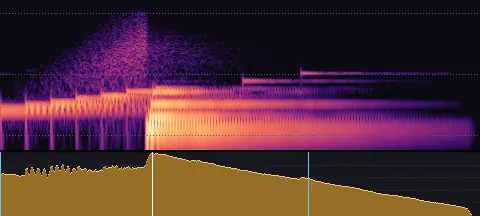
A warm marimba sting: a gentle run up into a rich chord that rings and settles.
Bright · Short
sting-bright-short.wav
- Length
- 1.53 s
- Sync
- 0.14 s
- Level
- −22.0 LUFS
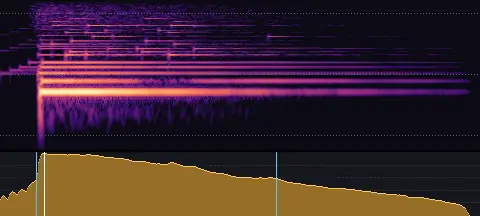
A bright sting: glass glints into a bell chord, with a shimmer trailing off.
Bright · Long
sting-bright-long.wav
- Length
- 3.21 s
- Sync
- 0.92 s
- Level
- −22.0 LUFS
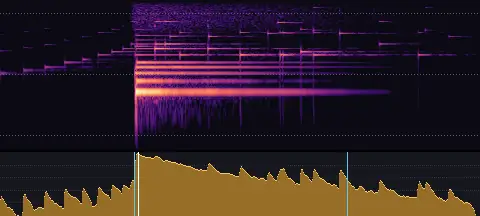
A bright sting: glints climbing into a bell chord and a long, glittering shimmer.
Bold · Short
sting-bold-short.wav
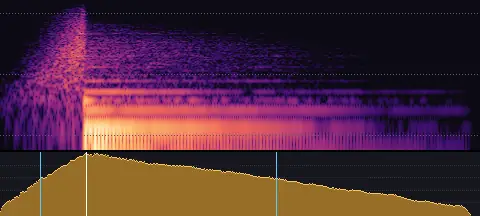
- Length
- 1.71 s
- Sync
- 0.30 s
- Level
- −20.5 LUFS
A bold sting: a quick pull of air into a deep drum, a knock and a struck chord.
Bold · Long
sting-bold-long.wav
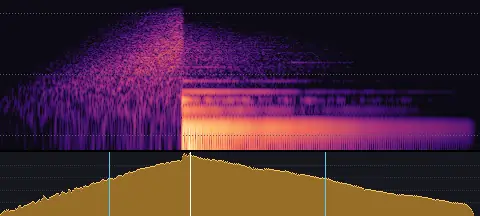
- Length
- 2.63 s
- Sync
- 1.04 s
- Level
- −20.5 LUFS
A bold sting: air building into a deep drum hit and a struck chord in a big hall.
Minimal · Short
sting-minimal-short.wav
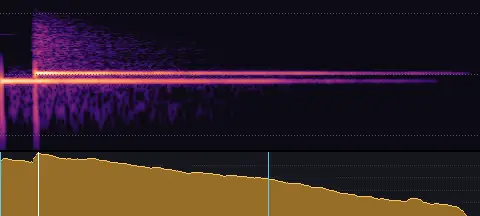
- Length
- 1.26 s
- Sync
- 0.10 s
- Level
- −24.0 LUFS
A minimal sting: two kalimba notes, rising.
Minimal · Long
sting-minimal-long.wav
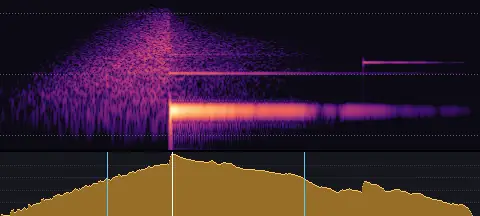
- Length
- 2.22 s
- Sync
- 0.80 s
- Level
- −24.0 LUFS
A minimal sting: a breath of air into a single bell over a soft low note.
Playful · Short
sting-playful-short.wav
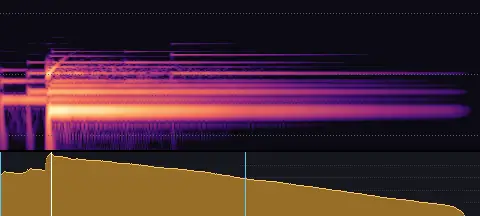
- Length
- 1.24 s
- Sync
- 0.13 s
- Level
- −22.5 LUFS
A playful sting: two plucks bounce into a bright pluck chord with a wood block and a bubble.
Playful · Long
sting-playful-long.wav
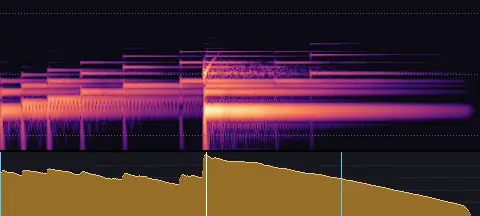
- Length
- 2.03 s
- Sync
- 0.87 s
- Level
- −22.5 LUFS
A playful sting: plucked strings bouncing in like a ball, landing on a bright chord with a pop.
Tech · Short
sting-tech-short.wav
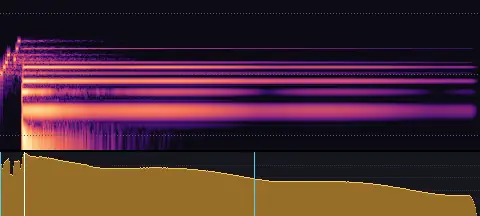
- Length
- 3.14 s
- Sync
- 0.15 s
- Level
- −22.0 LUFS
A tech sting: a few data pips and a flick of glitch into a clean digital chord.
Tech · Long
sting-tech-long.wav
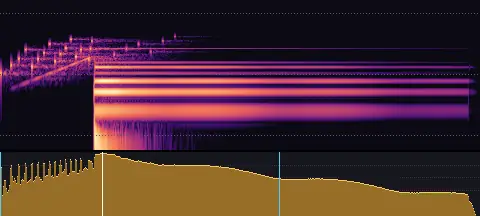
- Length
- 4.36 s
- Sync
- 0.93 s
- Level
- −22.0 LUFS
A tech sting: a scan sweeping up through data pips into a clean digital chord and a sparkle.
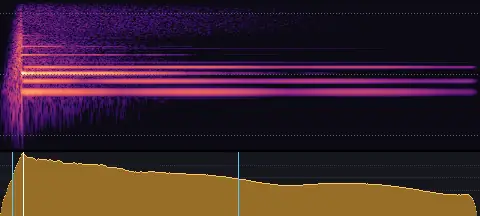
Airy · Short
sting-airy-short.wav
- Length
- 3.14 s
- Sync
- 0.15 s
- Level
- −24.0 LUFS
An airy sting: a breath into a soft bell over hanging glass tones.
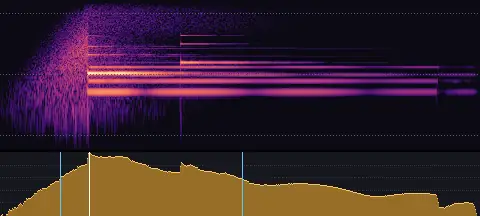
Airy · Long
sting-airy-long.wav
- Length
- 4.65 s
- Sync
- 0.86 s
- Level
- −24.0 LUFS
An airy sting: air swelling slowly into a soft bell and glass tones that hang in a big room.
Celebration
Applause, party poppers, confetti and fireworks · 5 sounds
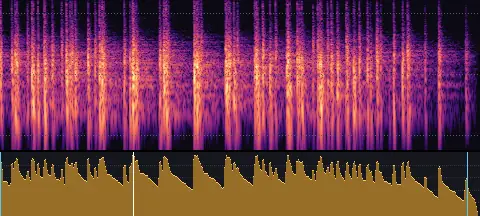
Applause, a few people
celebration-applause-small.wav
- Length
- 2.94 s
- Sync
- 0.82 s
- Level
- −24.0 LUFS
A few people applauding warmly.
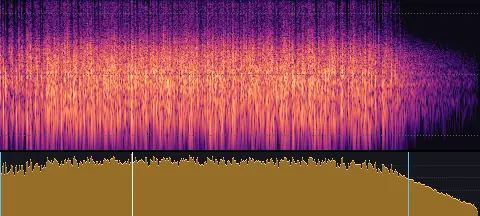
Applause, a crowd
celebration-applause-big.wav
- Length
- 4.58 s
- Sync
- 1.26 s
- Level
- −22.0 LUFS
A crowd applauding in a hall.
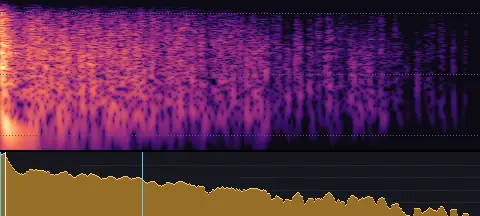
Party popper
celebration-popper.wav
- Length
- 0.95 s
- Sync
- 0.01 s
- Level
- −21.0 LUFS
A party popper: a sharp pop and streamers rustling out.
Confetti
celebration-confetti.wav
- Length
- 2.05 s
- Sync
- 0.17 s
- Level
- −27.0 LUFS
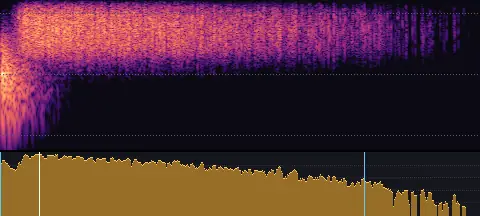
A burst of confetti: a soft puff, then tiny paper flakes falling.
Fireworks
celebration-fireworks.wav
- Length
- 3.33 s
- Sync
- 0.99 s
- Level
- −20.0 LUFS
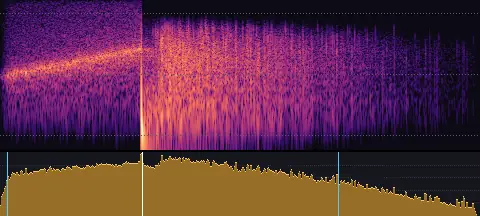
A firework: a rocket whistling up, a boom and a crackling shower.
Time
Clocks ticking, alarms, timers, stopwatches and countdowns · 6 sounds
Clock ticking
time-clock.wav
- Length
- 3.04 s
- Sync
- 0.01 s
- Level
- −27.0 LUFS
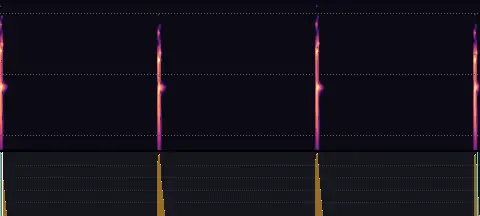
A clock ticking: tick, tock, once a second.
Fast ticking
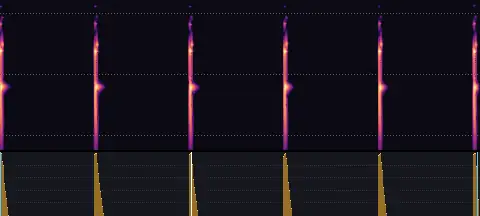
time-clock-fast.wav
- Length
- 2.53 s
- Sync
- 1.01 s
- Level
- −25.0 LUFS
Fast, urgent ticking: twice a second.
Alarm clock
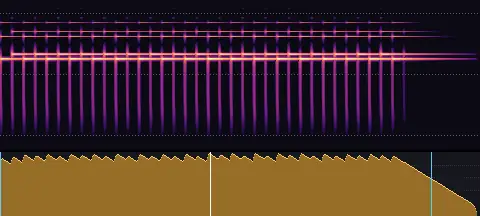
time-alarm.wav
- Length
- 2.31 s
- Sync
- 1.01 s
- Level
- −21.0 LUFS
An alarm clock ringing: a hammer rattling between two bells.
Timer done
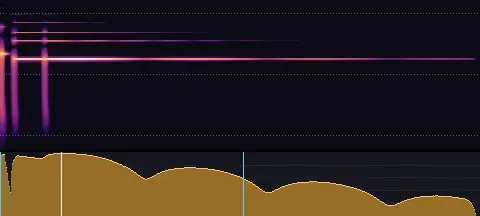
time-timer.wav
- Length
- 1.10 s
- Sync
- 0.14 s
- Level
- −22.0 LUFS
A timer finishing: a click and a bright ting-ting.
Stopwatch
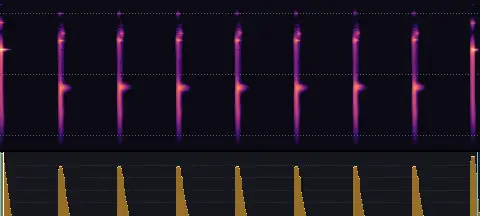
time-stopwatch.wav
- Length
- 1.63 s
- Sync
- 0.01 s
- Level
- −26.0 LUFS
A stopwatch: a click to start, fine ticking, a click to stop.
3-2-1 countdown
time-countdown.wav
- Length
- 3.60 s
- Sync
- 3.01 s
- Level
- −22.0 LUFS
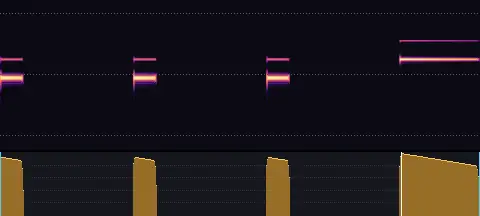
A countdown: three beeps a second apart, then a higher beep on go.
Money
Coins, a till, paying by card and counting notes · 7 sounds
Coin drop
money-coin-drop.wav
- Length
- 0.68 s
- Sync
- 0.01 s
- Level
- −24.0 LUFS
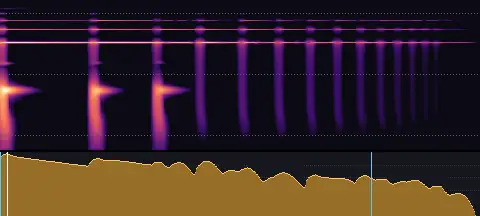
A coin dropped on a table: it rings, bounces and rattles flat.
Coins pour
money-coins-pour.wav
- Length
- 1.13 s
- Sync
- 0.44 s
- Level
- −23.0 LUFS
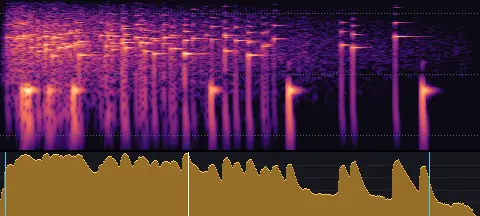
A handful of coins poured onto a pile: a dense, short clatter.
Coin spin
money-coin-spin.wav
- Length
- 2.06 s
- Sync
- 1.67 s
- Level
- −25.0 LUFS
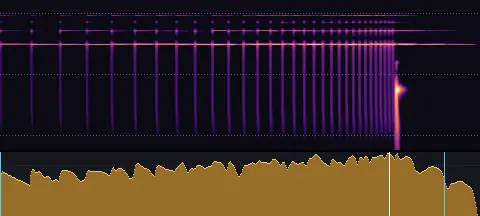
A coin spinning on a table, rattling faster until it lies still.
Coins stacking
money-coin-stack.wav
- Length
- 0.86 s
- Sync
- 0.01 s
- Level
- −25.0 LUFS
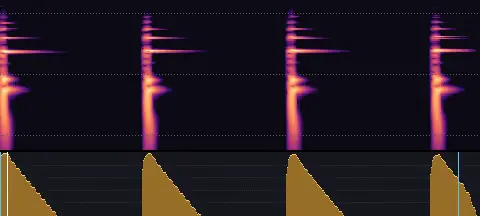
Coins set down on a stack, one by one: short, dry chinks.
Cash register
money-register.wav
- Length
- 0.91 s
- Sync
- 0.01 s
- Level
- −22.0 LUFS
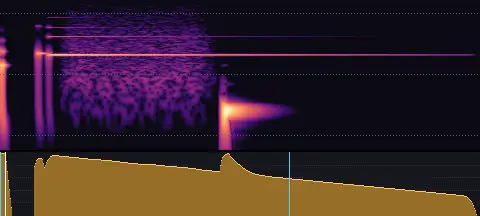
A cash register: a key, the bell's ching and the drawer sliding open.
Card tap
money-card-tap.wav
- Length
- 0.27 s
- Sync
- 0.01 s
- Level
- −24.0 LUFS
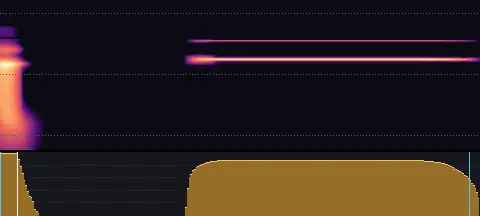
A contactless card tapped on a reader, and its beep.
Counting notes
money-notes.wav
- Length
- 0.81 s
- Sync
- 0.20 s
- Level
- −25.0 LUFS
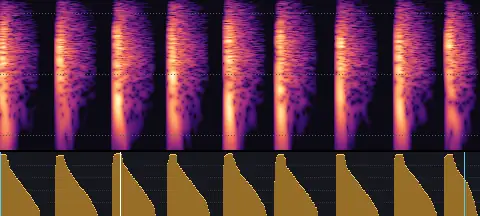
Banknotes being counted, flicked through one by one.
Digital
Scanning, processing, glitches, static and data security · 20 sounds
Scan · Subtle
digital-scan-subtle.wav
- Length
- 0.84 s
- Sync
- 0.57 s
- Level
- −26.0 LUFS
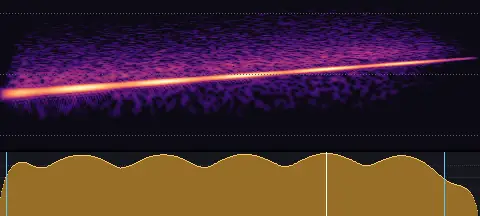
A soft scan: a gentle tone gliding up with slow pulses.
Scan · Clear
digital-scan-clear.wav
- Length
- 0.84 s
- Sync
- 0.60 s
- Level
- −22.0 LUFS
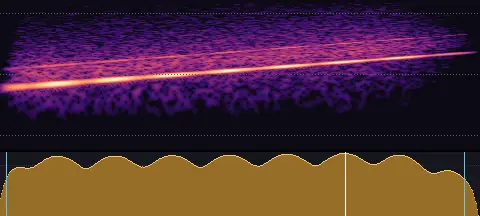
A clean scan: a defined tone gliding up, pulsing.
Process · Subtle
digital-process-subtle.wav
- Length
- 1.12 s
- Sync
- 0.21 s
- Level
- −26.0 LUFS
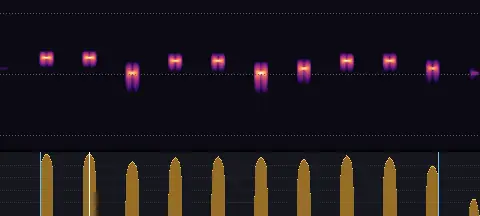
Quiet processing: a soft run of tiny pips.
Process · Clear
digital-process-clear.wav
- Length
- 1.10 s
- Sync
- 0.63 s
- Level
- −22.0 LUFS
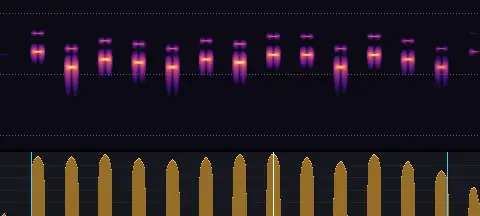
Busy processing: a bright, steady run of pips.
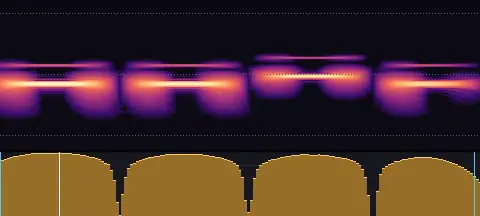
Glitch · Subtle
digital-glitch-subtle.wav
- Length
- 0.16 s
- Sync
- 0.02 s
- Level
- −26.0 LUFS
A gentle, clean stutter.
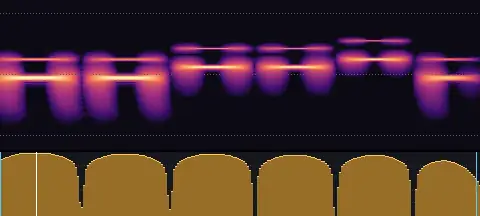
Glitch · Clear
digital-glitch-clear.wav
- Length
- 0.24 s
- Sync
- 0.02 s
- Level
- −22.0 LUFS
A crisp little glitch, stepping in pitch.
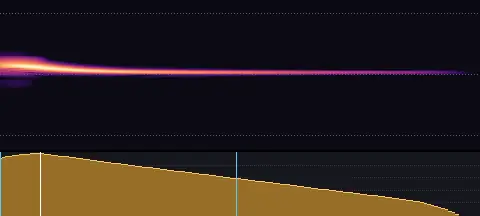
Blip · Subtle
digital-blip-subtle.wav
- Length
- 0.14 s
- Sync
- 0.01 s
- Level
- −26.0 LUFS
A soft, low digital blip.
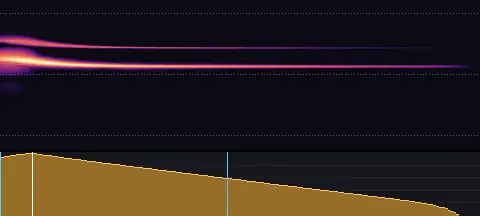
Blip · Clear
digital-blip-clear.wav
- Length
- 0.16 s
- Sync
- 0.01 s
- Level
- −22.0 LUFS
A clean, bright blip.
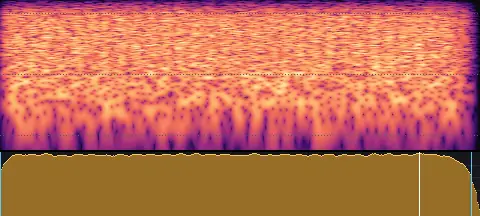
TV static
digital-static.wav
- Length
- 0.65 s
- Sync
- 0.56 s
- Level
- −24.0 LUFS
A burst of TV static: bright snow with a faint buzz in it.
Radio tuning
digital-radio.wav
- Length
- 1.63 s
- Sync
- 0.32 s
- Level
- −24.0 LUFS
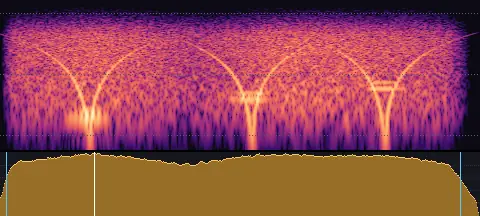
A radio being tuned: static, whistles sweeping past, snatches of stations.
Interference
digital-interference.wav
- Length
- 0.87 s
- Sync
- 0.48 s
- Level
- −24.0 LUFS
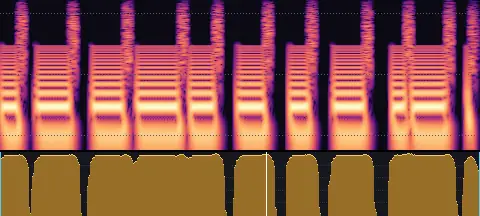
Electrical interference: a buzz stuttering on and off with crackle.
Signal drop
digital-signal-drop.wav
- Length
- 0.79 s
- Sync
- 0.51 s
- Level
- −24.0 LUFS
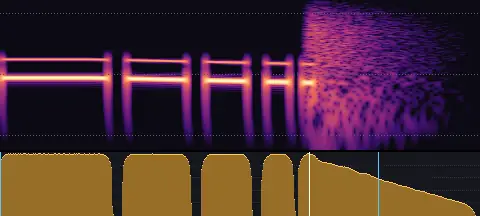
A signal failing: a tone stuttering, sagging and cutting out.
Data corrupt
digital-corrupt.wav
- Length
- 0.65 s
- Sync
- 0.32 s
- Level
- −24.0 LUFS
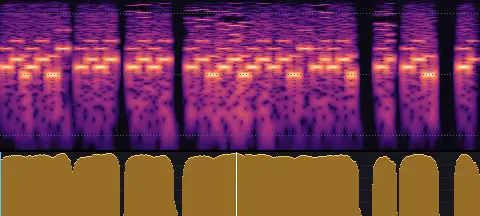
Data corrupting: a slice of data stuttering, crushed and smeared.
Scramble
digital-scramble.wav
- Length
- 0.95 s
- Sync
- 0.11 s
- Level
- −24.0 LUFS
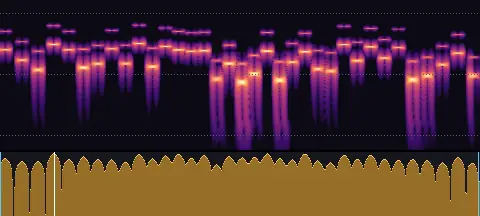
Scrambling: rapid random pips, like text decoding.
Hacker chatter
digital-hacker.wav
- Length
- 1.57 s
- Sync
- 1.02 s
- Level
- −24.0 LUFS
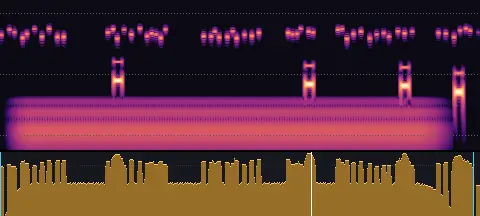
Hacker chatter: a terminal pouring out data in tiny ticks and blips.
Access denied
digital-denied.wav
- Length
- 0.35 s
- Sync
- 0.02 s
- Level
- −22.0 LUFS
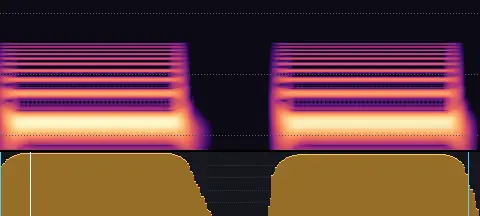
Access denied: two short, low buzzes.
Security breach
digital-breach.wav
- Length
- 0.92 s
- Sync
- 0.01 s
- Level
- −22.0 LUFS
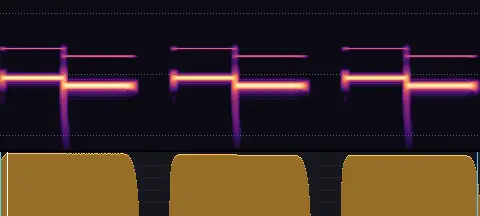
A security breach: an urgent two-tone alarm, three times.
Decrypt
digital-decrypt.wav
- Length
- 1.26 s
- Sync
- 0.77 s
- Level
- −24.0 LUFS
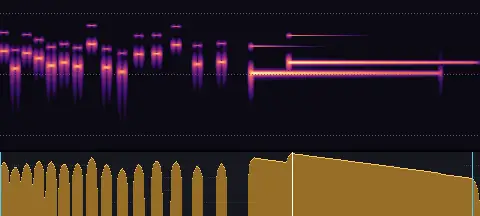
Decrypted: a scramble slowing and resolving into a clean, rising chime.
Power up
digital-power-up.wav
- Length
- 1.13 s
- Sync
- 0.01 s
- Level
- −23.0 LUFS
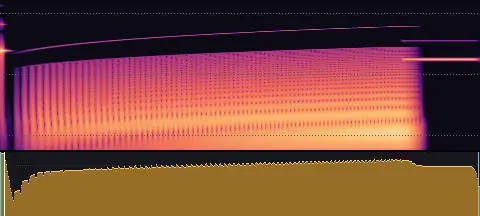
A device powering up: a click, its hum rising, a ping when it's ready.
Power down
digital-power-down.wav
- Length
- 0.88 s
- Sync
- 0.01 s
- Level
- −23.0 LUFS
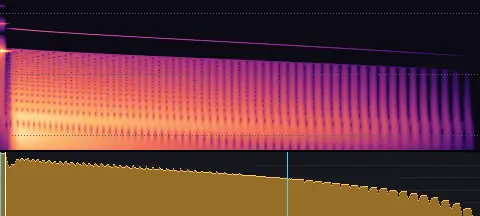
A device powering down: a click, then its hum sinking away.
Data
Count-ups, progress, bars, charts and numbers landing · 12 sounds
Count tick
data-tick.wav
- Length
- 0.02 s
- Sync
- 0.01 s
- Level
- −28.0 LUFS
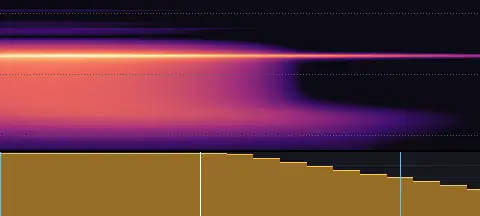
A single soft, woody tick: one step of a number changing.
Count-up · Short
data-countup-short.wav
- Length
- 0.62 s
- Sync
- 0.31 s
- Level
- −25.0 LUFS
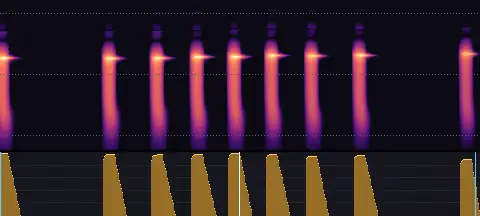
A short count-up: ticks that speed up and settle, about 0.6 seconds.
Count-up · Medium
data-countup-medium.wav
- Length
- 1.22 s
- Sync
- 0.50 s
- Level
- −25.0 LUFS
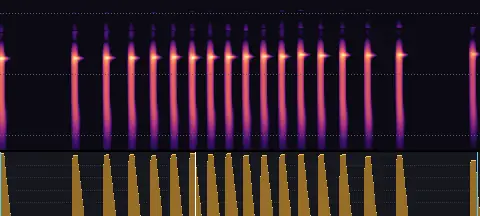
A count-up of about 1.2 seconds: ticks that speed up and settle.
Count-up · Long
data-countup-long.wav
- Length
- 2.22 s
- Sync
- 0.64 s
- Level
- −25.0 LUFS
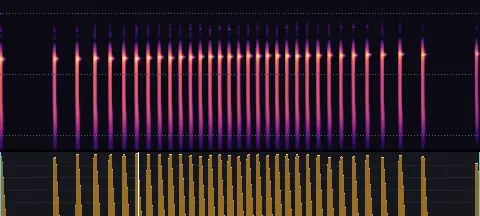
A long count-up of about 2.2 seconds.
Count-down · Short
data-decrease-short.wav
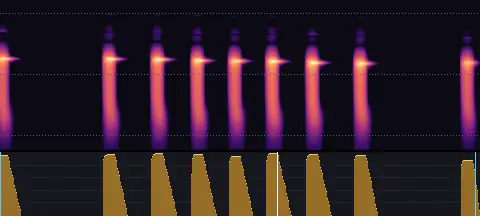
- Length
- 0.62 s
- Sync
- 0.36 s
- Level
- −25.0 LUFS
A short count-down: ticks that speed up and settle, falling a little, about 0.6 seconds.
Count-down · Medium
data-decrease-medium.wav
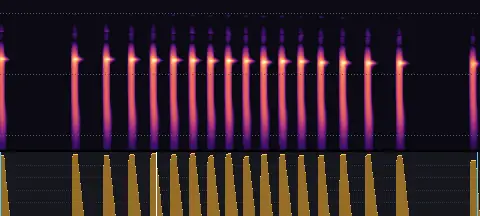
- Length
- 1.22 s
- Sync
- 0.40 s
- Level
- −25.0 LUFS
A count-down of about 1.2 seconds: a value easing down.
Count-down · Long
data-decrease-long.wav
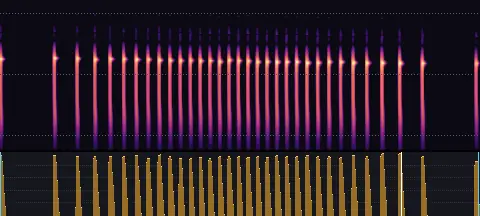
- Length
- 2.22 s
- Sync
- 1.86 s
- Level
- −25.0 LUFS
A long count-down of about 2.2 seconds.
Progress fill · Short
data-progress-short.wav
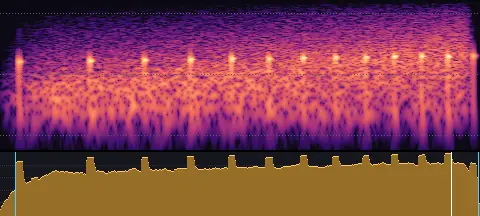
- Length
- 0.99 s
- Sync
- 0.93 s
- Level
- −25.0 LUFS
A one-second progress fill: rising air with soft ticks filling in.
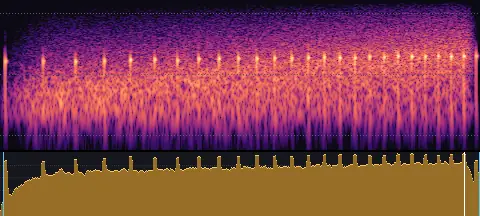
Progress fill · Long
data-progress-long.wav
- Length
- 1.98 s
- Sync
- 1.91 s
- Level
- −25.0 LUFS
A two-second progress fill.
Bar grows
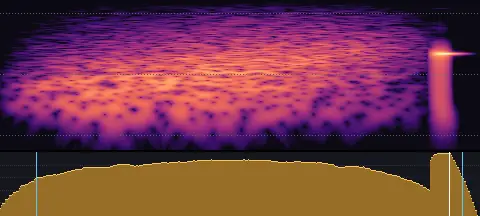
data-bar-grow.wav
- Length
- 0.35 s
- Sync
- 0.33 s
- Level
- −23.0 LUFS
A quick upward swish that lands on a tick: a bar growing to its value.
Chart reveal
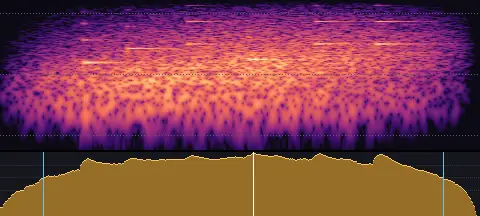
data-chart-reveal.wav
- Length
- 0.83 s
- Sync
- 0.44 s
- Level
- −23.0 LUFS
A soft swell with a few glints: a chart appearing.
Number lands
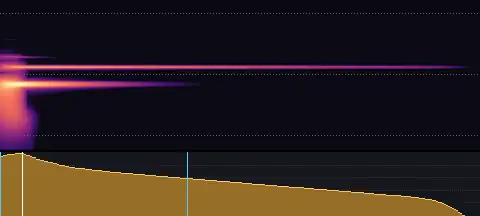
data-number-land.wav
- Length
- 0.23 s
- Sync
- 0.01 s
- Level
- −22.0 LUFS
A woody knock with a small, bright ping: a number landing.
Built into Wyzowl Video Studio
SFX Kit is the sound of Wyzowl Video Studio, our free plugin that makes videos with Claude. Every video made in the studio gets sound design built in: the right effects, on the beat, mixed under the voiceover.
Frequently asked questions
What people ask about SFX Kit.
Is SFX Kit really free?
Yes. It's released under CC0 1.0, which means no rights reserved: use the sounds for anything, commercial or not, change them and share them, with no need to ask or credit us. If you'd like to give credit, “SFX Kit by Wyzowl” is welcome.
How do I use it with my AI tool?
Give your AI tool the link to the kit and ask for sound effects. It reads the kit's guide, chooses sounds by what happens on screen and starts each one so its sync point meets the moment.
What's a sync point?
The moment in a sound that should line up with the action: the crack of a whoosh, the hit of an impact, the peak of a riser. Every sound in the kit records it, so a sound can be placed with one rule: start it at the moment minus its sync point.
What format are the sounds?
WAV, 48 kHz, 24-bit. Most are mono; the wide ones (whooshes, risers, booms, stings and others) are centred stereo, never panned.
How were the sounds made?
Every sound was created from scratch with code, modelled on how real things make sound: struck materials, air, friction, bubbles and tuned instruments. No recordings, samples or other sound libraries went into them. They were made with Claude, directed by Wyzowl, and every one was listened to and approved before release.
Can I use it without AI?
Yes. The sounds are ordinary WAV files in a folder for each category, so you can use them in any video editor, app or game.