Samantha Ferguson
Wondering how to make your Instagram Stories pop? In this guide, we’ll cover everything you need to know about Instagram Story dimensions, specs, and best practices for 2026. Read on to create perfect, engaging Stories!
A Clear 2026 Instagram Story Specs Snapshot
| Spec | 2026 Guideline |
| Dimensions | 1080 × 1920 px (9:16) |
| Aspect Ratio | 9:16 vertical |
| Image Formats | JPG, PNG |
| Video Formats | MP4, MOV (GIF often converts) |
| Max Image Size | ~30MB |
| Max Video Size | ~4GB |
| Max Story Video Length | up to 60s |
| Safe Zone | centered ~1080×1600 area; avoid top/bottom ~250px |
What Are the Instagram Story Dimensions?
There are different specs and dimensions for different types of media on Instagram. Here’s a quick guide to the important numbers you need to know...
Image File Types and Sizes
Image File Types: Instagram Stories should be in PNG or JPG format.
Maximum Image File Size: The maximum image file size for Instagram Stories is 30MB.
Video File Types and Sizes
Video File Types: You can use MP4, MOV, or GIF file types for Instagram Stories.
Maximum Video File Size: The maximum file size for videos on Instagram Stories is 4GB.
Aspect Ratio and Resolution
- Aspect Ratio: The right aspect ratio for Instagram Stories is 9:16.
- Ideal Resolution: The ideal resolution for Instagram Stories is 1080px by 1920px.

- Maximum Video Length: Each story can be a maximum of 60 seconds long. Paid ads can be much longer, up to 60 minutes.
Understanding the Instagram Stories Safe Zone
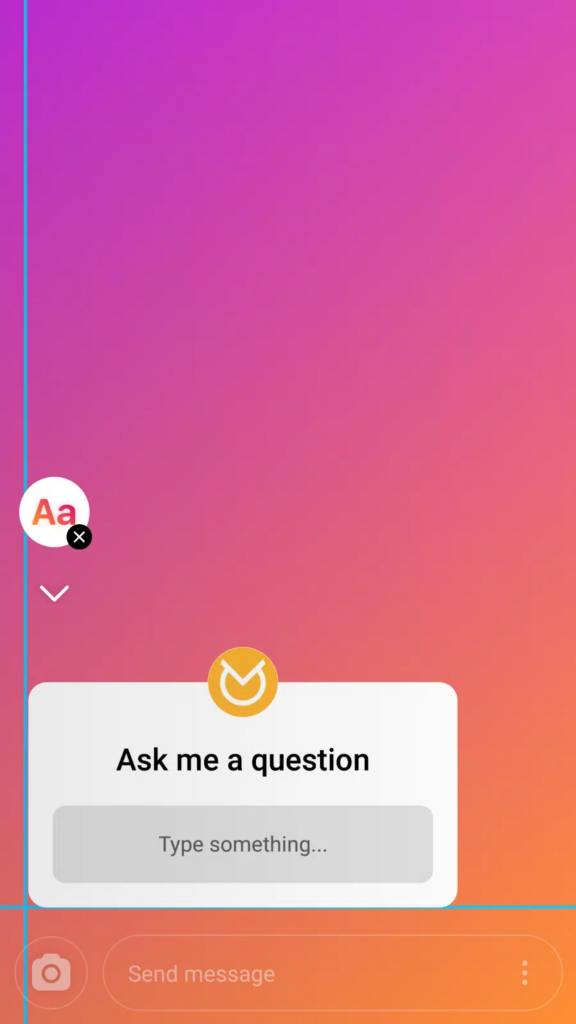
Keep your content within the “safe zone,” which means leaving roughly 250 pixels at the top and bottom free from key creative elements to avoid obstructions by profile icons or message boxes. For example good placement away from the edges looks like this:
And poor placement, too closes to the edges would look like this:

Best Practices for Instagram Stories
Use Photo Editing Apps for Precision
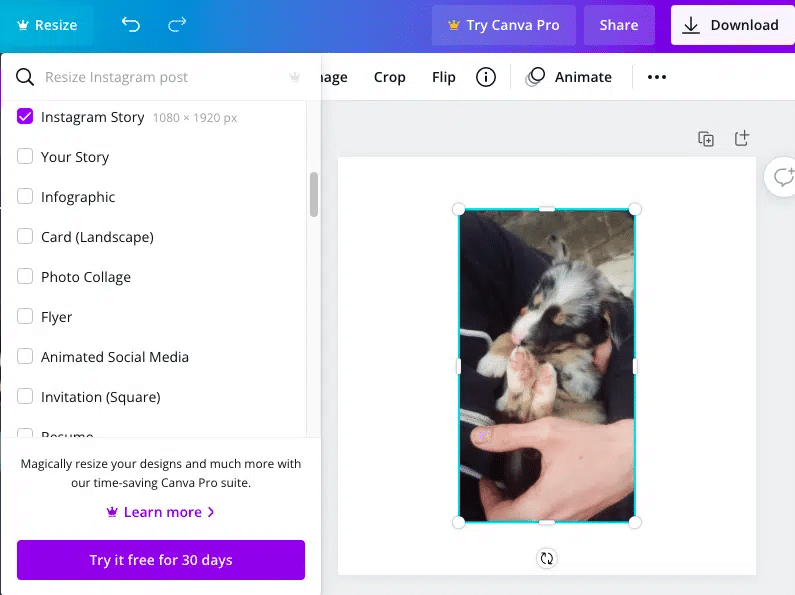
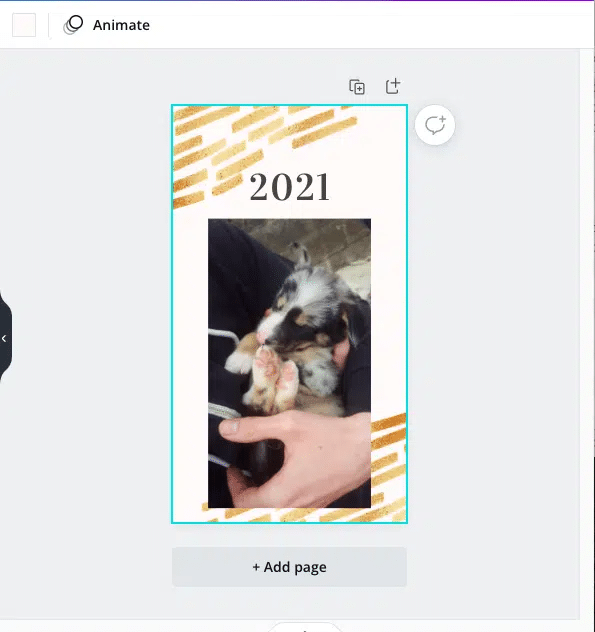
If your content doesn’t fit Instagram’s specifications, use photo editing apps like Canva, which offers an “Instagram Story” option to adjust your content automatically.
Ensure Vertical Content
Instagram is a mobile-first platform, so vertical content best utilises screen real estate. Vertical videos have a 90% higher completion rate than horizontal videos!
Utilise Interactive Elements
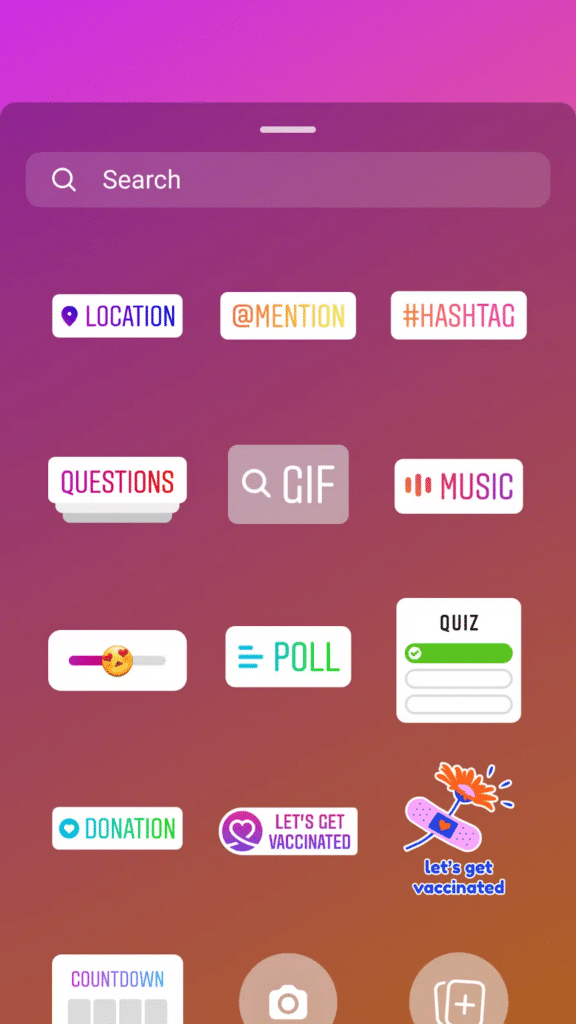
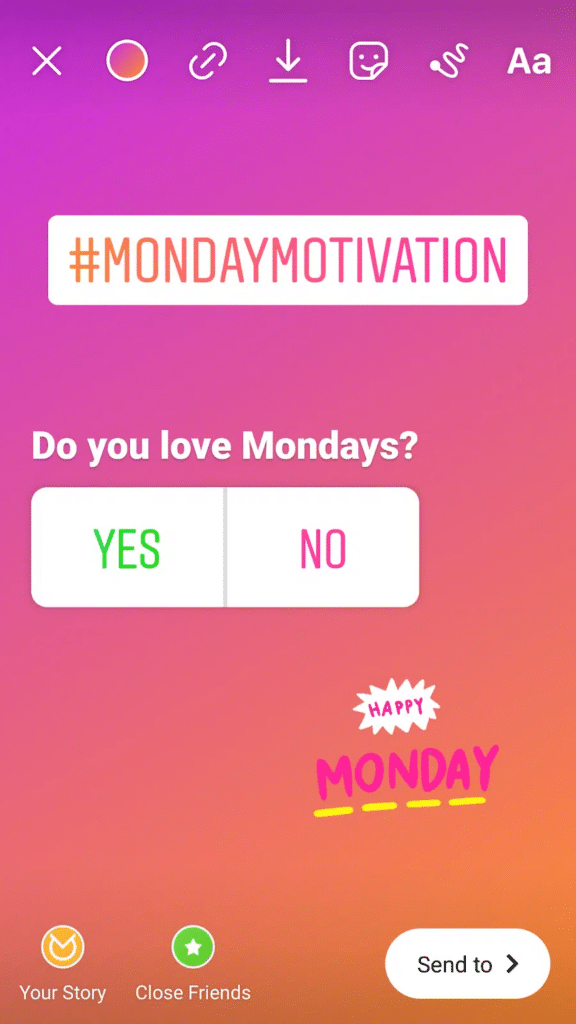
Add interactive elements like hashtags, polls, questionnaires, and GIFs to increase engagement and gather valuable audience data. These are a key part of Instagram’s feature set - and they’re free! - so don’t waste the opportunity.
Add Captions for Accessibility
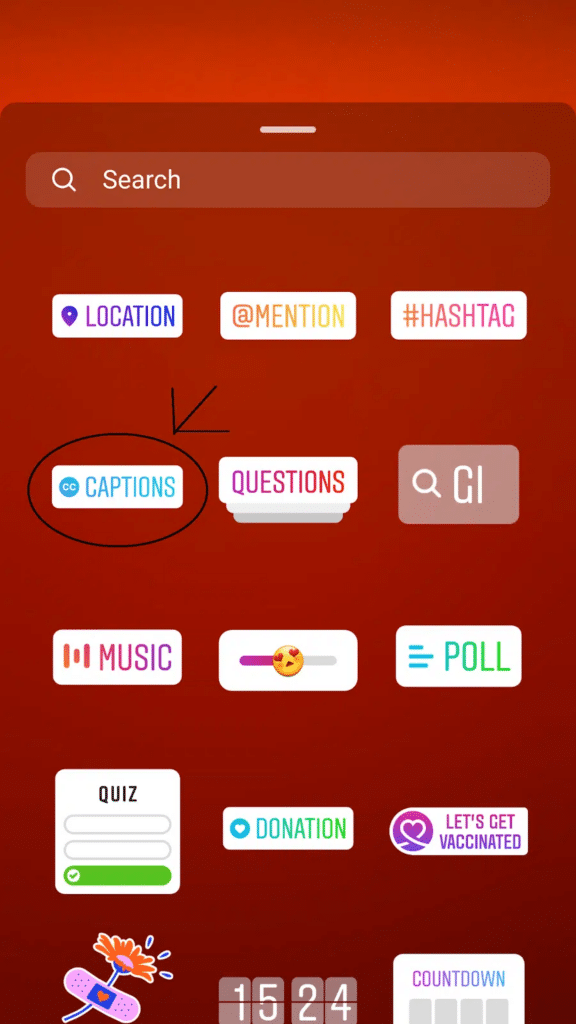
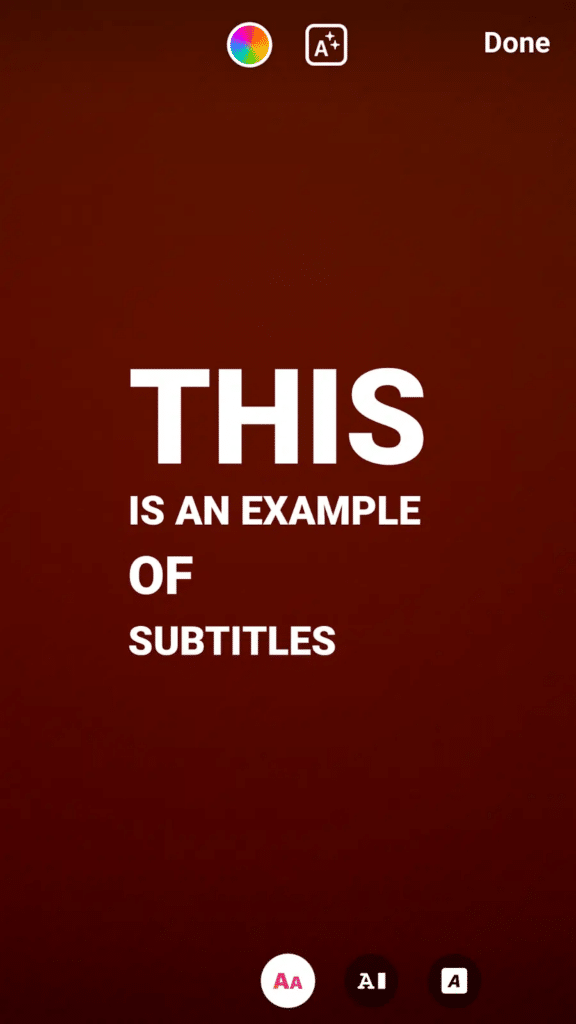
Since many users watch videos with the sound off, adding captions can significantly increase engagement. You can easily add captions to your Stories using Instagram’s stickers tab.
Keep Content Fresh and Engaging
Social media content should be engaging, informational, fun, and educational. It goes without saying - but you should always avoid being overly salesy or repetitive.
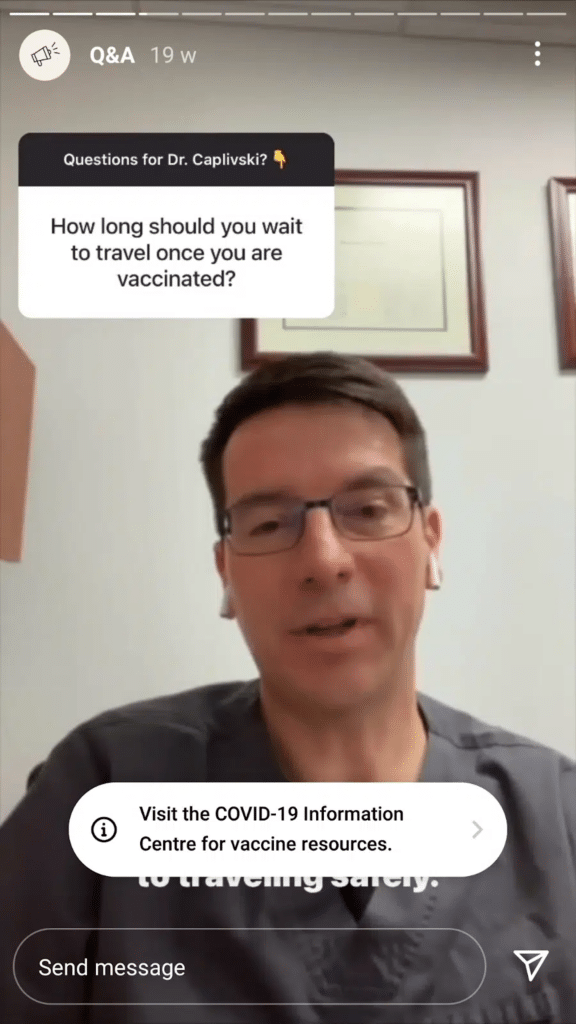
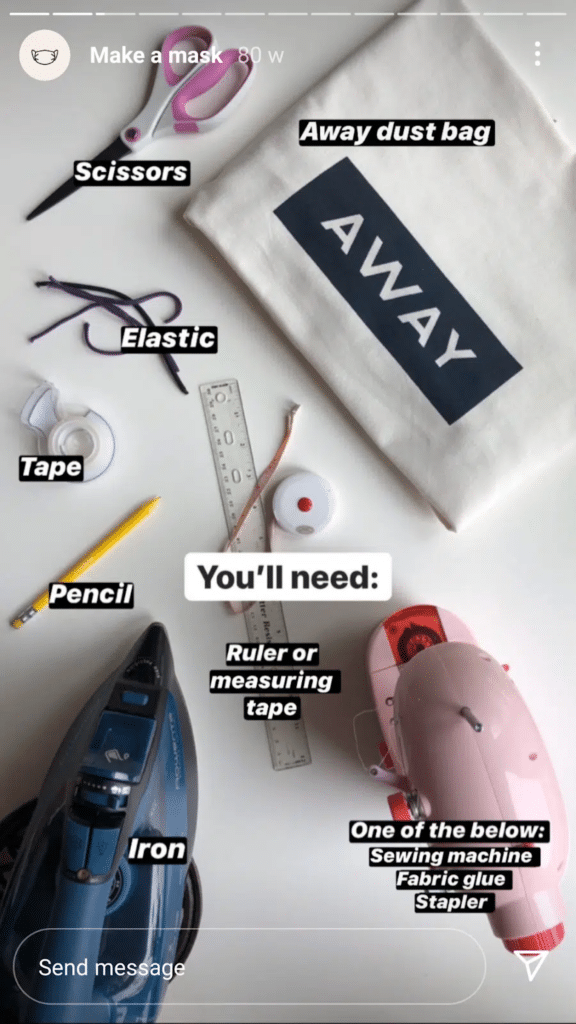
An example of a brand that does this well is the luggage brand, Away.
Their stories are always varied, interesting, and beautifully shot. From fun ways to use their products:

To Q&A’s…
And DIY games.
Highlight Important Stories
Use the Story Highlights feature to keep important content available on your profile longer than 24 hours, making it one of the first things visitors see. This is a great way to make important and valuable content available to your audience for the long-term.
Common Mistakes to Avoid
Overloading with Text
Limit text to no more than 125 characters to keep your Stories clean and easy to read. We’re making Instagram Stories here, not writing a novel!
Ignoring Safe Zones
Always keep key elements within the safe zone to prevent important information from being cut off or obscured.
Using Low-Quality Images/Videos
Pretty obvious, but worth pointing out! Ensure your content is high-quality and meets the resolution requirements to maintain a professional appearance.
Advanced Tips to Enhance Your Stories
Leveraging User-Generated Content
Incorporate user-generated content to build community and trust. This can include sharing testimonials, reviews, or customer stories.
Incorporating Polls and Questions
Engage your audience with polls and questions to gather feedback and encourage interaction.
Using Hashtags Strategically
Use relevant hashtags to increase the visibility of your Stories and reach a wider audience. Hashtags are a key part of how many people browse Instagram and a great way for people who don’t follow you - and may never have even heard of you yet - to stumble upon your content.
FAQs
1. What file types can I use for Instagram Stories? Images: PNG or JPG
Videos: MP4, MOV, or GIF
2. What is the maximum file size for images and videos? Images: 30MB
Videos: 4GB
3. What is the ideal aspect ratio and resolution? Aspect Ratio: 9:16
Resolution: 1080px by 1920px
4. How long can an Instagram Story video be? Each story can be up to 60 seconds. Paid ads can be up to 60 minutes.
Conclusion
Mastering Instagram Story dimensions and best practices will set your brand apart on this dynamic platform. Stick to the right specs, engage with your audience using interactive elements, and keep your content fresh. Ready to elevate your Instagram game? Start now and see the difference!
By sticking to the right size, aspect ratio and maximum Instagram story length, you give your brand the best possible chance of standing out. So many brands are using Instagram Stories right now to increase their conversion rates, boost awareness, and collect valuable consumer insights.
And if you’re looking for ideas, check out our article: What to Post on Instagram: 29 Ideas for B2B Brands.